
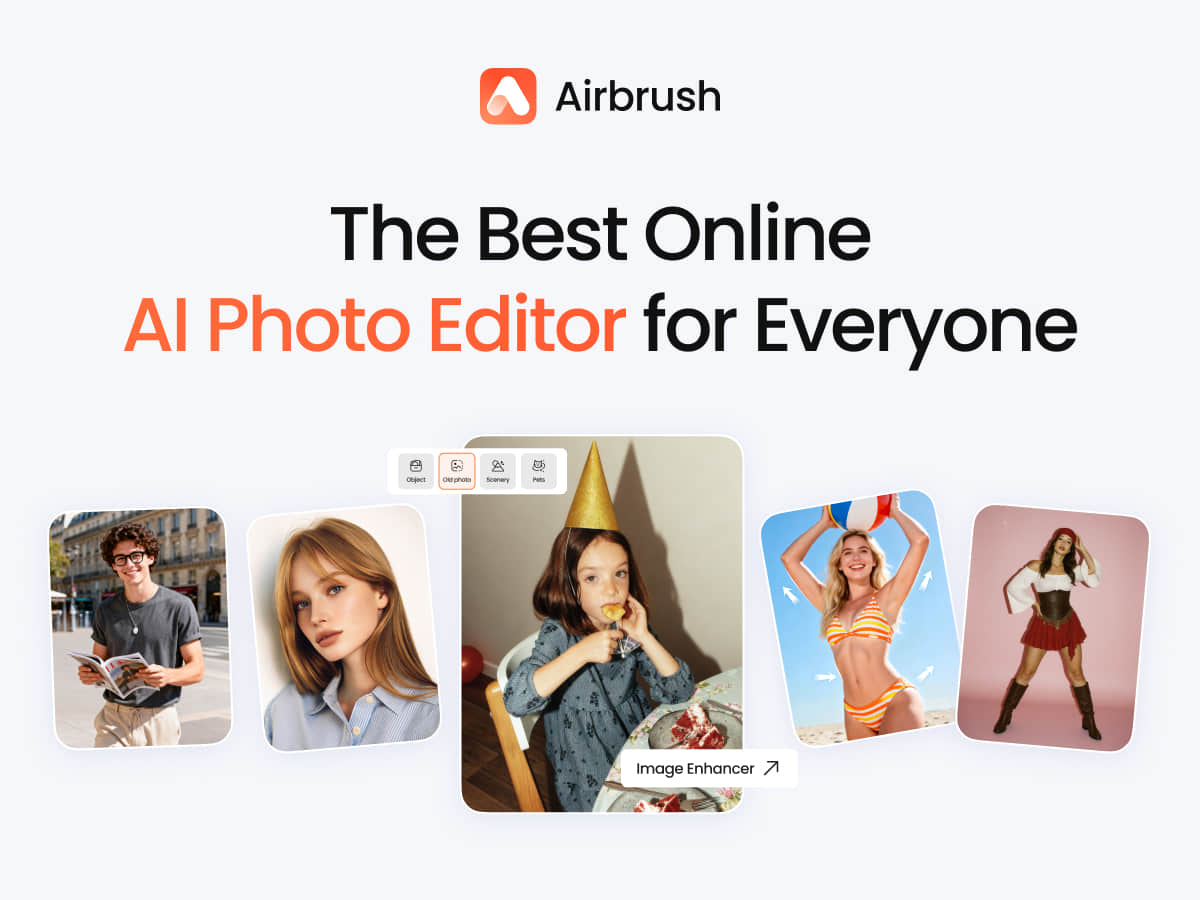
AirBrush is an AI-powered photo and video editing tool offering quick AI smart tools such as AI beautification, background blur, and object removal to rapidly improve the visual quality of photos and videos. It also provides professional-grade retouching such as skin retouching and background handling, and supports cross-platform use so users can edit anytime, anywhere on phone, computer, or web.
AirBrush: The AI Photo and Video Editor That Understands You
AirBrush is an AI-powered photo and video editing tool built around "quick AI smart tools" — covering AI beautification, background blur, object removal, and more — helping users dramatically improve the visual quality of photos and videos in just a few steps. Alongside one-tap AI processing, it also retains professional-grade retouching features such as skin retouching and background handling, and supports cross-platform use so users can edit anytime, anywhere on phone, computer, or web.

Main features of AirBrush
AI smart beautification
It automatically recognizes and optimizes facial features, offering skin smoothing, whitening, and blemish removal to make skin look smoother and more refined. Compared with manual, item-by-item adjustments, AI beautification substantially lowers the barrier to retouching.
Background editing
It supports background blur, replacement, and enhancement, helping users highlight the subject or create background effects for different scenes. The blur function simulates the depth-of-field effect of a DSLR camera, bringing the subject out from the background.
Object removal
AI technology quickly removes distractions or unwanted objects from a photo, keeping the frame clean without complex manual masking.
Real-time video editing
It applies beautification, background blur, and other effects in real time during video shooting, improving the overall quality of the video so the output is closer to a finished look.
Creative filters and makeup
It offers a rich set of filters and virtual makeup effects, letting users adjust the style to their personal preference and create a personalized visual look.
ID photo generation
Without professional shooting, it can generate high-quality ID photos for a variety of needs such as visas, resumes, and work badges.
How to use AirBrush
- Download and install: Download the AirBrush app from your phone's app store or the official site https://airbrush.com/, then open it after installation.
- Import a photo or video: Choose the photo or video you want to edit; you can import from your album or shoot directly.
- Choose an editing feature: Tap the feature buttons in the interface, such as "Beautify", "Background", or "Object Removal", to enter the corresponding editing mode.
- Adjust parameters: Tune the parameters of each feature as needed, such as beautification strength or blur amount, and preview the result in real time.
- Apply filters and effects: Select a filter or effect you like to quickly change the overall style of the photo or video.
- Save and share: When you are done, tap save to store the work in your album or share it directly to social media.
Tips for best results
- Preset plus fine-tuning: Apply a portrait-retouch or filter preset first, then make small adjustments to skin texture, highlights, and contrast, avoiding the plastic look that over-smoothing in one tap can create.
- Skin tone adjustment: The skin tone tool offers multiple color options; choose the color based on the actual photo and set the strength, which is generally best kept between 40% and 60%.
- Background blur: The blur function can simulate the depth-of-field effect of a DSLR, bringing the subject out from the background; when adjusting the blur range, take care to keep the transition natural.
Who AirBrush is for
- Everyday users: Suited to ordinary users who want to quickly beautify selfies and everyday photos with simple operations, easily improving photo quality for social media sharing.
- Content creators: A powerful tool for bloggers, influencers, and other creators who need to produce engaging visual content, helping them build a distinctive style and boost content appeal.
- Photography enthusiasts: Meets the needs of enthusiasts with some demand for post-processing, optimizing their work with professional features to enhance the artistic effect.
- Business professionals: Suited to professionals who need to quickly produce high-quality ID photos, business headshots, or polished professional portraits to improve their professional image.
Frequently asked questions
Q: Is AirBrush free?
A: AirBrush offers free download and basic features, while also including more advanced capabilities such as AI beautification, background editing, and filters. Users can download and try it first, then decide whether to use the advanced features based on their needs.
Q: Which platforms does AirBrush support?
A: AirBrush supports cross-platform use, so users can edit anytime, anywhere on phone, computer, or web, with a consistent editing flow.
Q: Will AirBrush's beautification look unnatural?
A: We suggest a "preset plus fine-tuning" approach: apply a portrait-retouch or filter preset first, then make small adjustments to skin texture, highlights, and contrast, avoiding the plastic look that over-smoothing in one tap can create.
Q: Can AirBrush be used to edit video?
A: Yes. AirBrush can apply beautification, background blur, and other effects in real time during video shooting, improving the overall quality of the video.
Q: Can AirBrush generate ID photos?
A: Yes. Without professional shooting, AirBrush can generate high-quality ID photos to meet the needs of different scenarios.

Frequently asked questions
Is AirBrush free?
AirBrush offers free download and basic features, while also including more advanced capabilities such as AI beautification, background editing, and filters. Users can download and try it first, then decide whether to use the advanced features based on their needs.
Which platforms does AirBrush support?
AirBrush supports cross-platform use, so users can edit anytime, anywhere on phone, computer, or web, with a consistent editing flow.
Will AirBrush's beautification look unnatural?
We suggest a preset-plus-fine-tuning approach: apply a portrait-retouch or filter preset first, then make small adjustments to skin texture, highlights, and contrast, avoiding the plastic look that over-smoothing in one tap can create.
Can AirBrush be used to edit video?
Yes. AirBrush can apply beautification, background blur, and other effects in real time during video shooting, improving the overall quality of the video.
Can AirBrush generate ID photos?
Yes. Without professional shooting, AirBrush can generate high-quality ID photos to meet the needs of different scenarios.



