BaGeShuo is an AI voice input agent by NetEase Youdao: hold Fn and speak to get structured, punctuated text with filler words removed — about 5x faster than typing; it supports 124-language speech translation, 30dB whisper input, and custom lexicons, is free for life, and keeps history local with zero cloud retention.
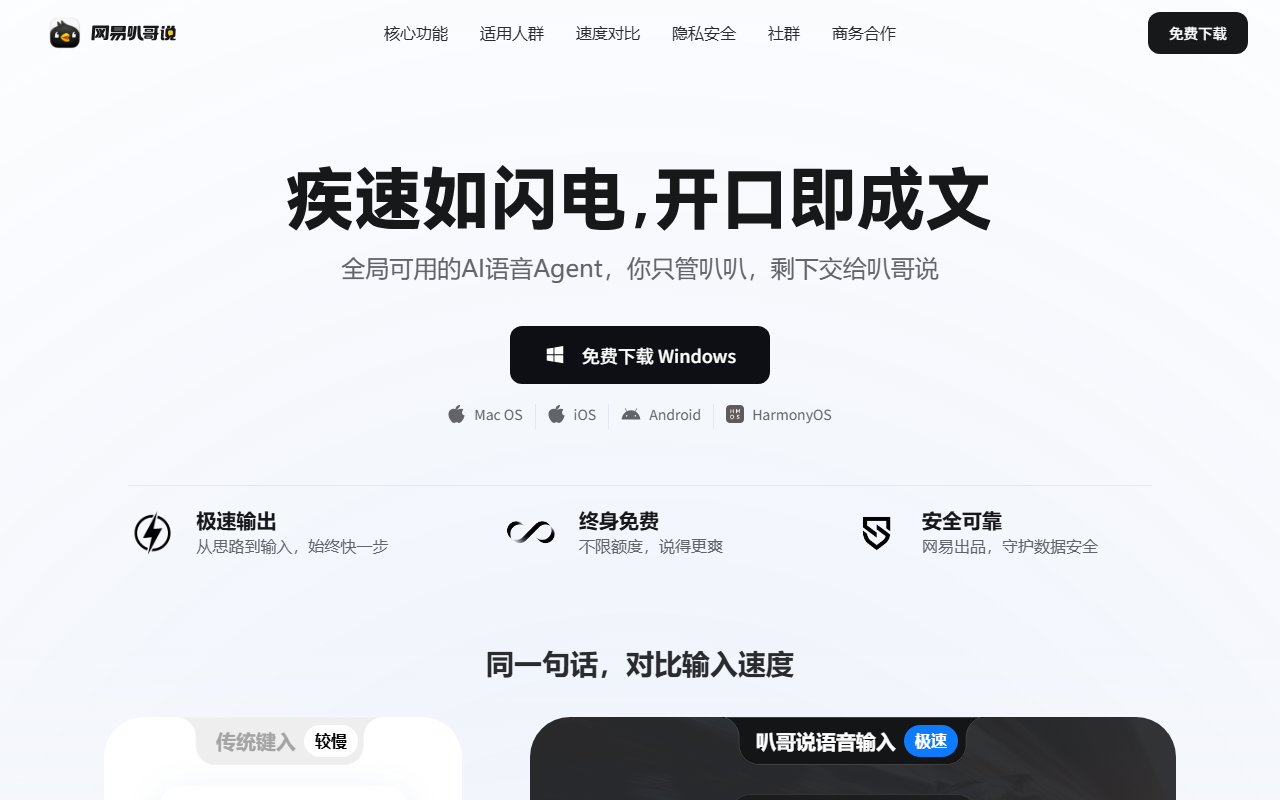
BaGeShuo (NetEase Youdao): An AI Voice Input Agent That Understands What You Actually Mean
BaGeShuo (official site: https://bug.youdao.com/ ) is an AI-native voice input agent from NetEase Youdao, available for Mac and Windows. It goes beyond classic speech-to-text: it understands your real intent as you speak, automatically removes filler words, fixes self-corrections, and outputs structured text you can use directly — about 5x faster than typing. Core capabilities include smart polishing, whisper-level capture down to 30dB, custom vocabulary, and real-time speech translation across 124 languages, for office work, document writing, and idea capture. Privacy-wise it uses a zero-retention cloud architecture, never trains on your data, and keeps input history only on your device.

Main Features
- Dictation: Hold Fn and speak; filler words are removed, self-corrections fixed, punctuation and paragraphs added — structured text comes out.
- Real-time translation: Speech-to-speech translation across 124 languages; speak Chinese, get text in the target language.
- Whisper capture: Input as quietly as 30dB — usable in open-plan offices.
- Custom vocabulary: Add or bulk-import professional terms, product names, and code names to boost accuracy.
- History: All voice input is kept locally, ready to review and copy in one click.
- Usage stats: Dictation and translation are tracked separately to show your efficiency gains.
- Privacy: Zero cloud retention, no training on user data, local-only history.
How to Use
- Install: Download the Mac or Windows version free from https://bug.youdao.com/ .
- Sign in: Log in with a NetEase account and grant the required permissions.
- Dictate: In any app, hold Fn (customizable) and speak; structured, punctuated text appears when you release.
- Translate: Hold Fn + Left Shift, speak Chinese, and get the target-language text.
- Tune the lexicon: Add or import terms in the dictionary feature for better accuracy.
- Review: Check history and usage stats; copy any past input with one click.
Core Strengths
- In-house models: NetEase Youdao's ZiYue LLM plus the Confucius4-R2T2 streaming ASR deliver fast, accurate recognition.
- Strong translation: Backed by Youdao Translation — 124 languages, up to 98% accuracy in relevant scenarios.
- Whisper-level pickup: As low as 30dB, so quiet speech still works.
- Works everywhere: Dictate straight into any app, no window switching.
- Zero barrier: Free for life, Mac and Windows, ready right after install.
- Privacy-safe: Zero cloud retention; history stays local.
- Easy to master: One-key input plus a custom lexicon for specialized terms.
Who It's For
BaGeShuo suits anyone who speaks faster than they type and doesn't want to be slowed down by formatting and typos: professionals writing long emails and weekly reports, students and researchers taking notes while reading, employees in open offices who can't talk loudly (whisper capture fits exactly here), and multilingual users who need live translation. In the voice input race, its edge is "understand the intent, then write": not verbatim transcription, but turning speech into structured text you can paste and use. As a free desktop tool that works right after install — and gets more accurate with your custom lexicon — it's easy to start with a weekly report dictated via Fn.
Frequently asked questions
How is BaGeShuo different from normal voice typing?
It doesn't just transcribe: it understands spoken intent, removes filler words, fixes self-corrections, and adds punctuation and structure, producing reusable text about 5x faster than typing.
Which systems does BaGeShuo support, and is it free?
It runs on Mac and Windows, is free for life, and works right after installing from the official site.
What if I can't speak loudly in an open office?
Whisper-level capture works down to 30dB, so quiet speech is recognized accurately — ideal for open workspaces.
How is privacy handled?
A zero-retention cloud architecture means your data is never used for model training, and input history is stored only on your device, where you can review or clear it anytime.