

Bitly is a platform for creating and managing short links and QR codes and analyzing clicks.
Bitly: short links, QR codes and link management
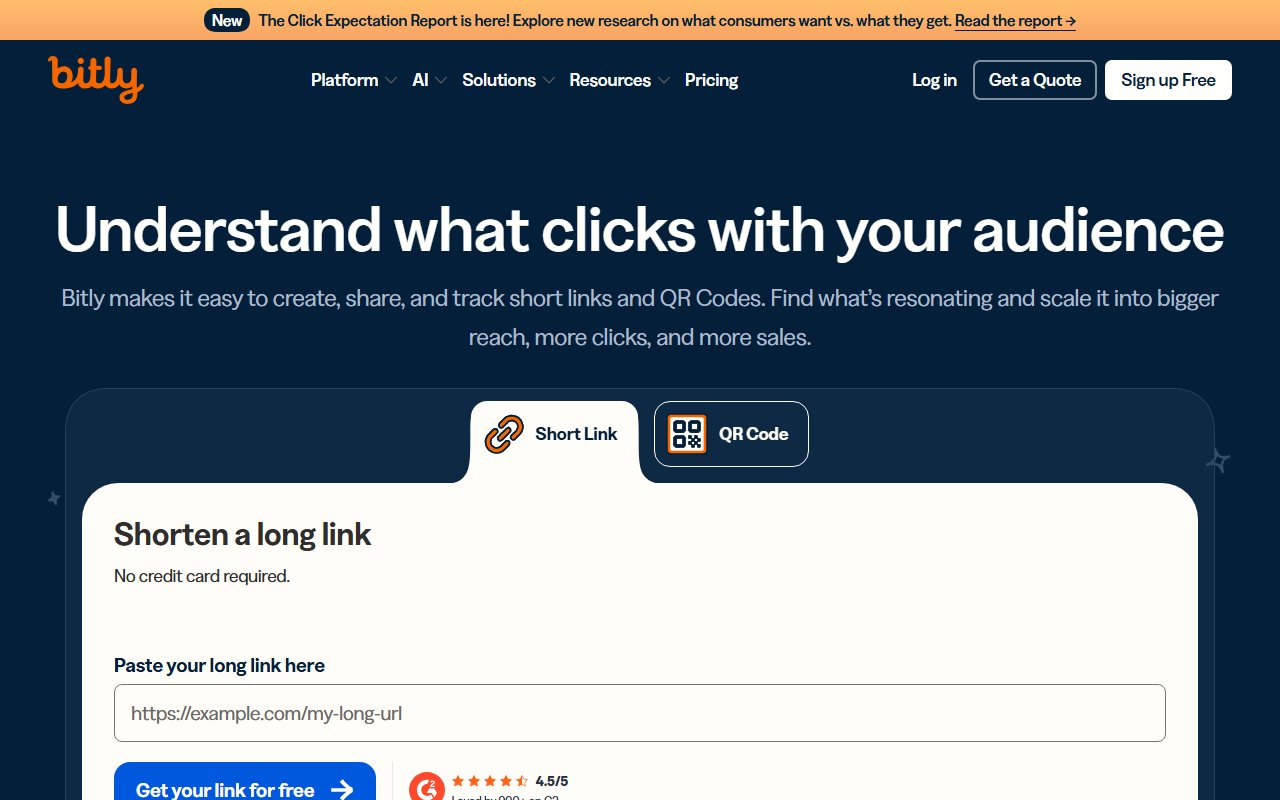
Bitly is a link management platform that turns long URLs into shorter links and provides QR codes and click analytics. It can help individuals and teams share and organize links across social media, email, messaging and printed materials.
Main features
- Shorten destination URLs and organize links for different campaigns or channels.
- Review click counts and other available analytics to compare link performance. The details available depend on the account plan.
- Create QR codes for destinations and customize their appearance using the options available in the product.
- Use branded domains and shared workspaces where supported by the account; domain verification may be required.
- Connect workflows using the available API and integrations, subject to permissions and limits.
Getting started
- Visit the Bitly website and sign in or create an account.
- Create a link by entering the destination URL and optionally choose an available custom back-half.
- If sharing offline, create a QR code and test it before printing or distribution.
- Check that the link goes to the intended destination, then review analytics and manage links in the dashboard.
Considerations
Free allowances, analytics, domain features, QR options and API access can change by plan or over time. Check current official terms before choosing a plan. A short link does not prove that its destination is safe: verify destinations and do not use links for fraud or malicious content. Click counts do not necessarily equal unique people or completed purchases. Follow applicable privacy requirements and protect account credentials and API tokens.
Frequently asked questions
Is Bitly free?
A free plan is available, with allowances and features subject to current official terms.
Can I use a branded domain?
Custom domains are supported, depending on the plan and domain verification requirements.
Where can I use short links and QR codes?
They can be used in social posts, email, campaign pages and print. Test links and scans before distribution.
Frequently asked questions
Is Bitly free?
A free plan is available; check current official allowances and features.
Can I use a branded domain?
Custom domains are supported depending on the plan and verification requirements.
Where can I use short links and QR codes?
Use them in social posts, email, campaigns or print, and test them before distribution.



