

Haimeta is an AI creative platform for creators, brands, e-commerce and design teams. It turns text or reference images into visual content and connects production steps through editing tools and Agent workflows.
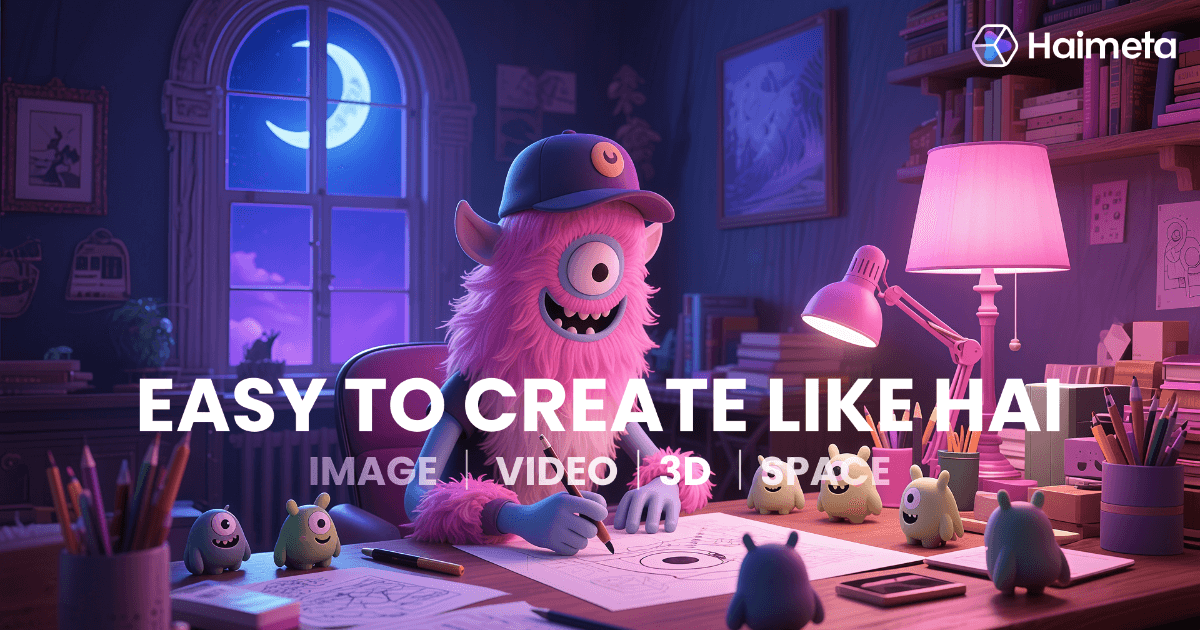
Haimeta: Bring Images, Video and 3D into One Creative Workflow
Producing product images, a short video and 3D presentation assets can involve switching between several tools. Haimeta brings these visual production stages into one AI platform for creators, brands, e-commerce and design teams. It aggregates more than 30 models alongside image editing, effects templates and Agent workflows. You can start with a written description or a reference image and develop the idea into different content formats.
Core Creative Capabilities
Image Generation and Refinement
Haimeta supports text-to-image, image-based generation and style adjustments. Explore several visual versions of a product, character or brand concept, then refine them with background removal, image expansion, intelligent erasing, selective repainting and image restoration. If a character or brand style needs to carry across versions, specify its defining features and check the results for consistency.
Video and Effects Templates
Video tools support creation from text or images, with effects templates aimed at social media content. Use a still asset to explore animation or short video treatments for a campaign teaser, product presentation or creative clip. Templates can speed up experimentation but do not guarantee audience reach. Check movement, people and any text in the frames before publishing.
3D Assets and Agent Workflows
Haimeta offers text- or image-based 3D generation for character concepts and product presentation experiments. Agent workflows interpret a creative brief, select models and connect steps—for example, developing an image concept into video or 3D material. Automation helps coordinate tasks, but each result still needs review, particularly 3D geometry, materials and presentation details.
Start with a Small Task
- Visit the Haimeta website, sign in and check the creation tools and credits available to your account.
- Define one deliverable, such as a product scene image or a short video clip, and choose the relevant tool.
- Describe the subject, setting, style, composition and intended use. Upload reference material only when you have the right to use it.
- Generate a few versions first. Compare them, adjust the prompt or specific details, then consider batch production or an Agent workflow.
- Review text, product features, people and the exported result. Confirm material rights before downloading and publishing.
Who Might Use It?
Brand teams can explore posters, campaign key visuals and character designs. E-commerce teams can prepare product scene images and promotional assets. Content creators can experiment with short social videos and effects, while designers can extend sketches or flat concepts into 3D presentations. Starting with drafts and small trials makes it easier to judge whether the output fits a real production need.
Credits and Practical Limits
Creation uses credits. Check current prices, task costs, trial eligibility and credit validity on the official site and your account page. A fixed estimate of “how many images you can generate” will not necessarily apply to every task, and trial access should not be treated as unlimited free use.
AI output can contain incorrect text, unusual character details or incomplete 3D structures. Review product colors, shapes and functional descriptions; check brand marks and wording in marketing assets. Before commercial publication, also confirm reference-material rights and the platform's terms. Allow time for human review and post-production on complex projects.
Product website: https://haimeta.com/
Frequently asked questions
What is Haimeta?
Haimeta is an all-in-one AI creative platform combining image, video and 3D generation with image editing and Agent workflows that connect production steps.
What can you make with Haimeta?
Possible uses include brand visual drafts, product scene images, social media videos, character concepts and 3D presentation assets. Review visuals, text and product details before publishing.
Is Haimeta free to use without limits?
A trial entry does not mean permanent free access or unlimited generation. The platform uses credits; available allowances, task costs, expiry rules and plans depend on the official site and your current account.



