
Kimi is an AI assistant for finding and organizing information, working with files, drafting content, and handling tasks; verify important results against reliable sources.
Kimi AI Assistant: Search, Read Files, and Create
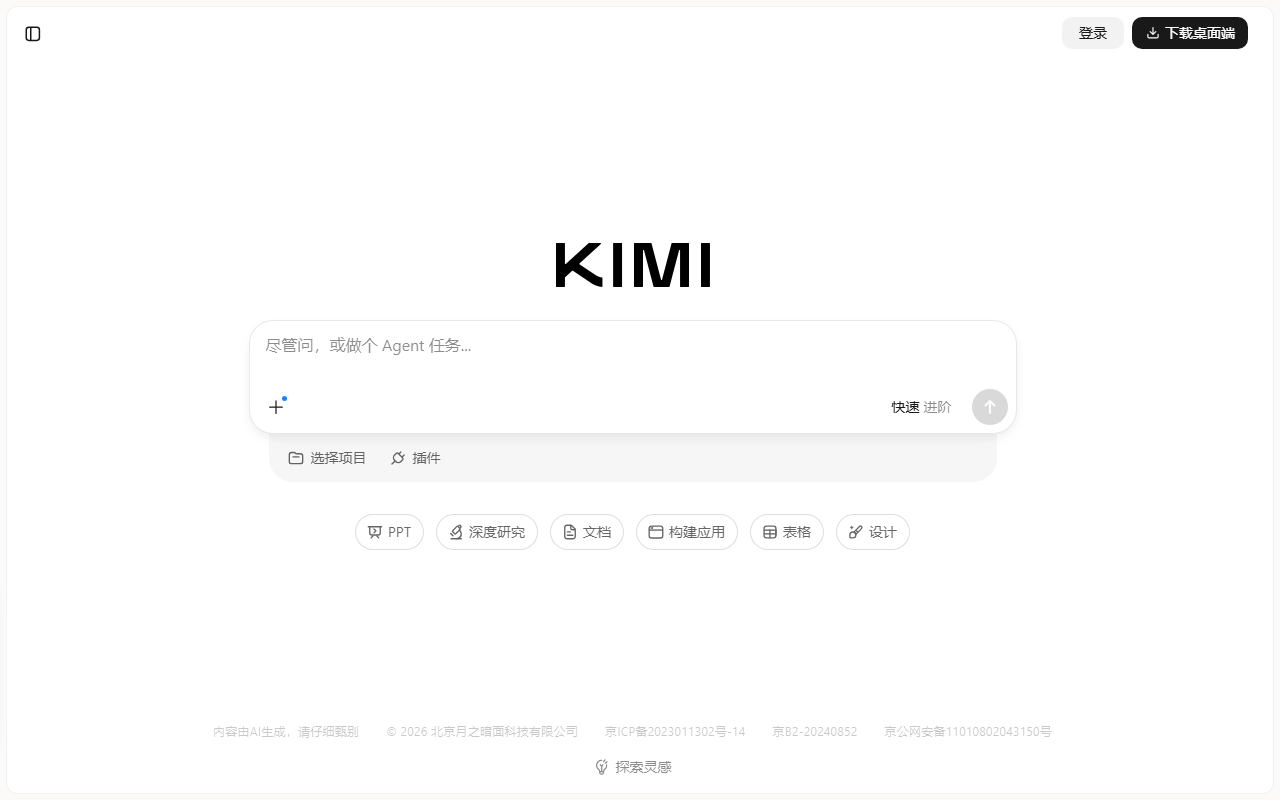
Kimi is an AI assistant from Moonshot that can help with conversations, web search, file review, research organization, and writing. Official help materials also describe deeper reasoning, multimodal input, and agent-style tasks. Available features can vary by model, account, and product version. Start at the official Kimi website and check the current interface for details.
Main capabilities
Web search and information synthesis
Kimi can search the web when a question calls for current information, then summarize and organize what it finds. A summary is a starting point, not proof that a claim is correct. For important or time-sensitive topics, open the cited pages and compare them with authoritative sources.
File and multimodal input
Kimi’s official help materials list PDF, Word, Excel, PowerPoint, images, text files, and video among supported input types. Available formats, file counts, and size limits may change; check the upload screen before preparing a batch. You can ask it to extract key points, summarize a report, compare documents, or answer questions about supplied material. For long or complex documents, break the work into stages and verify that quotations match the source.
Writing, reasoning, and task support
Kimi can assist with drafting, rewriting, translation, research planning, and code questions. Some modes offer deeper reasoning or agent tools for multi-step tasks. Capabilities differ by model and mode, so review the selection shown in your account rather than assuming every feature is available everywhere.
How to use Kimi
- Visit the official website or open the official app and start a conversation.
- State the goal, relevant background, desired format, and any constraints. Upload a file only when it is needed for the task.
- For questions that depend on recent events or facts, ask for sources and open the original pages.
- Check facts, calculations, references, and extracted details before sharing or using the result. Ask follow-up questions to revise the answer or clarify uncertainty.
Use cases and limitations
Kimi can help with initial research, document summaries, study, writing drafts, and coding analysis. Its output can miss context, misread a file, or state something inaccurate. Do not rely on an unchecked answer for medical, legal, financial, or other consequential decisions. Before uploading material, make sure you have permission to use it and review the product’s data-handling information. Avoid sharing personal information, business secrets, or other sensitive data unless necessary.
FAQ
Can Kimi search the web?
Official materials describe web-connected search. Whether it is used automatically and what sources are available depend on the current product mode. Verify important conclusions by opening the sources.
Which files can I upload?
Official help lists PDF, Word, Excel, PowerPoint, images, text files, and video. Current formats and size limits are shown in the product.
Can I treat Kimi’s answer as expert advice?
No. Important facts, calculations, citations, and professional conclusions should be checked against original material or an appropriate professional.
Frequently asked questions
Can Kimi search the web?
Official materials describe web-connected search. Availability and behavior depend on the current mode; verify important conclusions against the original sources.
Which files can I upload?
Official help lists PDF, Word, Excel, PowerPoint, images, text files, and video; check the current interface for formats and size limits.
Can I treat Kimi’s answer as expert advice?
No. Check important facts and professional conclusions against original material or an appropriate professional.