LiblibAI Ecommerce Marketing suits merchants and designers who need to produce large volumes of high-quality ecommerce imagery quickly, especially for hero product shots, detail pages, scene images, brand marketing materials, and social media visuals.
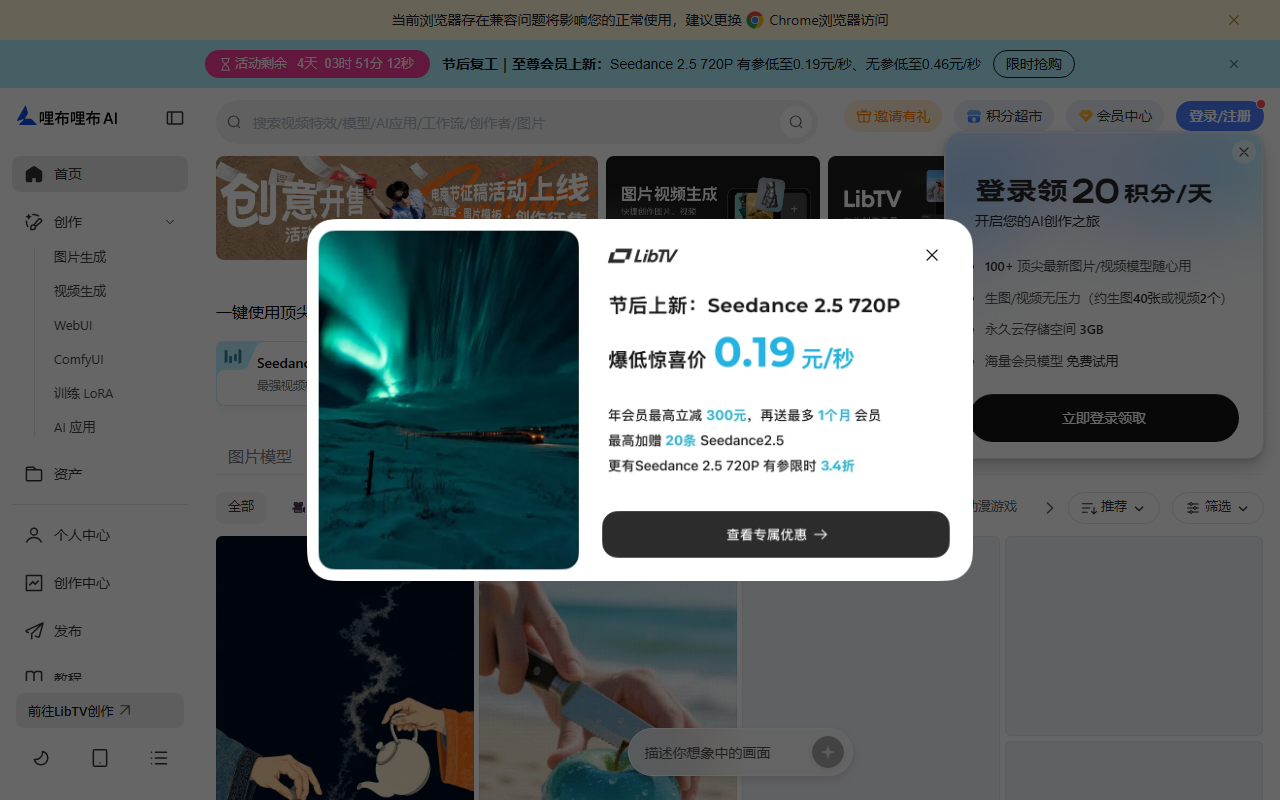
LiblibAI Ecommerce Marketing: A Professional LoRA Model Collection Built for Ecommerce Imagery
LiblibAI Ecommerce Marketing is a collection of professional-grade LoRA models trained by expert creators on the LiblibAI platform specifically around ecommerce scenarios, focused on image generation and processing for the ecommerce domain. Its positioning is deliberately narrow: it is not a general-purpose drawing tool, but rather a set of model capabilities built around the image demands ecommerce teams use most — hero product shots, detail-page images, and lifestyle scene images. For merchants and designers, the value lies in shortening the image production pipeline: professional-grade product imagery can be reached with relatively simple prompts, which suits workflows that need to produce large volumes of high-quality ecommerce visuals quickly.
Main Features
Image Generation and Editing Generates high-quality product imagery with AI technology, covering hero images and detail pages, while providing editing tools to adjust image details.
Style Consistency Keeps generated images consistent in style and color tone, making brand visuals easy to unify. Ecommerce assets usually need to appear as a coherent set, so this directly affects whether the final output is usable.
Scene Rendering Renders product images into different virtual scenes to strengthen product appeal. Showing the same product across multiple usage contexts is the most common way to expand an ecommerce image set.
Lighting and Shadow Effects Adjusts and optimizes the lighting and shadows in product images, simulating real-world light conditions and improving realism.
Material Enhancement Strengthens the texture of materials in product images so they read as more premium. Metal, glass, and fabric are hard to reproduce faithfully in real photography but often reveal flaws in generated images.
Composition Control Helps control image composition so the product sits in the frame at a suitable position and angle.
One-Click Outfit Change Swaps clothing or accessories quickly without altering the model or the product, showing the same subject in different styles.
Product Retouching Applies fine retouching to product images, including removing blemishes and optimizing color.
Viewpoint Conversion Produces images from different viewpoints to meet various presentation needs.
Product Transfer and Outpainting Moves product images onto new backgrounds or extends the canvas, adapting them to the size requirements of different marketing materials.
Automated Workflows Provides automated workflows that simplify image generation and editing. The effect is especially noticeable on repetitive bulk tasks.
Parameter Adjustment Supports adjusting model parameters such as reference image size, prompt wording, and LoRA weight to reach the desired result.
How to Use
- Visit the platform and register: Enter the model section of the LiblibAI platform and complete registration and sign-in.
- Choose a model: Pick a model to match the task, such as product retouching, background generation, or scene rendering. Different models excel at different image types, and choosing the wrong direction wastes every parameter adjustment that follows.
- Read the model guide: Review the guide supplied by the model author to learn how to set reference image size, format, prompt wording, LoRA weight, and related parameters. This step should not be skipped, because each model has explicit preferences about parameter combinations.
- Prepare a reference image: Prepare or upload a reference image following the guide, making sure it meets the model's size and quality requirements.
- Write the prompt: Compose a prompt describing the image effect you want.
- Set parameters: Configure the LoRA weight and other parameters as recommended by the model.
- Apply a workflow: If a ready-made workflow exists, follow its steps, which can noticeably simplify the process.
- Generate the image: Click generate and let the AI produce an image from the reference image and the prompt.
- Preview and adjust: Review the preview and, if needed, revise the prompt or parameters and generate again.
- Download and use: Download the image once satisfied, for use in ecommerce product listings, advertising, and social media promotion.
Usage Example
One prompt case from the source material uses a high-contrast light and shadow style: the composition is minimal, the silhouette of a hand is set against a soft gradient background, lightly holding a transparent glass bottle filled with golden-yellow liquid, topped with a metallic spray nozzle; the bottle label uses vertical Chinese typography, with two prominent large characters in the center and product details such as net content above and below; the shadow cast by the hand and bottle extends onto a dark surface below to strengthen depth, and the lighting is dramatic yet refined, bringing out the bottle's translucency and the warm tone of the liquid.
This example shows how such models are actually used: the prompt describes subject, material, lighting, composition, and textual detail at once, and the accuracy of the text layer determines whether the final image can be published directly. The same case supports two generation modes — direct generation from a text prompt, and generation by following workflow steps, the latter being suitable for batch production that needs a fixed parameter combination.
Pricing Tiers
The membership tiers recorded in the source material are listed below. Prices and quotas may change, so this is a record of the source material, and the platform's current official page should be treated as authoritative:
| Tier | Price | Compute | Storage | Generation Acceleration | Parallel Tasks | Model Training |
|---|---|---|---|---|---|---|
| Basic VIP, monthly subscription | 39 CNY/month | 15,000 points per month | 20GB | 800 times per month | 3 | — |
| Basic VIP, 12 months | 336 CNY | 15,000 points per month | 20GB | 800 times per month | 3 | — |
| Pro VIP, monthly subscription | 70 CNY/month | 35,000 points per month | 50GB | 5,000 times per month | 6 | XL model training supported |
| Pro VIP, 12 months | 672 CNY | 35,000 points per month | 50GB | 5,000 times per month | 6 | XL model training supported |
| Master VIP, 12 months | 1,600 CNY | 90,000 points per month | 130GB | 30,000 times per month | 10 | XL model training supported |
Parallel task count is the metric most worth watching in this set of data, because it determines how many generation tasks can run at the same time, which affects batch image workflows more than single-generation speed does.
Applicable Scenarios
- Product display: Generate high-quality hero images and detail-page images that catch shoppers' attention, improving how products are presented on ecommerce platforms
- Advertising and promotions: Design ad images and promotional materials for social media, search engines, and websites to increase brand exposure
- Brand marketing: Produce marketing imagery consistent with the brand identity, strengthening brand recognition and unifying the visual style across all marketing materials
- Social media content: Create image content tailored for social platforms to raise engagement and brand interaction
- Product catalogs and brochures: Generate professional product images for catalogs and brochures, improving the appeal of printed materials
Limitations and Notes
- AI-generated product images may deviate from the physical item, especially in material texture, logo details, and packaging text, so every item must be checked against the real product before listing.
- Bottle text and label content are prone to spelling or layout errors, and generated results should not be relied on directly as a carrier of product information.
- Different models have distinct preferences for reference image size, LoRA weight, and related parameters; output quality degrades noticeably when the guide is not followed.
- Scene rendering and style consistency depend on model training data, so repeated generations of the same product batch may still show style drift.
- The pricing tiers and quotas are a record from the source material and will change as the platform adjusts them; check the current platform page before purchasing.
- For commercial use, confirm the licensing scope of the model you used and pay attention to copyright and compliance requirements of the source materials themselves.

Frequently asked questions
How is this different from a general-purpose AI drawing tool?
It is not a general drawing tool but a collection of professional LoRA models trained around ecommerce scenarios, covering the image needs most common in ecommerce such as hero images, detail pages, and scene images. Its features map to a product-image workflow rather than generic painting: style consistency, scene rendering, lighting and material enhancement, one-click outfit change, product retouching, viewpoint conversion, and product transfer are all designed for product photography rather than general illustration.
What should I watch out for when using ecommerce image models?
AI-generated product images may deviate from the physical item, and material texture, logo details, and packaging text are the most error-prone parts, so every item must be checked against the real product before listing. Bottle text and label content often contain spelling or layout errors and should not be relied on directly as a carrier of product information. Different models also have explicit preferences for reference image size and LoRA weight, and output quality degrades noticeably when the guide is not followed.
Which metric in the pricing tiers matters most?
Parallel task count matters more than single-generation speed, because it determines how many generation tasks can run simultaneously, which affects batch image workflows far more. The source material records 3 parallel tasks on the Basic tier, 6 on Pro, and 10 on Master, with compute ranging from 15,000 to 90,000 points per month. Prices and quotas change with official adjustments, so check the current platform page before purchasing.