

Lingxi Translate is an AI document translation tool that supports PDF, Word, Excel, and other formats while automatically recognizing document structure and preserving the original layout. Its accurate OCR text recognition, professional terminology libraries, and intelligent proofreading help users cross language barriers efficiently in academic research, business contracts, and cross-border e-commerce.
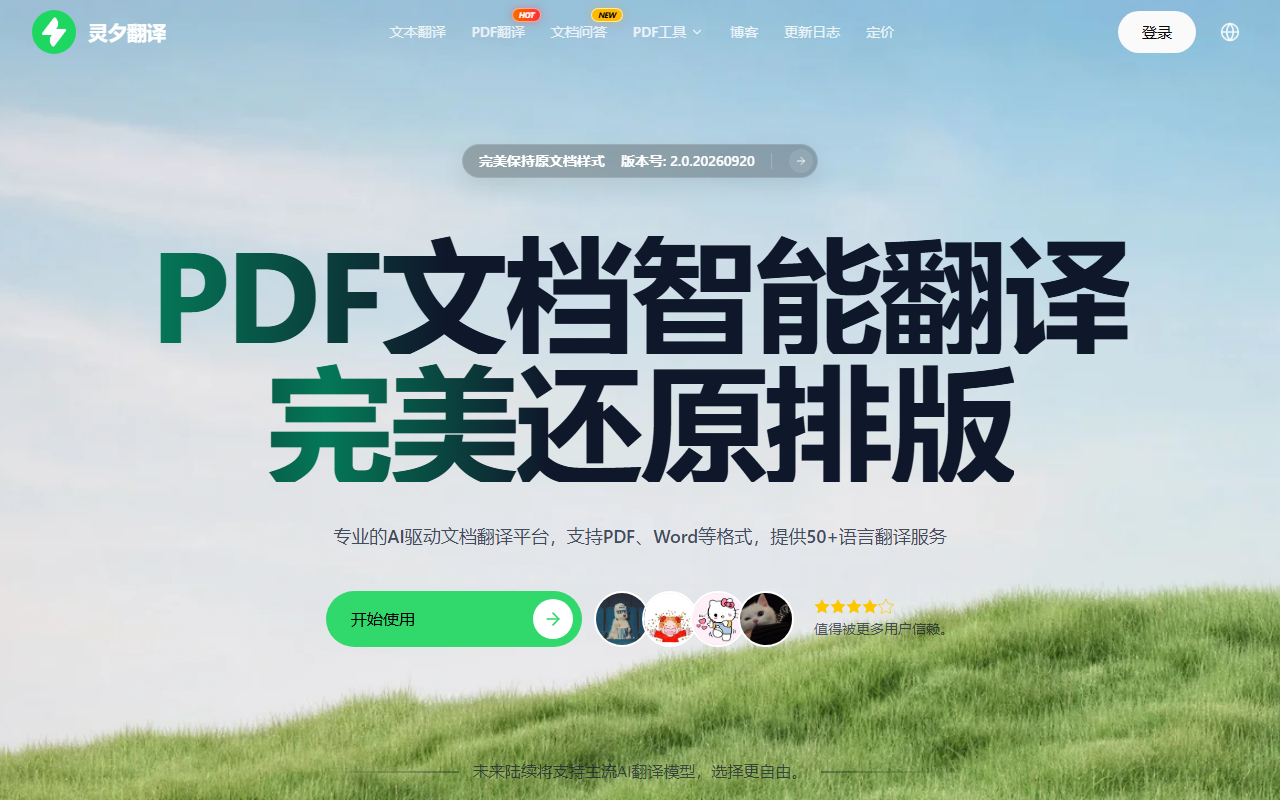
Lingxi Translate: an AI document translation tool that preserves layout and professional terminology
Introduction
Lingxi Translate is an AI-powered document translation tool built for individuals and teams that work with multilingual documents. It supports PDF, Word, and Excel files and can automatically recognize document structure while keeping the original layout, so there is no manual re-typesetting after translation. With accurate OCR text recognition, professional terminology libraries, and intelligent proofreading, Lingxi Translate keeps translations accurate and natural while turning cross-language work from "copy, paste, and re-format" into "upload and receive."
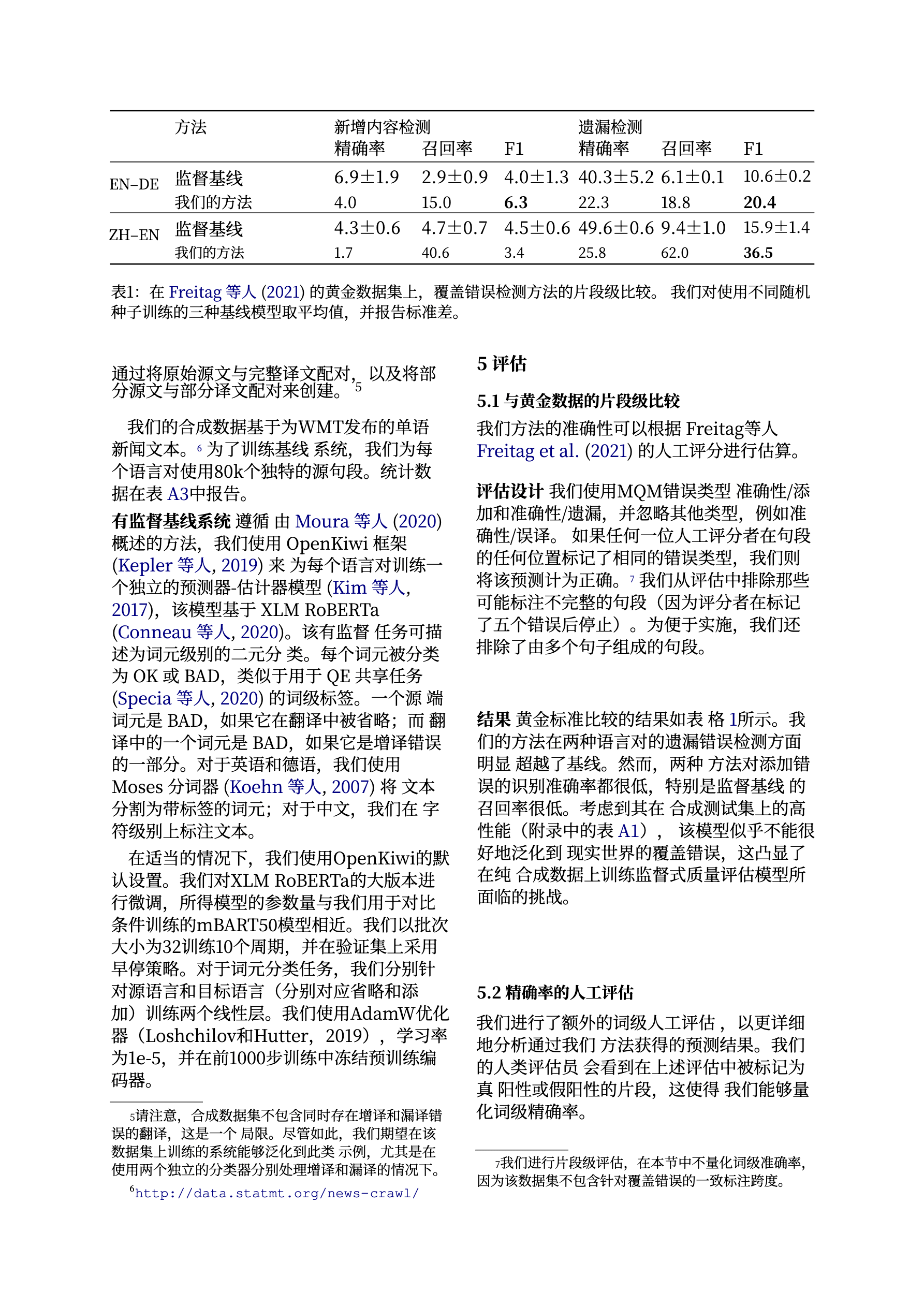
For anyone who regularly handles foreign-language material, the value of Lingxi Translate is that it takes the tedious formatting work off your hands: the original columns, tables, and heading hierarchy survive into the translated version, so readers can compare the two side by side instead of switching back and forth between a translation tool and a layout program.
Key Features of Lingxi Translate
- Multi-format support: Handles PDF, Word, Excel, and other document formats while automatically preserving the original layout for a wide range of translation needs.
- Professional terminology libraries: Ships with domain-specific terminology and supports custom glossaries, so legal, medical, and engineering terms are translated consistently.
- Online collaboration: Multiple people can translate together in real time, with built-in comments and revisions that speed up team workflows.
- Quality assurance: An intelligent proofreading system automatically checks grammar and formatting to keep quality and terminology consistent.
- Scanned PDF translation: Intelligent OCR reaches up to 99.9% recognition accuracy across more than 100 languages, translating scanned documents precisely while restoring their layout.
- User-friendly by design: Offers a free trial quota, fast processing, secure document storage, and the option to delete your files at any time.
Original and translated text can be shown side by side in a two-column view, making every layout detail easy to check:
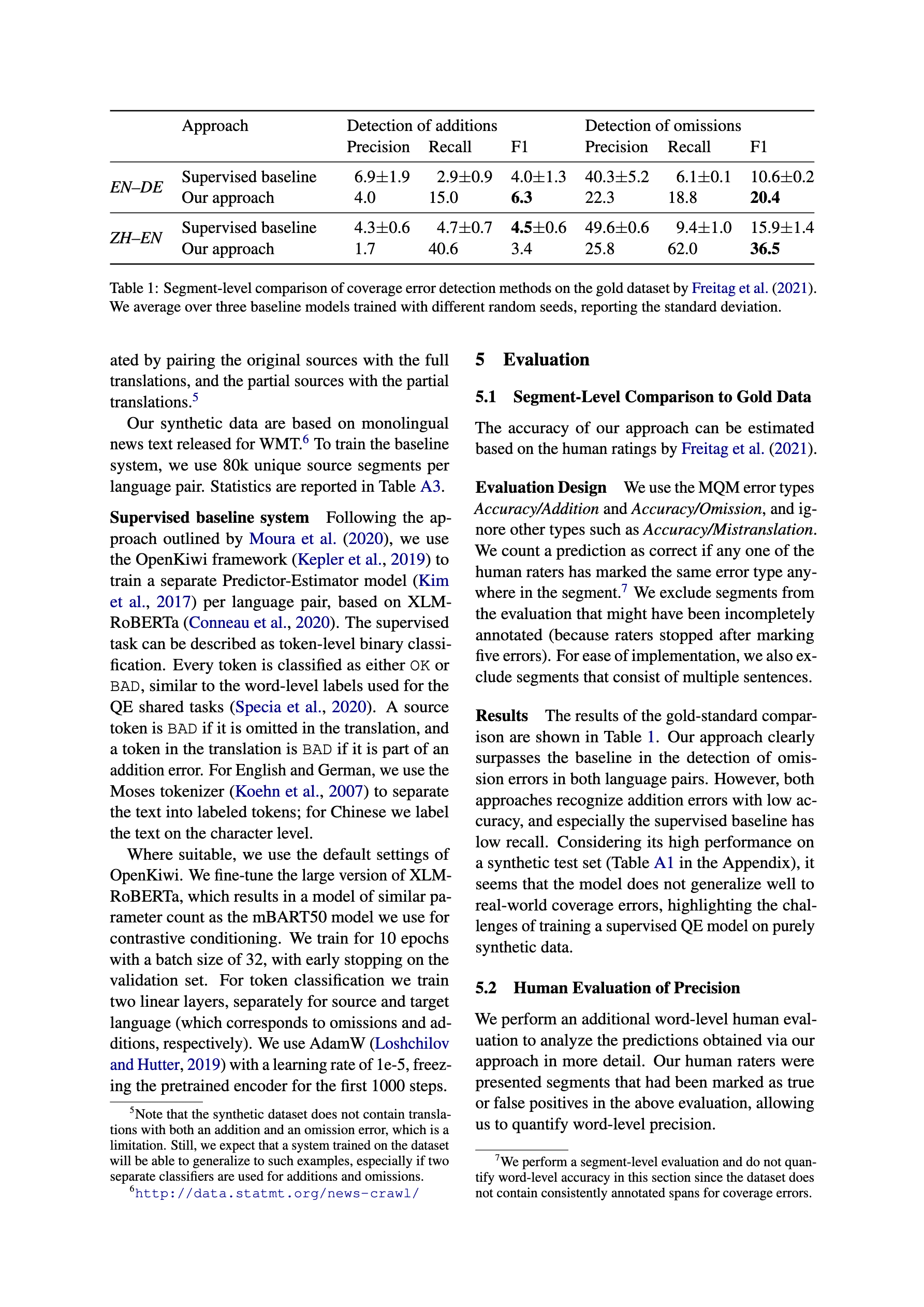
How to Use Lingxi Translate
- Visit the website: Open the official Lingxi Translate site (lingxifanyi.com).
- Register or sign in: Click "Register" to create an account, or click "Sign in" to enter an existing account and access the platform.
- Upload a document: Once signed in, click "Upload file" and select the document you want to translate.
- Set translation options: Choose the source and target languages, adjust OCR parameters for scanned PDFs, and set the output format.
- Wait for processing: Click "Start translation" and the system processes the document automatically.
- Preview and download: When translation finishes, preview the result and click "Download" to save the translated document.
Where Lingxi Translate Shines
- Academic research: Translating classical literature, digitizing historical archives, and converting manuscript materials to support scholarly exchange and research.
- Business use: Handling paper contract translation, localizing scanned files, and translating historical archives to support a company's international growth.
- Everyday office work: Converting handwritten notes, digitizing paper documents, and translating signed files to improve office efficiency.
- Cross-border e-commerce: Translating product descriptions, user manuals, and other documents into multiple languages to help companies expand into international markets.
Limitations and Things to Note
- OCR quality on scanned PDFs depends on the clarity of the original file; blurry or skewed scans may need manual review.
- The free trial quota is limited; beyond that, additional translation quota must be obtained through the platform's rules.
- Terminology accuracy depends on how the glossary is configured; for specialized industries, uploading a custom glossary first helps unify wording.
- Before publishing or signing, translated results should receive a final review by someone fluent in the target language.
Frequently Asked Questions
Which document formats does Lingxi Translate support?
It supports PDF, Word, Excel, and other common document formats, automatically recognizing structure and preserving the original layout so no manual re-typesetting is needed after translation.
Can it translate scanned PDFs or image-based documents?
Yes. Lingxi Translate's intelligent OCR reaches up to 99.9% recognition accuracy and supports more than 100 languages, recognizing text in scanned documents and restoring the layout before translating.
Are the professional terms in Lingxi Translate translations accurate?
Lingxi Translate includes domain-specific terminology libraries and supports custom glossaries, so users can standardize terms for legal, medical, and engineering contexts, with the intelligent proofreading system keeping terminology consistent.
Can a team translate the same document together?
Yes. Lingxi Translate offers online collaboration: multiple people can translate in real time, with built-in comments and revisions that suit teams splitting up long documents.
Is uploaded document data secure?
Lingxi Translate stores documents securely and lets users delete uploaded files at any time, balancing translation efficiency with document privacy.
Frequently asked questions
Which document formats does Lingxi Translate support?
It supports PDF, Word, Excel, and other common document formats, automatically recognizing structure and preserving the original layout so no manual re-typesetting is needed after translation.
Can it translate scanned PDFs or image-based documents?
Yes. Lingxi Translate's intelligent OCR reaches up to 99.9% recognition accuracy and supports more than 100 languages, recognizing text in scanned documents and restoring the layout before translating.
Are the professional terms in Lingxi Translate translations accurate?
Lingxi Translate includes domain-specific terminology libraries and supports custom glossaries, so users can standardize terms for legal, medical, and engineering contexts, with the intelligent proofreading system keeping terminology consistent.
Can a team translate the same document together?
Yes. Lingxi Translate offers online collaboration: multiple people can translate in real time, with built-in comments and revisions that suit teams splitting up long documents.
Is uploaded document data secure?
Lingxi Translate stores documents securely and lets users delete uploaded files at any time, balancing translation efficiency with document privacy.



