

Loom fits teams that explain the same thing repeatedly: record a screen walkthrough with commentary, let the tool transcribe and caption it, then send a link so viewers can watch on their own schedule and comment directly on the frame that confused them.
Loom: AI Screen Recording and Video Sharing for Asynchronous Work
Loom is an AI screen recorder built for the way modern teams actually communicate. You press record, capture a screen, a camera or both, and the tool turns the result into a shareable link with automatic captions, a text transcript and chapter markers. The point is not polished video production — it is replacing the fifth meeting about the same process with a three-minute clip.
The product sits closer to asynchronous messaging than to video editing. The alternative it replaces is either booking a call to explain a workflow or writing a document with a dozen annotated screenshots. Loom compresses that into a short recording with captions and chapters, which the recipient watches whenever it suits them and annotates on the exact frame that needs a question.
Capture is available through three entry points: a browser extension, a desktop client and a mobile app. That covers demos of web pages, walkthroughs of locally installed software, and quick recordings of something happening in the physical world. Recording modes include screen only, camera only, or screen with a camera bubble, and finished recordings live in the cloud behind a single URL.
Key features
Fast capture in three modes
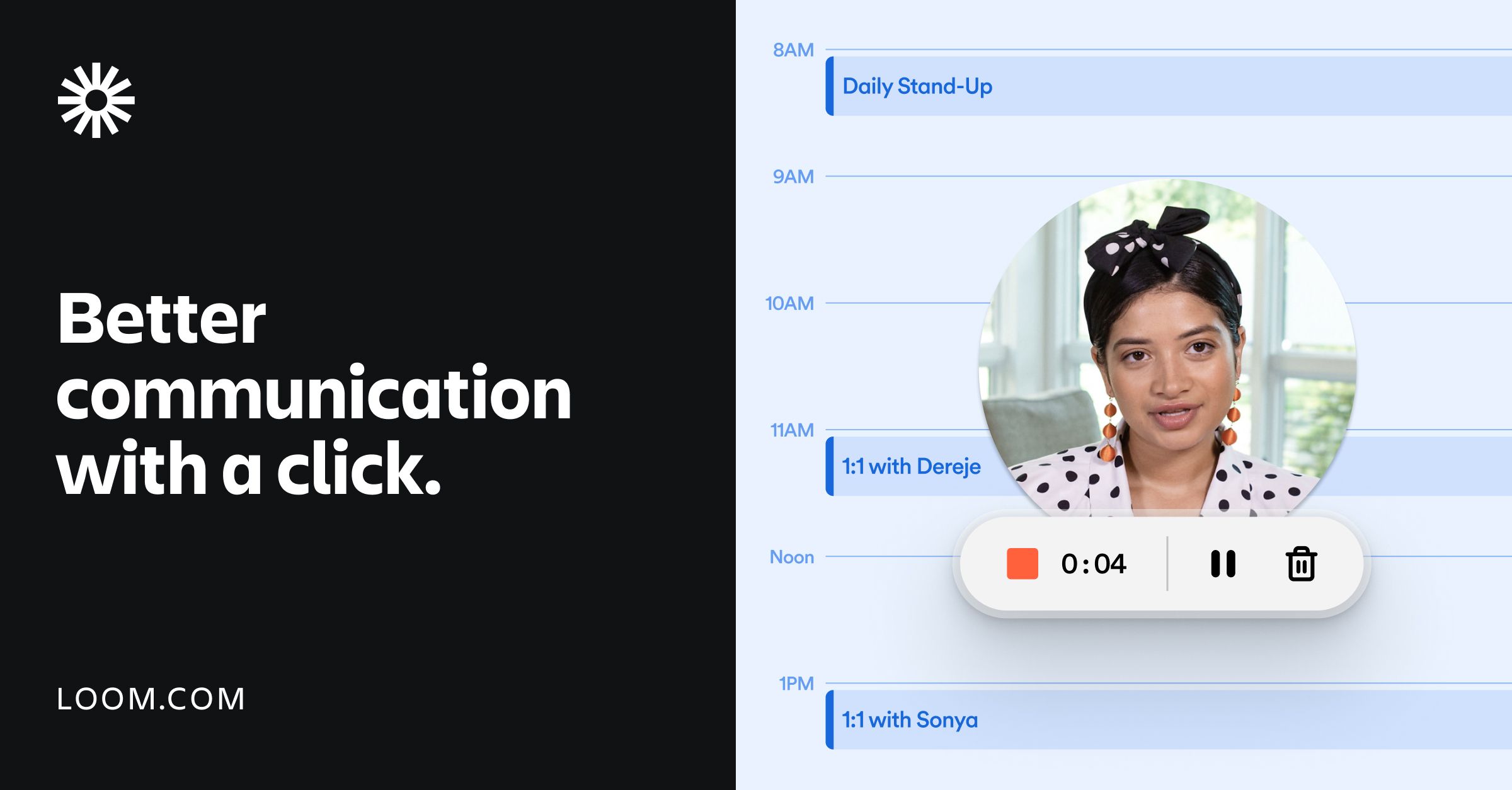
Starting a recording requires one decision: what to capture. Screen only suits software walkthroughs, camera only suits talking-head updates, and the picture-in-picture combination works best for teaching because the viewer sees both the cursor and the presenter. Microphone, camera and resolution settings are adjusted before you hit record, so there is no project setup step and no media import.
Automatic captions, transcripts and chapters
After recording, Loom transcribes the narration and splits the timeline into chapters. The practical benefit is searchability. A viewer can jump straight to the section they care about instead of scrubbing through a long clip, and the author can copy the transcript into a document or a ticket rather than replaying the audio and retyping it. Captions and transcripts are also the foundation for the multilingual layer.
Captions in more than 50 languages
Automatic captions cover over fifty languages, which means one recording can serve viewers in several regions without a re-shoot per language. The caveat is accuracy: recognition quality depends on accent, jargon and recording conditions. For contractual terms, medical wording or legal statements, human proofreading of the caption track remains necessary before publishing.
Editing and on-screen annotation
The built-in editor trims the head and tail of a clip, stitches multiple recordings together, and overlays backgrounds, text labels and arrows. Arrows matter more than they sound: saying click the button in the top left is far less precise than drawing a circle around it. All of this happens in the browser, so no heavyweight editing suite is required locally.
Link-based sharing and embeds
Recordings are delivered as links that can be pasted into Slack, email or a chat thread, or embedded in pages connected to Google Workspace. Viewers click and watch without creating an account or installing a player. For internal knowledge bases, product documentation and client handover notes, a maintained link is easier to keep current than a large attachment.
In-video collaboration
Viewers can comment at any timestamp, react with emoji, and convert a comment into a task or a call to action. Discussion therefore anchors to the specific frame instead of drifting through a group chat where people locate feedback by saying around minute three. The author sees all responses in one place and can reply or escalate each one.
Enterprise privacy controls
Privacy settings let an organisation define who can view a recording, whether a password is required and whether downloads are permitted. For teams that inevitably capture internal processes or customer data on screen, that layer is a precondition for adoption rather than an optional extra.
How to use Loom
- Sign up on the Loom website and create a free personal account; no corporate domain is required to start.
- Install the entry point that matches your habits: a browser extension for web demos, the desktop client for local software, the mobile app for ad hoc capture.
- Press record, pick the capture mode, confirm microphone and camera settings, and start recording.
- In the editor, trim the beginning and end, stitch additional takes if needed, and add text labels or arrows where the viewer should look.
- Review the generated captions and transcript, fix obvious recognition errors, and check that the chapter boundaries make sense.
- Generate the share link, set visibility and access rules, then send it to colleagues or clients or embed it in a work tool.
- Check viewer comments and reactions in the dashboard, reply to each thread, and mark follow-ups as tasks.
Who it suits
- Product, engineering and operations teams that keep re-explaining the same workflow in one-to-one sessions.
- Distributed or cross-timezone teams replacing a recurring sync meeting with a recording people watch on their own schedule.
- Teachers and trainers who want recording, chaptering and outline building to happen in a single pass.
- Sales and pre-sales staff producing product demos quickly, with captions in the languages their prospects read.
- Support teams turning troubleshooting steps into short clips instead of long text threads.
Limitations to know
- The source material does not disclose pricing, per-plan recording length limits or export quotas, so check current billing terms on the official site before standardising on it.
- The exact boundaries of the free tier, such as maximum clip length or how many caption languages are included, are not stated and should not be assumed to cover everything.
- Caption and transcript accuracy varies with accent, terminology and background noise; proofread before anything customer-facing goes out.
- This is a communication tool, not a production suite. Multi-track timelines, colour grading and complex effects belong in dedicated editing software.
- Recordings depend on cloud storage and network access, so organisations requiring fully offline or air-gapped workflows must verify deployment and compliance conditions first.
Frequently asked questions
Can Loom record the camera without the screen?
Yes. Camera-only mode suits talking-head updates. The picture-in-picture mode records screen and camera together when you want the viewer to see both the steps and the presenter.
Can I edit a recording after it is saved?
You can trim the ends, join several takes and overlay text or arrows. If the explanation itself needs restructuring, re-recording is usually faster than repeated cutting.
Do viewers need to install anything?
No. Recordings are shared as links that play in a browser, and they can also be embedded in the tools a team already uses.
Are captions available in languages other than English?
Automatic captions cover more than fifty languages. Quality depends on accent and vocabulary, so review important content before publishing.

Frequently asked questions
Can Loom record the camera without the screen?
Yes. Camera-only mode suits talking-head updates. The picture-in-picture mode records screen and camera together when you want the viewer to see both the steps and the presenter.
Can I edit a recording after it is saved?
You can trim the ends, join several takes and overlay text or arrows. If the explanation itself needs restructuring, re-recording is usually faster than repeated cutting.
Do viewers need to install anything?
No. Recordings are shared as links that play in a browser, and they can also be embedded in the tools a team already uses.
Are captions available in languages other than English?
Automatic captions cover more than fifty languages. Quality depends on accent and vocabulary, so review important content before publishing.



