

Lumina (ByteDance Lumina) is an all-in-one AI creative platform launched by ByteDance's BytePlus (the international arm of Volcano Engine), officially positioned as an end-to-end visual content production suite spanning "from ideation to bulk delivery." Built on ByteDance's proprietary Seedream image model and Seedance video model, it supports the latest Seedream 5.0 Pro and Seedance 2.5. Lumina integrates text-to-image, text-to-video, scenario-based AI applications, an infinite Canvas, and reusable Canvas Pro workflows, offering subscription plans, watermark-free commercial delivery, team collaboration, and API integration primarily tailored for enterprise and professional creators.
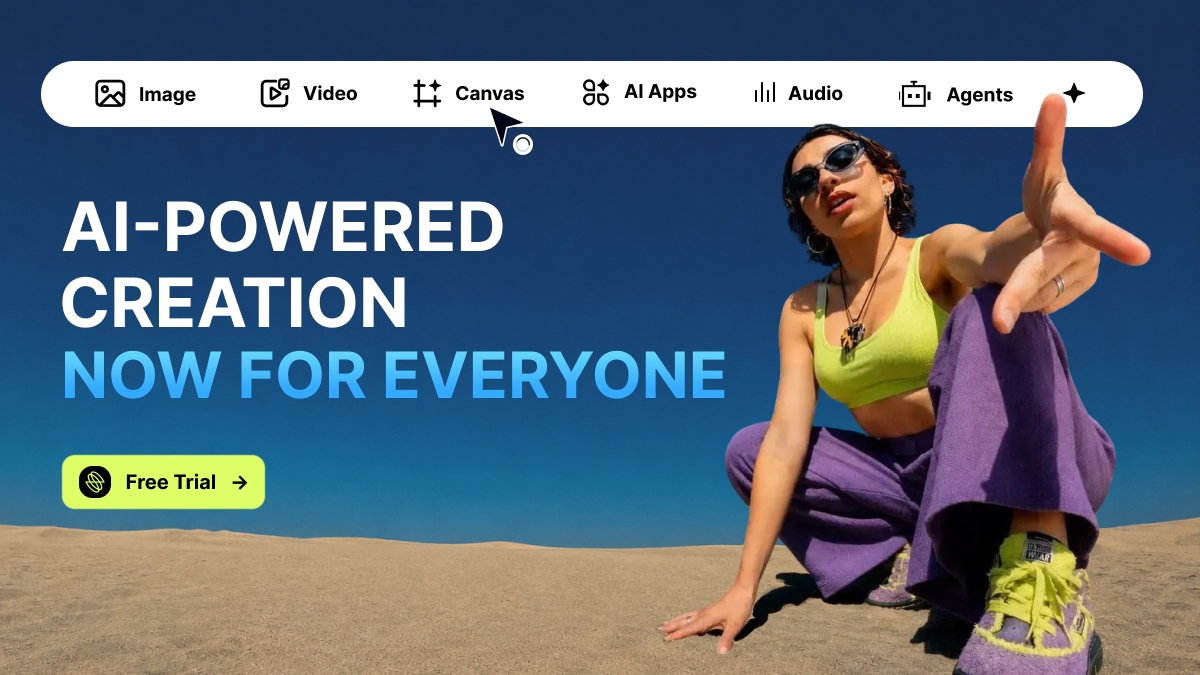
What is Lumina?
Lumina (ByteDance Lumina) is an all-in-one AI creative platform launched by ByteDance's BytePlus (the international arm of Volcano Engine), officially positioned as an end-to-end visual content production suite covering the entire pipeline "from ideation to bulk delivery." Unlike single-point AI generation tools, Lumina consolidates the complete creative production workflow—ideation, generation, precision editing, bulk versioning, and commercial delivery—within a unified workspace.
At its core, Lumina is driven by ByteDance's proprietary Seedream image model and Seedance video model, featuring recent support for Seedream 5.0 Pro and Seedance 2.5. Beyond in-house models, the platform aggregates third-party image models like GPT Image 2 and Nano Banana, enabling users to carry out cross-model generation inside a single canvas.
Key Features
Image Generation & Precision Editing
- Text-to-Image / Image-to-Image: Generate images from text prompts or uploaded references, supporting multiple reference assets, style consistency controls, and multi-image grouped management.
- Layer Separation: Seedream 5.0 Pro automatically separates generated visuals into a background plus up to 20 individual element layers, exportable as transparent PNGs to plug directly into Photoshop and Figma design workflows.
- Interactive Precision Editing: Make local adjustments using bounding-box selection, coordinate targeting, hex color codes, and freehand doodles, eliminating the need to regenerate the entire image to tweak a single element.
- Multilingual Text Rendering: Native support for rendering in-image text across 14 languages, perfectly suited for global marketing posters, packaging, and commercial graphics.
Video Generation & Editing
- Text-to-Video / Image-to-Video: Transform text prompts or images into cinematic video clips with one click; Seedance 2.5 supports native generation of up to 30 seconds per clip.
- Omni-Modal Reference Inputs: Upload up to 50 mixed image, video, and audio references in a single generation to lock in character, product, and scene consistency.
- First/Last Frame & Subject References: Precisely dictate starting and ending keyframes as well as key subjects, ensuring continuous narrative flow across complex multi-shot sequences.
- Precision Video Editing: Leverage regional inpainting, timestamp-based action direction control, and Reference-to-Video (R2V) consistency to make targeted modifications without re-rendering the whole sequence.
Workflows & Collaboration
- AI Application Matrix (Out of the Box): Pre-built, scenario-specific applications covering commercial visuals, short video production, digital human synthesis, e-commerce virtual try-ons, and product display setups without manual pipeline building.
- Canvas Infinite Workspace: A visual node-based workspace to storyboard scripts, camera movements, and scene directions while stringing together multi-model pipelines (e.g., generating product stills with Seedream and animating them into a promo clip with Seedance).
- Canvas Pro Reusable Workflows: Solidify complete creative pipelines into reusable templates to achieve "design once, reuse thousands of times" batch generation, with one-click API publishing into internal business systems.
- Enterprise-Grade Delivery & Collaboration: Paid tiers feature watermark-free commercial licensing, Team Plan shared credit pools, granular permission management, and gateway-level content moderation filters that inspect prompts and generated content in real time.
How to Use Lumina
- Sign Up & Select a Plan: Visit the Lumina official website at https://ai.byteplus.com/lumina/ , register a BytePlus account, and select a monthly/annual subscription plan or credit pack. New users can get started with a free trial.
- Choose Creation Mode: In the left sidebar of the dashboard, choose "Images" or "Videos", and pick your desired model (such as Seedream 5.0 Pro or Seedance 2.5) from the model selector.
- Input Prompts & References: Write your prompt (starting with overall composition and visual hierarchy, followed by detail keywords). Upload references grouped by role (characters, products, mood boards, sketches); Seedance 2.5 accepts up to 50 reference files.
- Generate Drafts & Select the Best: Adjust aspect ratios, duration, and other parameters, generate multiple variants simultaneously, and select the best layout and subject as your "Master Version."
- Iterate with Precision Editing: Refine images with layer separation and selection/coordinates/doodle tools. For video, apply regional inpainting, timestamp directions, or R2V to make surgical corrections rather than re-rendering from scratch.
- Batch Versioning (Optional): Branch out from the master version to output multilingual and multi-aspect ratio assets for diverse regional markets, SKUs, and channels; or package the pipeline in Canvas Pro for scalable reuse.
- Export & Commercial Use: Export your high-resolution, watermark-free visual assets, or publish the pipeline as an API endpoint for direct system integration.
Core Advantages
- First-Party Flagship Access: As ByteDance's official platform, Lumina offers global first-look access to the latest Seedream and Seedance releases (like Seedream 5.0 Pro), fine-tuned specifically for enterprise use with transparent compliance and tracing.
- Seamless Image-to-Video Pipeline: Seedream 5.0 Pro outputs bypass secondary facial moderation checks to feed directly into Seedance 2.0/2.5 video workflows, forming an unbroken "image → animation → final cut" pipeline.
- Superior Subject Consistency: Strong multi-reference handling locks character, product, and brand VI styling across angles; Seedance 2.5 reliably preserves 3D white models and packaging without subject drift.
- Native Long Video & Precision Fixes: 30-second native single-shot generation paired with regional inpainting transforms revision loops from "full re-renders" to "targeted edits," ideal for review-heavy commercial pipelines.
- Evolution from Tool to Pipeline: Reusable Canvas Pro workflows and one-click API conversion embed AI creativity directly into production backbones rather than treating it as one-off slot-machine generations.
- Globalized Localization: Generate multilingual, multi-size, and multi-style variations from a single master asset in one go, serving global omnichannel distribution.
Target Audience & Use Cases
- Advertising & Marketing Teams: Rapidly prototype commercials, social campaigns, and storyboards while trimming physical production and shoot costs.
- Brands & E-Commerce Merchants: Produce e-commerce product imagery, virtual try-ons, SKU-level asset variations, and localized cross-border ad creative.
- Short-Form Video Creators: Creators on YouTube and TikTok needing brand-aligned backgrounds, transitions, and cinematic b-roll.
- Design Teams & Creative Studios: Professional design departments requiring layer separation, hex-code accuracy, and design-ready assets.
- Production Houses & Directors: Use AI storyboarding to choreograph scenes, camera movements, pacing, and 30-second narrative shorts.
- Cross-Border Enterprises & Global Teams: Teams needing 14-language text rendering and multilingual video versioning for worldwide distribution.
Pros and Cons
Pros
- Native alignment between image and video models ensures smooth cross-modal pipelines;
- Deep precision editing tools like layer separation and local inpainting fit professional review and design workflows;
- Canvas Pro allows pipeline freezing and API transformation, engineered for scaled throughput;
- Full enterprise suite: watermark-free commercial licensing, team credit pools, and automated content moderation filtering.
Cons
- Focuses on enterprise and professional production; casual individual users must weigh cost efficiency against subscription tiers;
- High-value features like watermark-free commercial delivery are gated behind paid subscriptions, with limited free trial allotments;
- As a BytePlus product, account setup and billing must be managed via the BytePlus platform.
Pricing and Free Trial Verification Notice
Lumina provides monthly and annual subscription plans alongside credit pack purchases, with free trial access for new users. According to the official platform announcement, an active promotion offers:
"Get 7 minutes of Seedance 2.5 in 480p for free, plus up to 50% off monthly plans."
Note: Pricing, tiers, credit allocations, and promotions are subject to change. Please visit the official Lumina site (https://ai.byteplus.com/lumina/ ) to verify current rates and promotional terms before subscribing.
Alternative Solutions
- RunningHub: A native AI infinite canvas creative tool that organizes AI workflows through node-based visual interfaces, serving as a comparable alternative to Lumina's Canvas environment.
When evaluating alternatives, consider whether the tool offers dual image/video capabilities, pipeline reuse and API integration, commercial licensing policies, and swift model update cycles.
Frequently Asked Questions (FAQ)
Is Lumina free?
Lumina offers a free trial for new users. However, watermark-free commercial rights and team collaboration capabilities require a paid subscription. Billing is structured around monthly/annual subscriptions or credit packs; consult the official site for up-to-date pricing.
Which models does Lumina support?
Lumina is primarily built on ByteDance's proprietary Seedream image model and Seedance video model, supporting the latest Seedream 5.0 Pro and Seedance 2.5. It also integrates third-party models like GPT Image 2 and Nano Banana.
Can content generated by Lumina be used commercially?
Yes, paid subscription tiers include watermark-free commercial licensing, suited for advertising, e-commerce, and brand campaigns. Refer to official platform terms for watermark and licensing restrictions during the free trial period.
What is the maximum video length Lumina can generate?
Seedance 2.5 supports up to 30 seconds of native single-shot video generation, with keyframe controls and regional inpainting available for multi-shot storytelling and targeted revisions.
What teams are best suited for Lumina?
Lumina targets enterprise and professional creative markets. Common users include ad agencies, marketing teams, e-commerce sellers, short-video creators, design studios, film production crews, and globalized teams requiring cross-border asset localization.
Sources
- Lumina
- Lumina Official Site (BytePlus): https://ai.byteplus.com/lumina/
Information regarding pricing, subscription plans, promotional offers, and feature availability may change over time. Please consult the official Lumina website for the most recent updates.
Frequently asked questions
What is Lumina?
Lumina (ByteDance Lumina) is an all-in-one AI creative platform by BytePlus (ByteDance's Volcano Engine international arm). Positioned as an end-to-end production tool spanning ideation to bulk delivery, it is powered by the Seedream image model and Seedance video model, featuring Seedream 5.0 Pro and Seedance 2.5.
Is Lumina free, and how is it billed?
Lumina provides a free trial for new users. Ongoing professional usage requires choosing between monthly/annual subscription tiers or credit packs. Watermark-free commercial licenses and Team Plan credit pools belong to paid tiers. Check https://ai.byteplus.com/lumina/ for the latest plans and promotional rates.
How long can Lumina videos be, and how is visual consistency maintained?
Seedance 2.5 supports up to 30 seconds of native single-clip generation. To maintain consistency, Lumina accepts up to 50 mixed image, video, and audio reference files per job, and provides first/last frame controls, subject references, and Reference-to-Video (R2V) mechanisms to lock characters, products, and styles across shots.
Can content created in Lumina be used for commercial purposes?
Yes, paid tiers grant watermark-free commercial use rights along with enterprise gateway-level content moderation. Watermark and commercial terms during the free trial period are governed by current official platform policies.
What tools are similar to Lumina?
RunningHub is a comparable alternative highlighted in source materials, offering a native AI infinite canvas creative workspace. When comparing alternatives, evaluate factors like dual image/video capability, workflow automation and API support, commercial licensing policies, and model update cycles.



