

Medeo is a conversational AI video creation platform where users describe an idea, generate a draft and refine its content or style through follow-up instructions.
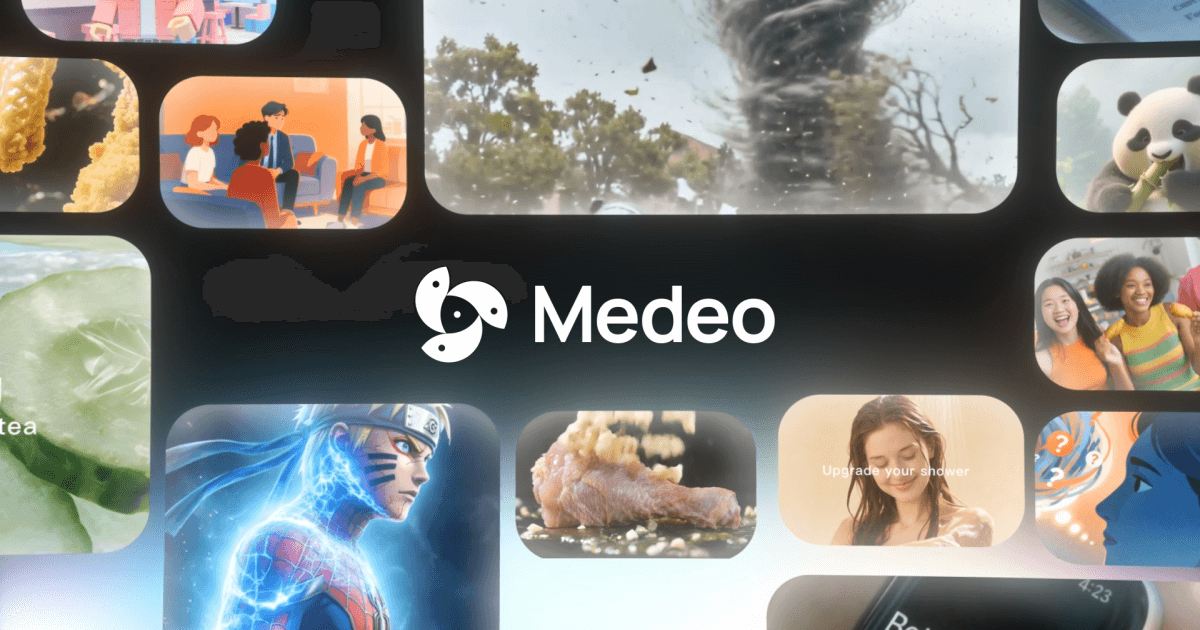
Medeo: conversational AI video creation
Medeo is a video creation platform that uses natural-language instructions to turn an idea or script outline into a draft. Users can continue the conversation to request changes to the content, pacing, visual style or effects. Product information also describes templates, a media library, multimodal input and support for several video categories. Features, connected models and sign-up requirements may change, so check the current product interface before planning a project.
Main capabilities
- Create from a description: Explain the topic, audience, narrative and visual direction in text. A clear prompt makes it easier to review whether the draft matches your intent, but facts and media still need independent checks.
- Revise by conversation: Follow-up instructions can request changes such as a different rhythm, style, section or effect. Some requests may take several rounds; a conversational response does not guarantee that a complex edit is exact.
- Templates and video types: Product information lists science explainers, educational content, news interpretation, creative shorts, animation and advertising, with templates for different formats. Review the structure, tone and media for the intended audience.
- Preview and export: Preview a draft, request revisions and use the export or sharing options currently shown in the interface. The product information mentions models such as Gemini and Sora 2, but account and model availability may vary.
A basic workflow
- Open the current Medeo interface and check sign-up requirements, available features and account access. Existing product information says registration may require an invitation code.
- Create a project and enter its name, topic and video brief. If templates are available, choose one suited to the format.
- Describe the idea or outline, including audience, structure, visual style and tone. Mark uncertain information for later verification.
- Generate a draft and preview it from beginning to end. Check narration, visuals, captions, pacing and any referenced media.
- Request specific changes in conversation, then review the revised draft. Export or share only after a final check using the available options.
Use cases and limitations
Medeo may help explore early versions of creator videos, product demonstrations, marketing pieces, training materials, personal stories or news explainers. Natural-language interaction can turn a rough idea into a reviewable draft without starting from an empty editing timeline. The creator remains responsible for fact-checking, rights review and final production quality.
Generated narration, visuals or story structure may miss the intended meaning, contain inaccuracies, use unsuitable media or sound unnatural. News, finance, education and advertising need particular care: verify dates, data, quotations, permissions and applicable rules. Product information describes multiple models and multimodal features, but does not establish that every account, region or project has access to the same options. Do not treat a generated draft as ready to publish; review the entire export.
Frequently asked questions
Do I need professional editing skills?
The product is described as using natural-language prompts and conversational revisions, which may lower the starting barrier. Users still need to specify the goal clearly and check the generated video.
Can I change the style or pacing after generation?
Product information describes requesting those changes through conversation. The available controls and results depend on the current interface; make focused requests and verify each revision.
Can I publish the generated video commercially as-is?
Generation alone does not establish commercial permission. Before publishing, review the service terms, model and media licenses, image rights, advertising rules and factual accuracy for your account and use.
Frequently asked questions
How do I start a video in Medeo?
Start a project and describe the idea. Depending on the current interface, you may choose a template or input mode, generate a first draft and refine it through conversation.
Can I revise a video after it is generated?
Product information describes conversational changes to content, pacing, visual style and effects. Available edits vary, and the finished result still needs review.
Is an invitation code required to sign up?
The available product information says registration may require an invitation code, but this can change. Check the current sign-up flow, model list and terms.



