

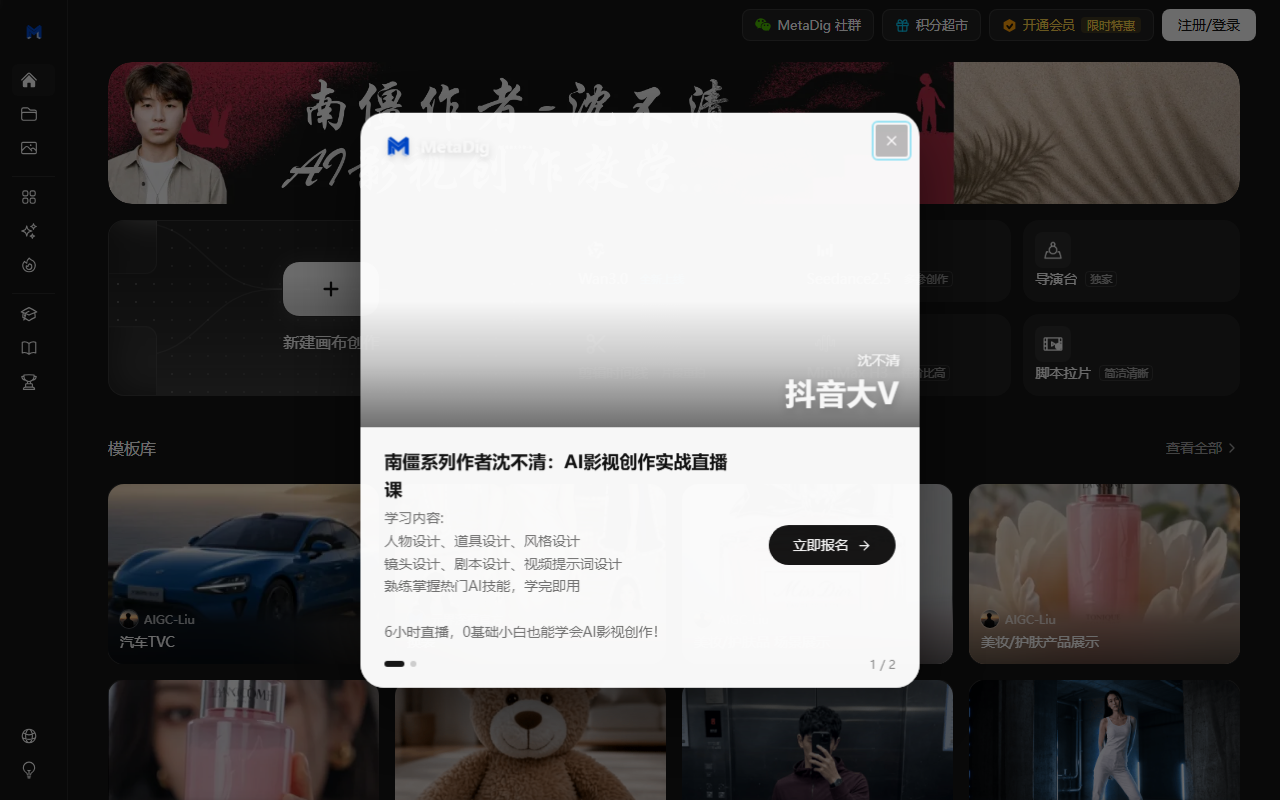
MetaDig combines a node-based canvas, media generation and an editing timeline.
MetaDig is an AI video tool. Its official site describes an infinite canvas where image, video, text and audio nodes form a workflow. It lists video, image, voice and music generation, plus editing. Models and features may change; check the official website.
Workflow and editing
Connect nodes to organize assets and generation steps. Public templates can be cloned, and a conversational Agent can help plan canvas tasks. The two-track timeline supports trimming, speed changes, transitions, music and export. Team spaces and real-time synchronization are also described.
Getting started and review
Start with a blank canvas or template, add text and references, then edit selected results on the timeline. Before sharing, review visuals, audio, captions, facts and rights. Availability depends on the current product and account. Do not upload personal or confidential data without permission.
Frequently asked questions
What does MetaDig offer?
The site lists video and image generation, voice and music tools, canvas workflows and editing. Check current models.
Can AI video be published without review?
No. Check accuracy, media, rights and platform rules.
Where can I check availability?
Use the official website and your account for current models, plans and features.
Frequently asked questions
What does MetaDig offer?
The site lists video and image generation, voice and music tools, canvas workflows and editing. Check current models.
Can AI video be published without review?
No. Check accuracy, media, rights and platform rules.
Where can I check availability?
Use the official website and your account for current models, plans and features.



