
MiFeng ShiJuan is a study assistant app: photograph a paper and erase the handwriting to get a clean blank copy, then use AI to get answers, worked solutions and homework checking. Wrong questions can be boxed into a mistake notebook with notes and reassembled into new papers, and everything is stored as PDF on your phone.
MiFeng ShiJuan: Erase Handwriting, Solve With AI and Build a Mistake Notebook
What MiFeng ShiJuan is
MiFeng ShiJuan is an all-round study assistant built for students and teachers. Its idea is to move the whole paper-based workflow onto your phone: photograph a paper and erase the handwriting to restore a clean original, use AI to get answers and worked solutions, then box the questions you got wrong into a mistake notebook for review and reassembly into new practice papers.
For anyone who reuses the same paper again and again, or needs to archive a child's completed homework, it turns "erase, redo, mark, organise" from manual chores into one continuous flow.
Main capabilities
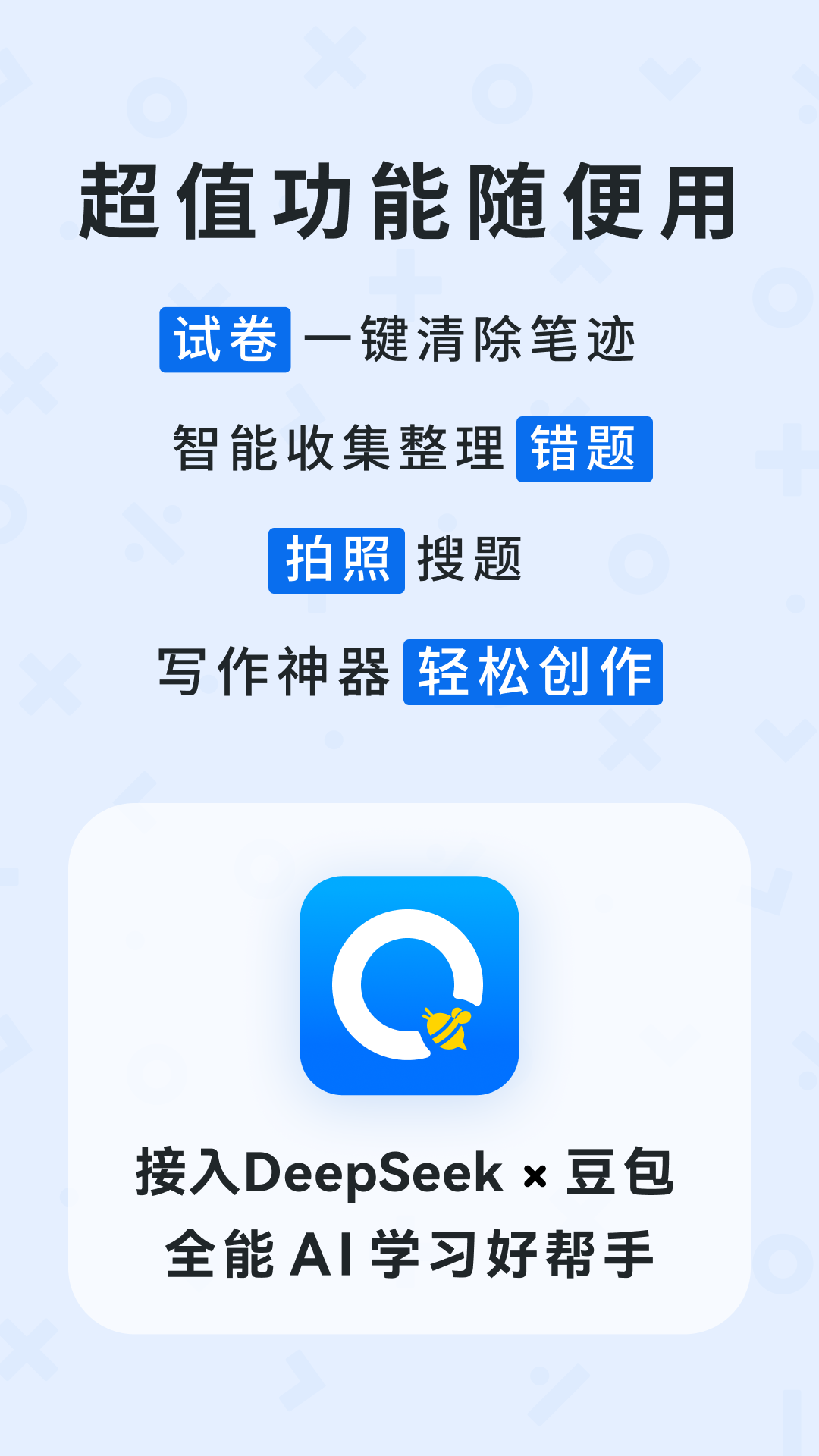
One-tap ink erasing. Handwriting on the paper is removed automatically and the blank sheet is restored with high accuracy, ready to print again or redo.
Smart image processing. The app detects the paper edges, crops away messy backgrounds and brings a skewed or cluttered scan back to its proper shape.
Paper organisation. Papers are sorted into categories and exported as digital PDFs, making them easy to find, store and share.
AI problem solving. Answers appear in seconds along with detailed solution steps, covering Chinese, maths, English and other subjects.
Homework checking. It judges answers right or wrong quickly across multiple subjects, cutting the time spent checking question by question.
Mistake management. Box any wrong question to add it to a mistake notebook, then attach notes and rebuild mistakes into a new paper for targeted practice.
Mobile storage. All digital papers live on your phone, so you can pull them up whenever you need them.
Quick import. Files can be imported from group chats, which makes tidying up material sent by teachers much faster.
Sharing. Papers can be shared with friends for study exchange.
Membership. A membership unlocks more advanced features, such as intelligent mistake analysis and converting a paper to Word.
How to use it
- Open the app and photograph a paper, or import one from your album or a group chat.
- Use one-tap ink erasing to get a restored blank paper; if needed, apply smart image processing to fix the edges and background.
- File the tidied paper into a category and save it as a digital PDF.
- When you need an explanation or a check, use AI solving for answers and solution ideas, or homework checking to judge right and wrong.
- Box the questions you got wrong, add them to the mistake notebook and write notes.
- At review time, build a new paper from the mistake notebook and practise again; you can also share papers with classmates.
Who it suits
- Daily student practice: reuse the same paper after erasing, and close gaps with the mistake notebook.
- Parent supervision: check homework fast and get solution ideas, lowering the barrier to helping out.
- Teacher archiving: photograph papers into PDFs, keep them sorted and share them.
- Targeted mistake drills: gather scattered mistakes into one paper for focused revision.
- Material flow: import papers sent in group chats and file them quickly.
Limitations
- Erasing and restoring quality depends on how clear the original is, the lighting and the writing itself; damaged or very faint papers may not come out well.
- AI answers and checking should be treated as a reference; verify important exams or key knowledge points yourself.
- Advanced features such as intelligent mistake analysis and paper-to-Word belong to the membership, and public material does not list prices or plans.
- When a paper contains personal information, consider privacy before sharing it.
Frequently asked questions
Does erasing damage the original paper? The feature targets the handwriting and restores a blank paper with high accuracy. It works on the digital copy made from the photo, so the physical sheet in your hand is untouched.
Which subjects are supported? AI solving and homework checking cover Chinese, maths, English and other subjects.
Can the mistake notebook be turned into a new paper? Yes. After boxing mistakes into the notebook, you can add notes and assemble them into a new paper for practice.
What does the membership include? Public material mentions intelligent mistake analysis and paper-to-Word as advanced member features; details and prices follow what the app states.
Frequently asked questions
Does erasing damage the original paper?
The feature targets the handwriting and restores a blank paper with high accuracy. It works on the digital copy made from the photo, so the physical sheet in your hand is untouched.
Which subjects are supported?
AI solving and homework checking cover Chinese, maths, English and other subjects.
Can the mistake notebook be turned into a new paper?
Yes. After boxing mistakes into the notebook, you can add notes and assemble them into a new paper for practice.
What does the membership include?
Public material mentions intelligent mistake analysis and paper-to-Word as advanced member features; details and prices follow what the app states.



