

MuseArt AI is a browser-based platform for generating AI images and videos in one place: describe a scene or upload material, pick a model or let smart routing choose, then preview and download the result.
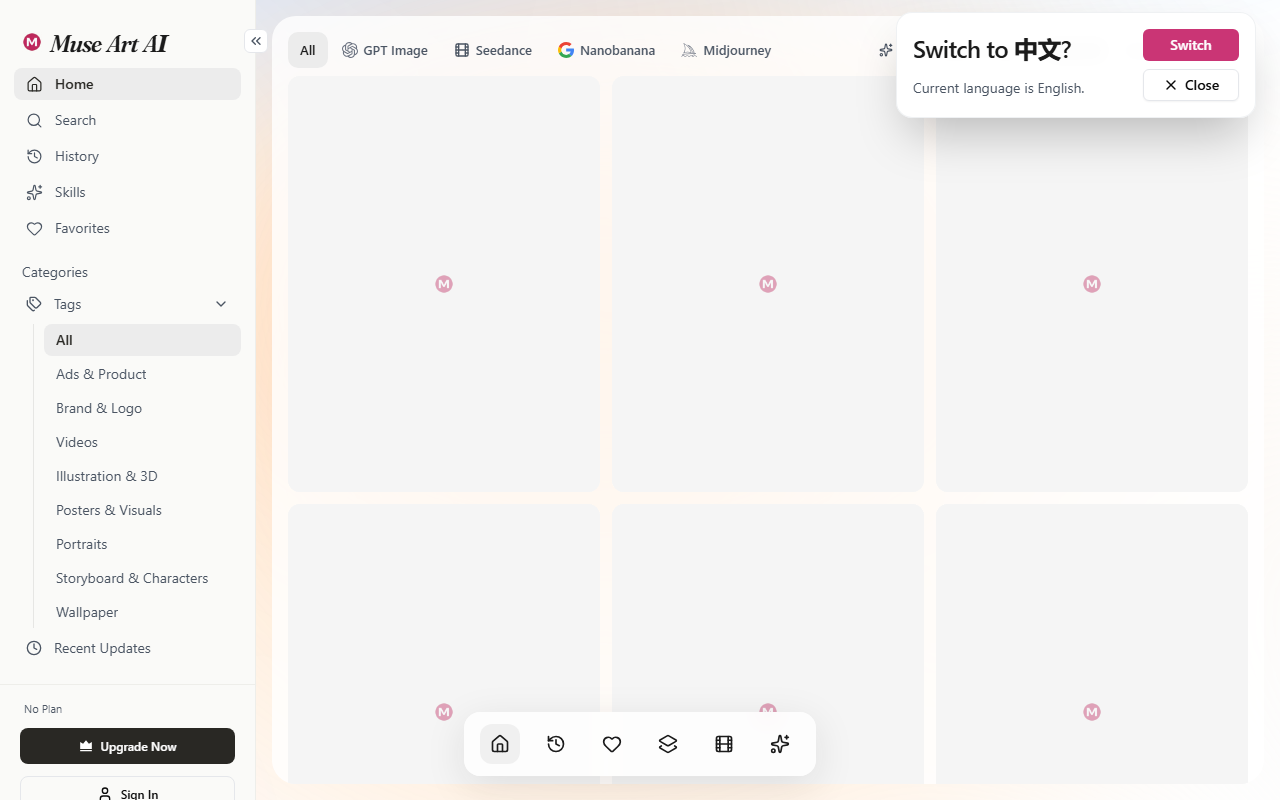
MuseArt AI: An All-in-One AI Image and Video Creation Platform
MuseArt AI puts several mainstream generative visual models behind a single interface. Video and image work share the same workspace, so you do not have to keep several model sites open at once: you describe what you want, generate, preview and download in one place. A smart routing layer decides which underlying model suits the task, which lowers the entry cost for creators who do not follow model releases closely.
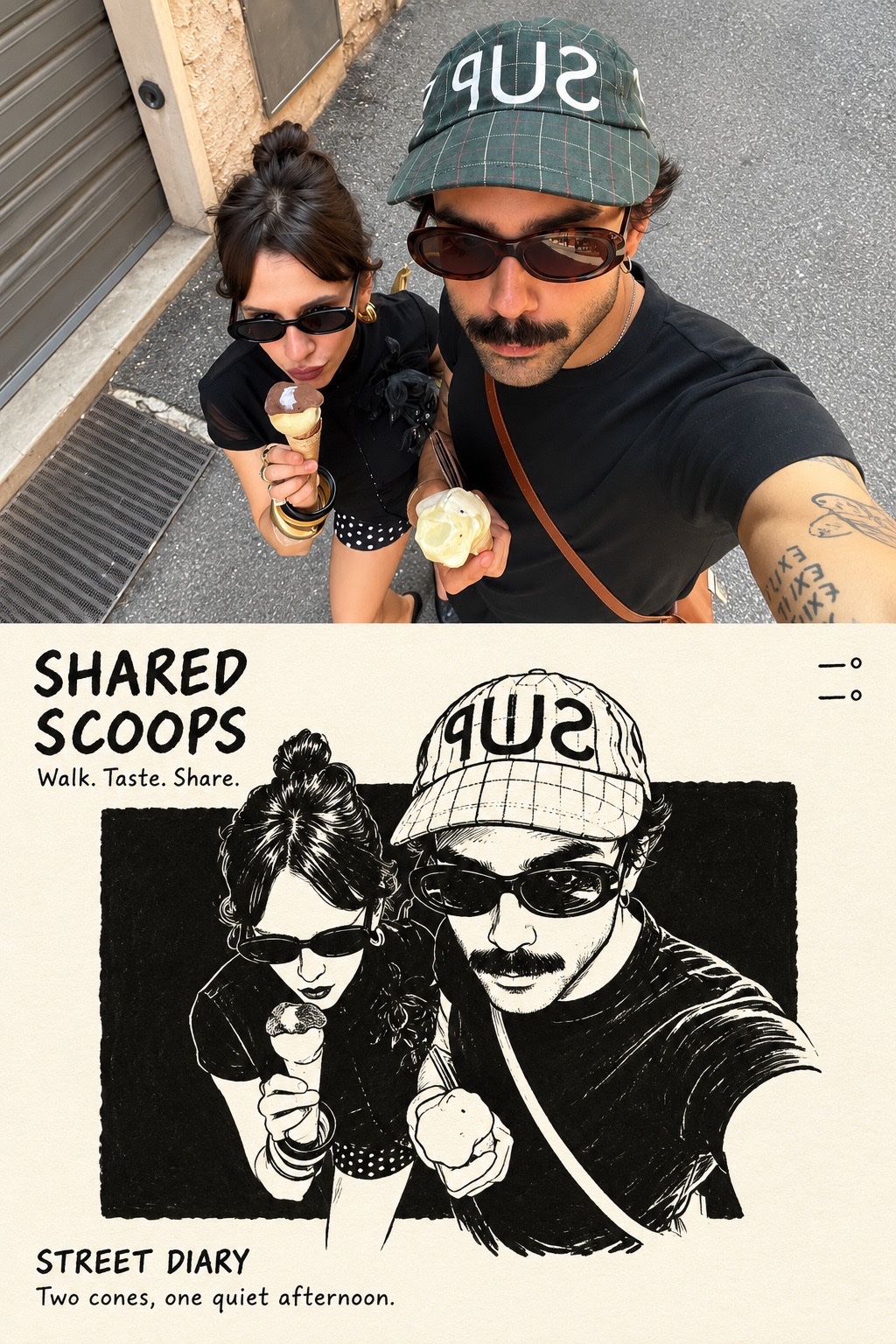
How the platform is put together
The design idea is aggregation plus routing. Aggregation means Seedance, Nano Banana, Kling, Sora 2, Veo 3 and Hailuo sit in the same toolbar. Routing means the system decides which of them fits a given brief. For an individual creator, the effort shifts from memorising model parameters to writing a clear description. For a small studio, one account can cover everything from short social clips to product imagery.
Main features
- AI video generation: text-to-video, image-to-video and video restyling. A written scene becomes a shot, a still becomes motion, and existing footage can be redrawn in a new style.
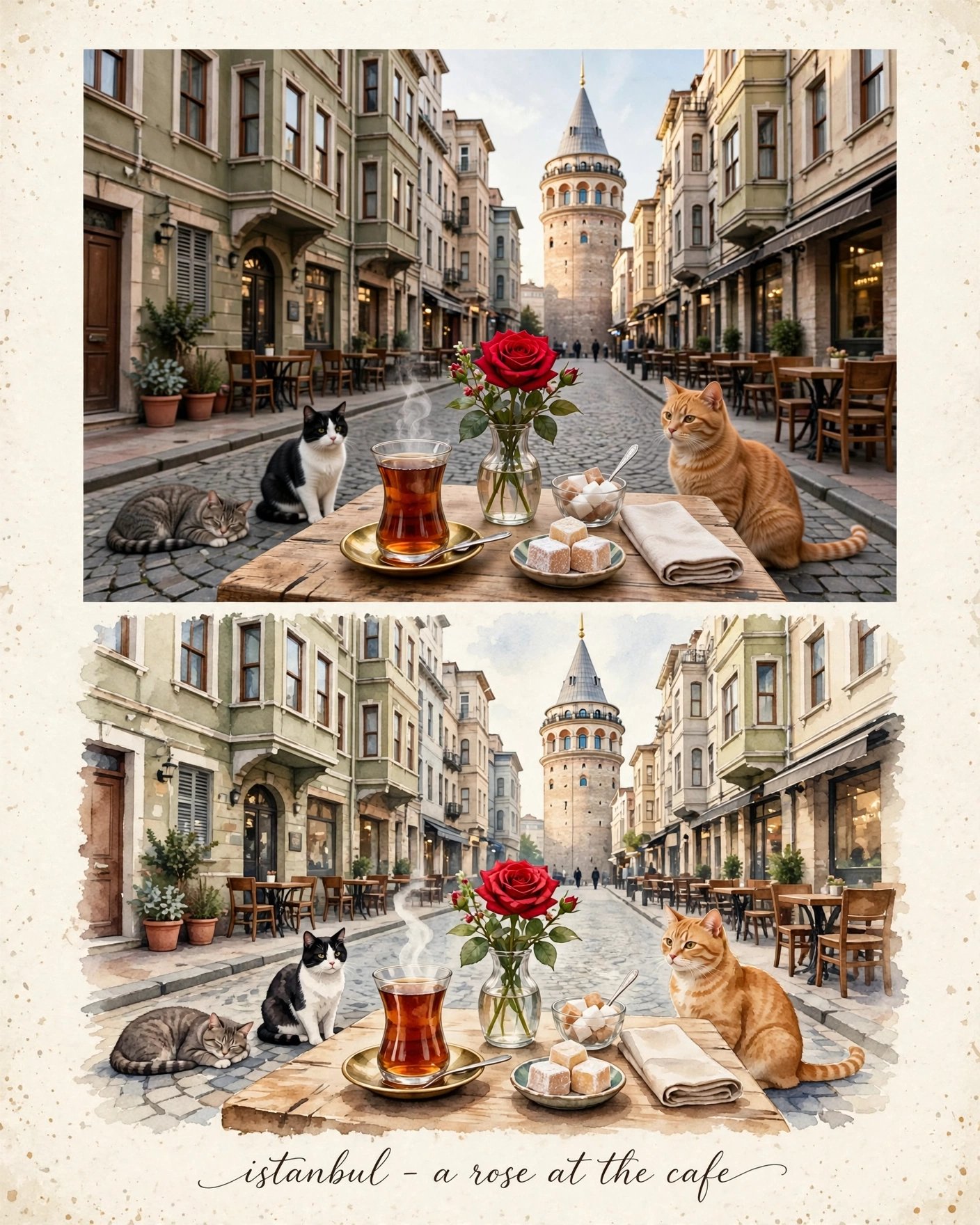
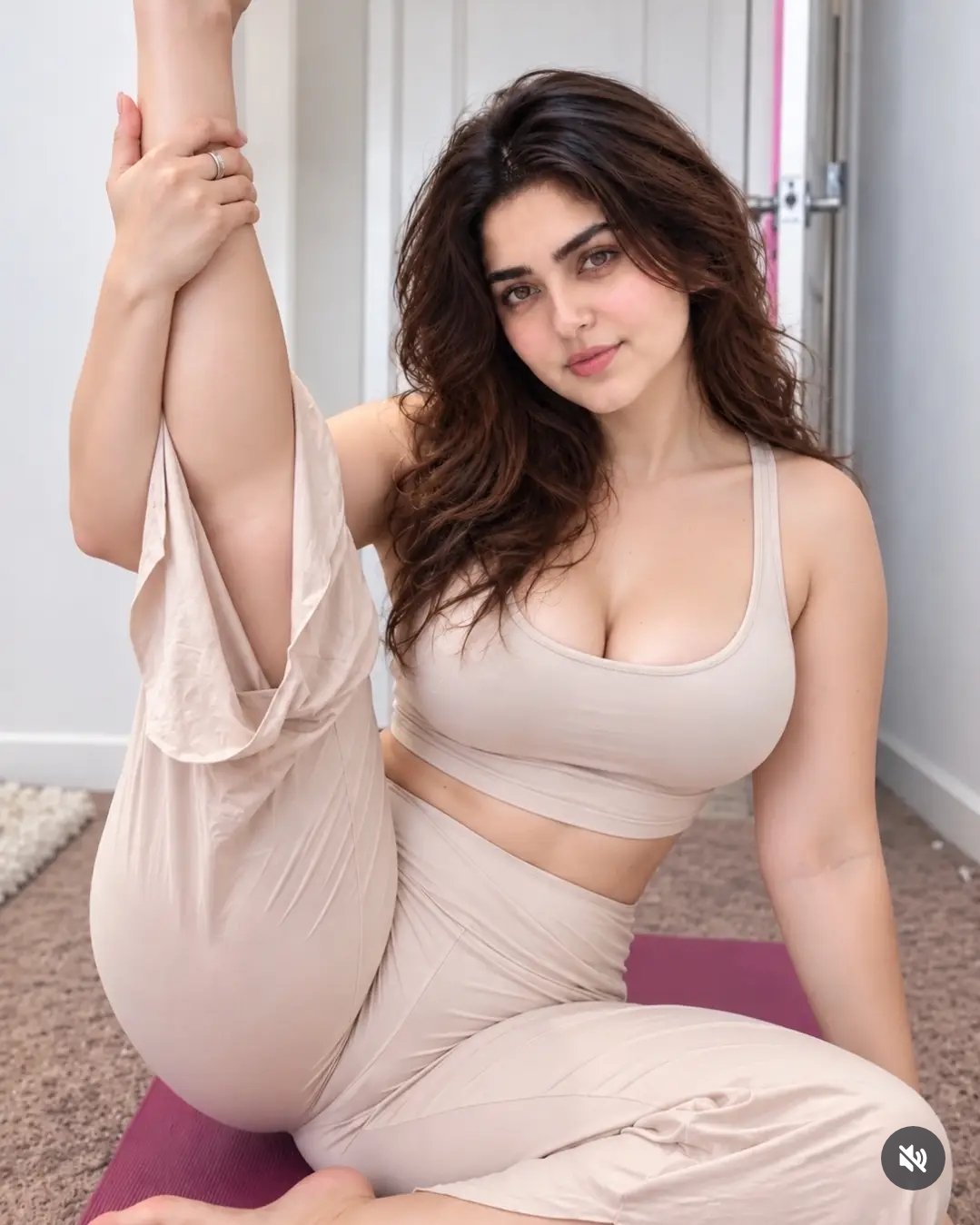
- AI image generation: high-precision rendering with multiple style options, useful for covers, posters, product shots and concept frames.
- Multi-model access: Seedance, Nano Banana, Kling, Sora 2, Veo 3 and Hailuo are reachable from one entry point.
- Smart routing: the system dispatches work to a suitable model so you do not have to compare settings by hand.
- Template library: one-click templates for popular scenarios such as dancing babies and holiday greetings.
- Watermark-free export: according to the official plan description, watermark-free output is available from the entry tier upward.
How to use it
- Sign up: open https://www.museartai.com/ and register or log in with an email or third-party account.
- Pick a module: choose AI video generation or AI image creation depending on the goal.
- Choose a model: select Seedance, Nano Banana, Kling or another model, or let smart routing decide.
- Describe the work: for text-to-video, write the scene; for image-to-video or restyling, upload the source first, then set style, aspect ratio and duration.
- Generate and download: submit, preview the result, and download it locally when you are satisfied.
Pricing
Three subscription tiers are currently listed, all metered in universal credits:
- Starter (USD 9.9 per month): 1000 credits, access to all models, all template effects, text-to-video, image-to-video, video-to-video, text-to-image and image-to-image, plus faster generation and watermark-free output.
- Standard (USD 28.9 per month): 3000 credits, aimed at studios and heavy users, and includes everything in Starter.
- Premium (USD 89.9 per month): 9000 credits for high-frequency creators, with priority queues and higher throughput.
Prices and credit rules may change with promotions, so confirm on the official checkout page before subscribing.
Where it fits
- Social content: quick short videos and cover images for TikTok, Instagram and YouTube.
- E-commerce visuals: product hero shots, detail-page assets and promotional posters in batches.
- Advertising: low-cost holiday campaigns and brand clips built with restyling and templates.
- Personal fun: viral-style clips from templates such as dancing babies.
- Concept validation: fast visual demos for early-stage teams that need to shorten test cycles.
Limits and things to watch
- Usage is metered in credits, and video usually costs more than stills, so frequent work needs a higher tier.
- Output quality depends on how precise the description is and how good the source material is; complex shots often need several passes.
- The model line-up changes as the platform updates, and individual models may be adjusted or retired.
- Before commercial use, confirm copyright, likeness and trademark clearance yourself and read the platform terms.
- This is a cloud service, so a stable network connection is required.
Frequently asked questions
Do I have to pay to use MuseArt AI?
The service is sold through subscription tiers priced at 9.9, 28.9 and 89.9 US dollars per month, which include 1000, 3000 and 9000 universal credits. Check the official checkout page for current pricing.
Can I use it without prompt-writing experience?
Yes. The built-in template library covers popular scenarios such as dancing babies and holiday greetings, so you can start from a template and swap in your own material.
Can the output be used commercially?
You need to clear rights for source material, likeness and trademarks yourself and read the platform terms; the platform does not take on that compliance work for you.



