
RoboNeo is Meitu's AI agent for imaging and design. One natural-language description is enough to run smart photo editing, AI design generation and video processing, covering outfit and background swaps, posters, logos and product assets, editing and quality repair.
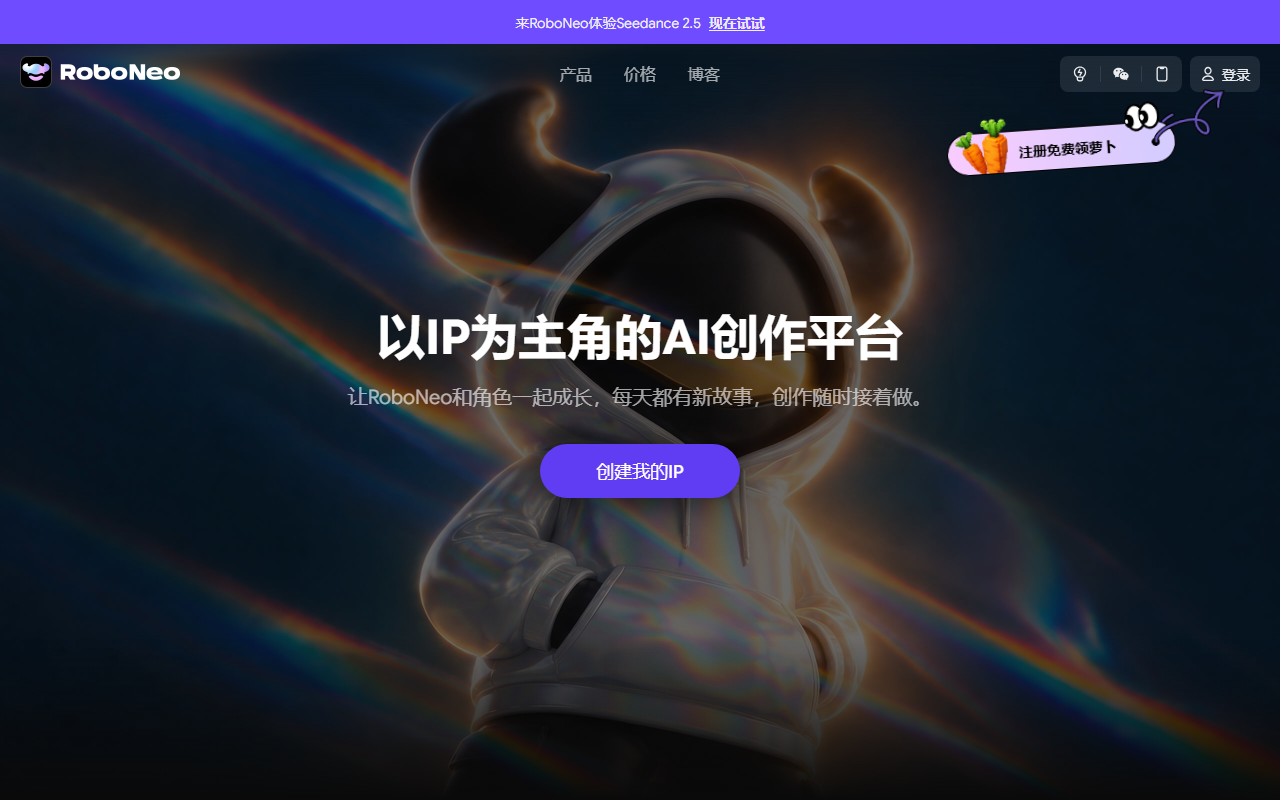
RoboNeo: Meitu's AI agent for photo editing, design and video in one sentence
RoboNeo is an AI agent from Meitu focused on imaging and design. Instead of splitting work into separate doors for background removal, background replacement, poster design and video editing, it asks you to describe the task in natural language and then decides which capability to call, in what order. For people who do not live inside design software, that shift matters more than the feature list.
Traditional editing tools require you to learn the tool before doing the job: where the mask lives, how layers stack, which format to export. RoboNeo reverses the order. You state the goal - swap the background for a seaside, make a promo poster with our logo, clean up this blurry clip - and the system translates it into operations. When a request is ambiguous it asks follow-up questions rather than confidently producing the wrong thing.
The capability set covers three lines. Editing handles outfit changes, pose adjustment, adding elements, background swaps and watermark removal, plus hair-level cutouts, blemish removal and light and shadow correction. Design produces posters, logos, e-commerce assets and sticker sets, with transparent-background output and multi-size adaptation. Video covers one-click editing, quality enhancement, effects, short film generation and video restyling.
What the main functions do
Smart editing: describing instead of masking
Outfit changes, pose changes, added elements, background swaps and watermark removal can all be requested in plain language, alongside hair-level cutouts, blemish removal and light adjustments. Hair-level cutout addresses the hardest part of a portrait edge, and it is exactly where template-driven tools tend to give themselves away.
Design generation: from posters to logos to product assets
Posters, logos, e-commerce assets and stickers can be generated, with transparent output and multi-size adaptation. E-commerce benefits most: one hero image often has to fit a detail page, a campaign page and several platform size rules at once.
Video processing: editing and repair together
One-click editing, quality enhancement, effects, short film generation and video restyling sit in the same place. Enhancement and restyling answer different needs - one rescues old footage, the other turns live-action material into another visual style.
Multimodal creation: text, image and voice input
Text-to-image and image-to-video generation are supported, with text, image and voice as interaction modes. The point of multimodality is a lower bar for expression: when a description gets clumsy, a single reference image often says more than three hundred words.
How to use it
- Open the official RoboNeo web app, or install the mobile app for your device, then register and sign in.
- Import the image or video you want to work on, by upload or drag and drop.
- Type an instruction in natural language, such as change this outfit to something trendy, make an event poster, or fix the quality of this clip.
- Review the result; if the request was unclear the agent asks for the missing detail.
- Fine-tune colour, brightness or contrast as needed.
- Export locally or to the cloud, or share straight to social platforms.
Who it suits
- Everyday users who do not know design software but need background swaps, object removal and quick retouching.
- Social media managers who need a steady output of posters, stickers and video covers and value speed over pixel-perfect retouching.
- E-commerce sellers for whom white-background product shots, added lighting and multi-platform sizing are repetitive daily work.
- Marketing and events staff in small teams that have no dedicated designer.
- Content creators producing captioned talking-head clips or restoring and restyling older footage.
- Designers who want a fast first draft to take into a professional tool for finishing.
Limits to know first
- The source does not disclose pricing, free quota or commercial licensing, so billing and usage rights need to be confirmed before commercial use.
- Results depend heavily on how precisely the instruction is phrased; the same sentence can behave very differently across source images, so produce a sample before batch processing.
- Hair-level cutouts, outfit changes and video restyling can still leave edge artefacts on complex backgrounds, overlapping people or low-resolution input.
- Enhancement improves clarity and perceived quality but cannot restore information that was never captured; do not expect a heavily blurred or over-compressed file to come back intact.
- Generated logos and posters are drafts. Font, graphic and trademark licensing and similarity risk must be checked before real use.
- Outfit and pose features applied to real people need a likeness licence before any commercial publication.
Frequently asked questions
How is this different from Meitu's other editing products?
It puts editing, design and video into one agent driven by natural language, instead of asking you to move between separate feature entries. The positioning is closer to telling someone what you need than to receiving a bigger toolbox.
Do I need design or editing skills?
No. The system decides the operations after your instruction and asks follow-ups when the request is unclear. People with design skills can treat the output as a first draft and finish it in professional tools.
Can the output go straight onto an e-commerce listing?
Background replacement, lighting, transparent output and multi-size export are supported, but subject proportion, platform rules and asset licensing still need a human check, especially with brand logos or a spokesperson's likeness.
What does the video side include?
One-click editing, quality enhancement, effects, short film generation and video restyling, plus cross-media generation such as image-to-video.
Frequently asked questions
How is this different from Meitu's other editing products?
It puts editing, design and video into one agent driven by natural language, instead of asking you to move between separate feature entries. The positioning is closer to telling someone what you need than to receiving a bigger toolbox.
Do I need design or editing skills?
No. The system decides the operations after your instruction and asks follow-ups when the request is unclear. People with design skills can treat the output as a first draft and finish it in professional tools.
Can the output go straight onto an e-commerce listing?
Background replacement, lighting, transparent output and multi-size export are supported, but subject proportion, platform rules and asset licensing still need a human check, especially with brand logos or a spokesperson's likeness.
What does the video side include?
One-click editing, quality enhancement, effects, short film generation and video restyling, plus cross-media generation such as image-to-video.



