

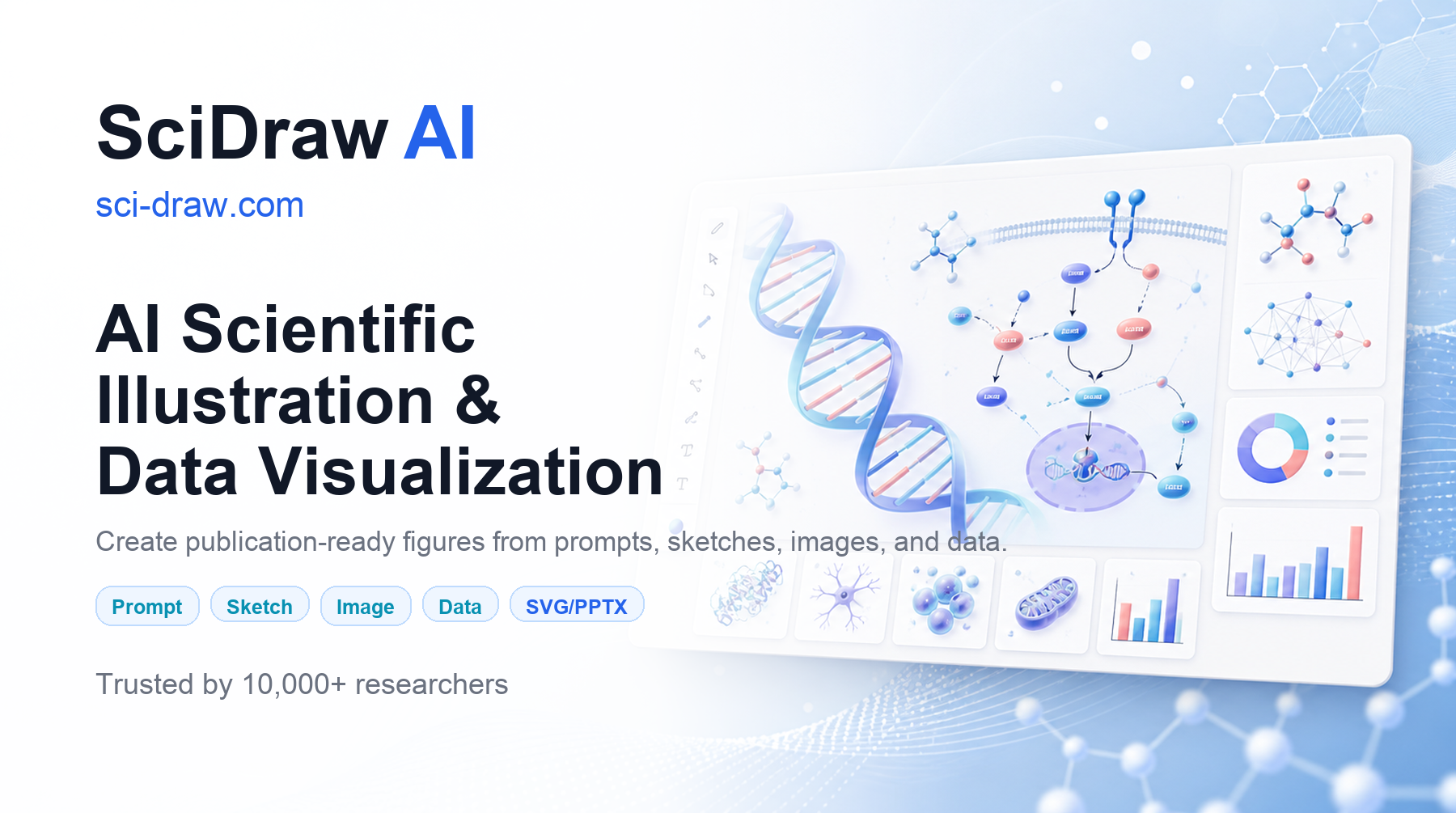
SciDraw AI is an AI scientific illustration platform. Describe in Chinese or English to generate paper figures, mechanism diagrams, technology roadmaps, and graphical abstracts within tens of seconds. It supports SVG vector, TIFF high-resolution, and editable PPTX export, with built-in journal color schemes, Sci-Vis data visualization, and a submission pre-checker, covering 181 research and teaching tools and supporting Alipay payment.
What is SciDraw AI
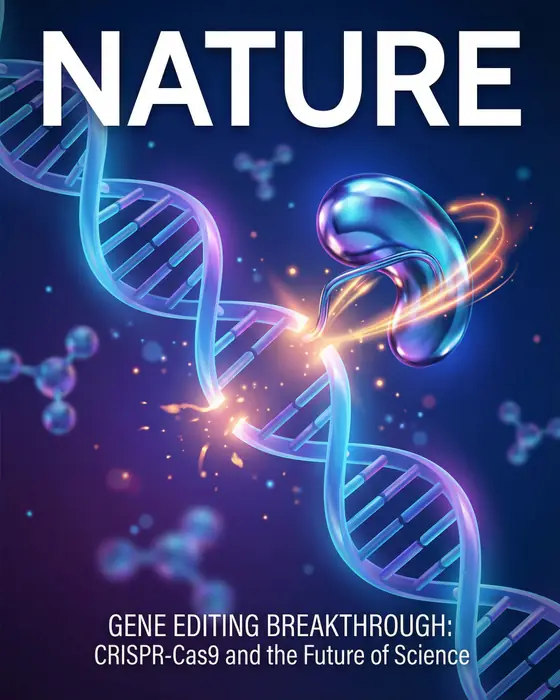
SciDraw AI is an AI scientific illustration platform for researchers, graduate students, and university faculty. Users only need to describe their research in Chinese or English, and within tens of seconds they can generate professional academic illustrations such as paper figures, technology roadmaps, graphical abstracts, and mechanism diagrams — no background in professional drawing software like Illustrator or Inkscape required. SciDraw AI supports SVG vector and high-resolution bitmap export, directly meeting the figure resolution and vector format requirements of journals such as Nature, Science, Cell, ACS, and PLOS.
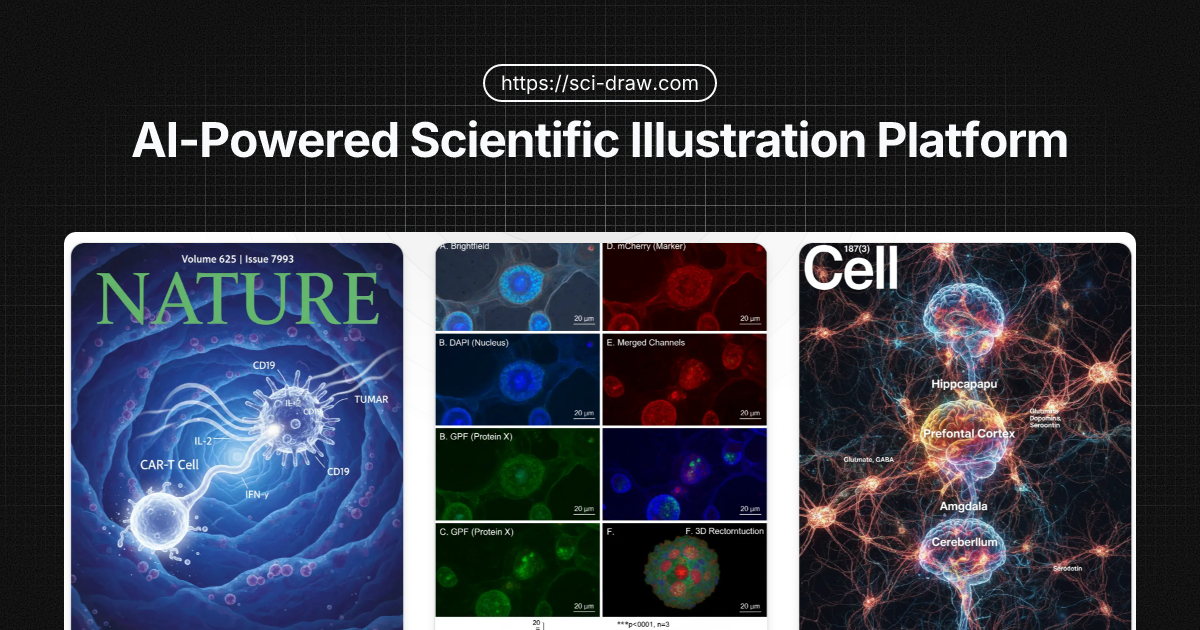
The platform currently offers 181 specialized tools for research and teaching, including 113 for research, 59 for education, and 9 for image processing, covering high-frequency scenarios such as paper figures, grant applications, conference posters, and classroom teaching. The interface supports 11 languages including Simplified Chinese, and supports Alipay payment.
Main Features of SciDraw AI
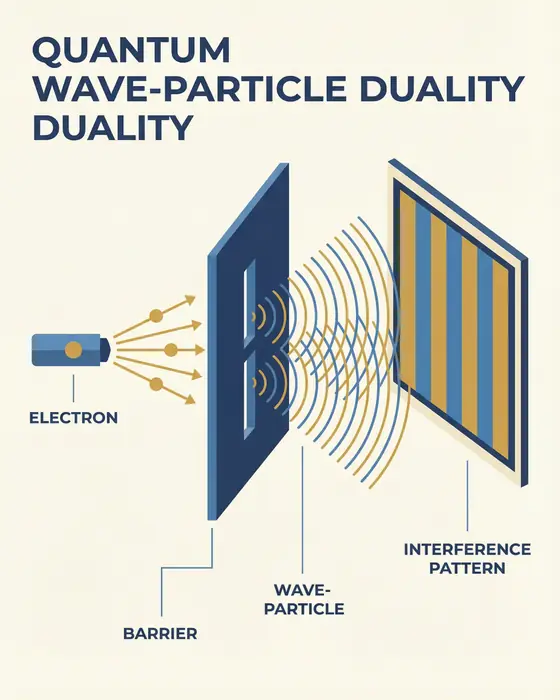
- Text-to-illustration: Enter a natural-language description to automatically generate professional academic illustrations such as mechanism diagrams, signaling pathway diagrams, and experimental flowcharts, with support for specifying discipline styles and journal color schemes.
- Technology roadmaps and NSFC application diagrams: Provides four modes — roadmap, method logic, timeline progress, and proposal design — to generate application-oriented technology roadmaps with timelines and Gantt-chart styles.
- Graphical abstract creation: Paste a paper abstract or upload a PDF, and the AI automatically distills the research logic and generates a visual summary figure for journal submission.
- Research data visualization (Sci-Vis): Upload data files such as CSV/Excel to generate statistical charts like volcano plots, box plots, heatmaps, forest plots, KM curves, and ROC curves in one click.
- Sketch refinement and style replication: Upload a hand-drawn sketch to transform it into a journal-grade figure, or upload a reference image to replicate its color scheme and layout, keeping the entire document stylistically consistent.
- Image format conversion: Supports PNG to SVG, image to vector, lossless upscaling, text removal from images, TIFF high-resolution export, and editable PPTX export.
- Teaching and science illustrations: Can generate classroom diagrams with Chinese labels such as plant cell diagrams, human anatomy diagrams, and brain structure diagrams.
- Submission pre-check and publishing authorization: The built-in submission pre-checker checks resolution, font size, line width, and color mode; paid users can apply for a certificate of publishing use.
How to Use SciDraw AI
- Register an account: Visit the SciDraw AI official website https://sci-draw.com/ to complete account login and registration.
- Select a tool: Click "Start Creating" on the homepage to enter the AI scientific illustration workbench, or pick a specific tool from the tool library by scenario, such as technology roadmap, graphical abstract, or mechanism diagram.
- Describe your needs: Specifically describe in Chinese or English what you want to draw, including the type of figure, elements, label text, aspect ratio, and color requirements. You can also directly paste a paper abstract or upload a hand-drawn sketch.
- Generate and modify: Click generate to get a result in tens of seconds. If you are not satisfied, you can continue adjusting through multiple rounds of dialogue, such as "change the left pathway to three steps" or "switch the color scheme to Nature style."
- Export and use: Once satisfied, export as SVG vector, PNG, TIFF high-resolution, or editable PPTX as needed. Before submission, you can use the submission pre-checker for a final check.
Core Advantages of SciDraw AI
- Not limited by asset libraries: Unlike BioRender, which relies on pre-built icon libraries, SciDraw AI uses generative models to directly produce figures. Niche experimental setups, self-developed devices, and interdisciplinary structures can all be drawn.
- Multi-discipline coverage: Not limited to biomedicine — physics, chemistry, materials, earth sciences, engineering, computer science, and social sciences all have corresponding tools and examples.
- Chinese-friendly: Both the interface and prompts support Simplified Chinese, and it can generate figures with Chinese labels, making it suitable for domestic research groups, grant applications, and teaching. It also supports Alipay payment.
- Editable vectors: Supports SVG and PPTX export, so generated figures can still be further edited in Illustrator, Inkscape, or PowerPoint — not just a flat image.
- Standardized research color schemes: Built-in journal color schemes solve common paper coloring problems such as color-blind-unfriendly palettes and grayscale-print distortion.
- Education discounts: Current students and in-service teachers can enjoy a 40% discount after review, and educational content creators can enjoy a 20% discount. The application entrance is https://sci-draw.com/zh/education-discount .
Comparison with Similar Competitors of SciDraw AI
| 对比项 | SciDraw AI | BioRender | Adobe Illustrator |
|---|---|---|---|
| Figure generation method | Text description generation | Drag-and-drop pre-built icons | Fully manual drawing |
| Discipline coverage | All disciplines | Mainly biomedicine | Unlimited, but no research templates |
| Learning cost | A few minutes | Several hours | Several weeks |
| Vector export | Supports SVG / PPTX | Supports | Supports |
| Chinese interface | Supports | Not supported | Supports |
| Data plotting | Built-in Sci-Vis | Not supported | Not supported |
| Free quota | 10 credits on registration, 5 credits per day | Limited free version | None |
Application Scenarios of SciDraw AI
- SCI paper submission: Generate paper figures, mechanism diagrams, experimental flowcharts, and graphical abstracts, exporting vector and high-resolution files according to target journal requirements.
- NSFC and project applications: Create NSFC technology roadmaps, proposal report technology roadmaps, research framework diagrams, and timeline Gantt charts.
- Systematic reviews and clinical research: One-click generation of PRISMA flowcharts, forest plots, KM survival curves, ROC curves, and other standardized charts.
- Academic presentations and posters: Create group meeting presentation figures, academic conference posters, TOC figures, and journal cover submission figures.
- Classroom teaching and science communication: Generate teaching illustrations and practice figures with Chinese labels such as plant cell structure diagrams, human anatomy diagrams, and brain structure diagrams.
- Figure format processing: PNG to SVG, image to vector, lossless image upscaling, text removal from images, export to editable PPTX.
Frequently Asked Questions About SciDraw AI
Q1: What is the official website of SciDraw AI?
A1: The only official website is https://sci-draw.com/ , and the Chinese entrance is https://sci-draw.com/zh . Other similarly named sites are unrelated to this platform.
Q2: Can I use it for free?
A2: Yes. Registration gives 10 credits, and thereafter 5 free credits are given every day, enough to freely generate one standard-resolution figure each day. Paid plans start at $20 per month, annual payment is more affordable, and students and teachers can apply for a 40% education discount.
Q3: Can generated figures be submitted directly?
A3: Yes. The platform supports SVG vector and high-resolution bitmap export, with built-in journal color schemes and a submission pre-checker. Paid users can also apply for a certificate of publishing use for each generated figure.
Q4: Does it support Chinese?
A4: Yes. The interface offers 11 languages including Simplified Chinese, and you can use Chinese descriptions to generate figures with Chinese labels. It also supports Alipay payment.
Frequently asked questions
What is the official website of SciDraw AI?
The only official website is https://sci-draw.com/ , and the Chinese entrance is https://sci-draw.com/zh . Other similarly named sites are unrelated to this platform.
Can I use it for free?
Yes. Registration gives 10 credits, and thereafter 5 free credits are given every day, enough to freely generate one standard-resolution figure each day. Paid plans start at $20 per month, annual payment is more affordable, and students and teachers can apply for a 40% education discount.
Can generated figures be submitted directly?
Yes. The platform supports SVG vector and high-resolution bitmap export, with built-in journal color schemes and a submission pre-checker. Paid users can also apply for a certificate of publishing use for each generated figure.
Does it support Chinese?
Yes. The interface offers 11 languages including Simplified Chinese, and you can use Chinese descriptions to generate figures with Chinese labels. It also supports Alipay payment.



