

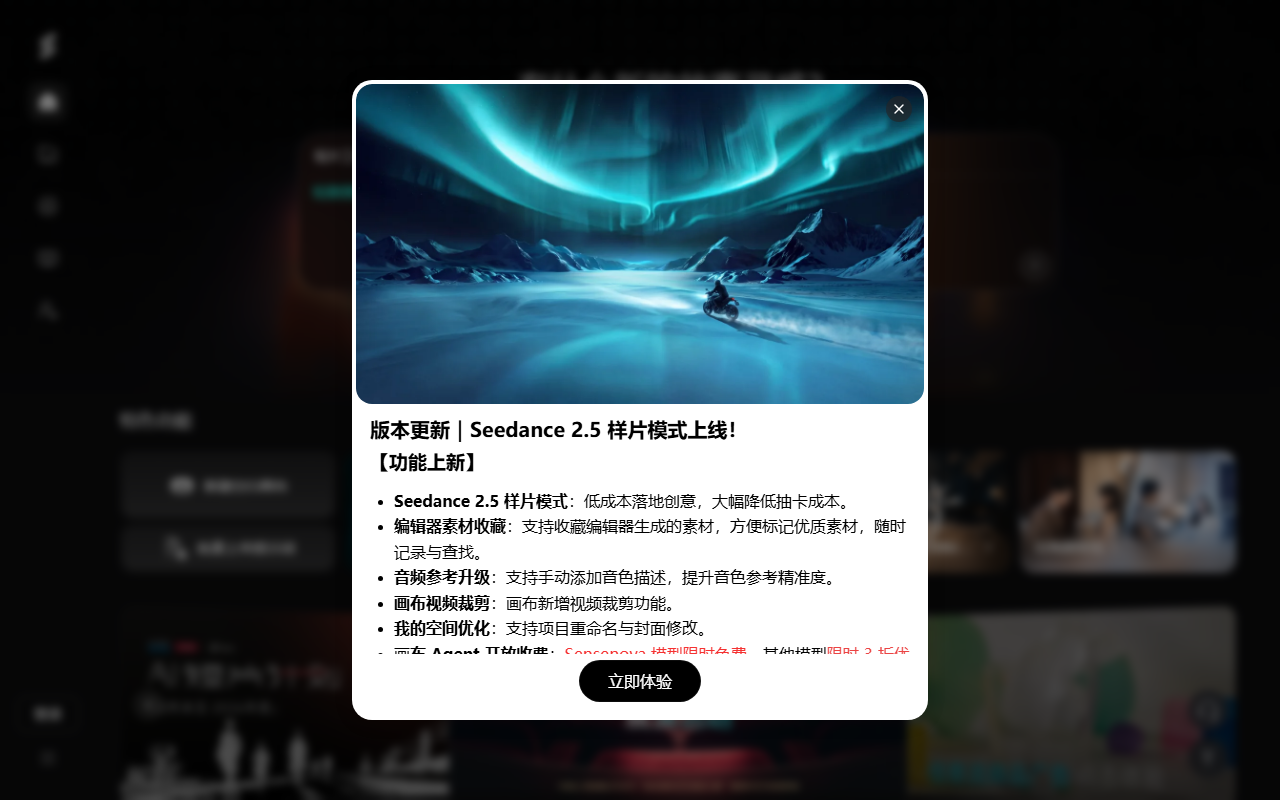
Seko is SenseTime's AI video creation platform that helps develop storyboards, videos and related assets from an idea or script.
What is Seko?
Seko is SenseTime's AI video creation platform. It helps users plan storyboards, generate visuals and edit videos around a story idea or script.
Main features
- Story and storyboard planning: Explore plot, characters, scenes and shots from a natural-language idea or script.
- Video generation and canvas editing: Generate, compare and adjust shots with available models and tools.
- Characters and sound: The platform describes character consistency, voice and lip-sync features; review results for each task.
- Episodes and export: Explore continuing stories and video export; features, models and allowances depend on current platform information.
How to use it
- Register or sign in on the official site, describe the story, audience and style, or upload a script you have permission to use.
- Review the plot, characters and storyboards, adding scene, shot and asset requirements.
- Choose available models and settings, check credits and costs, generate shots and review visuals, sound and pacing.
- Before export or publication, check consistency, lip sync, facts, material rights and target-platform rules.
Use cases and considerations
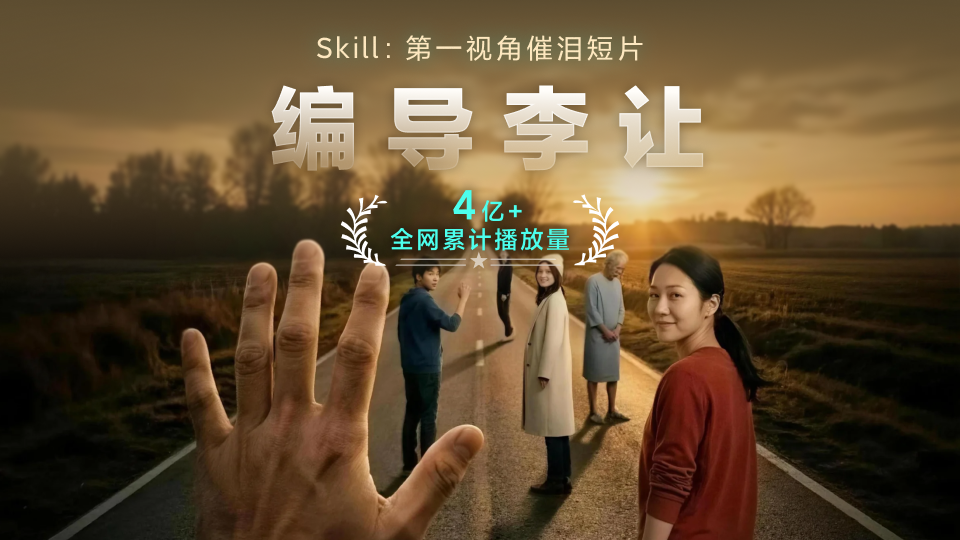
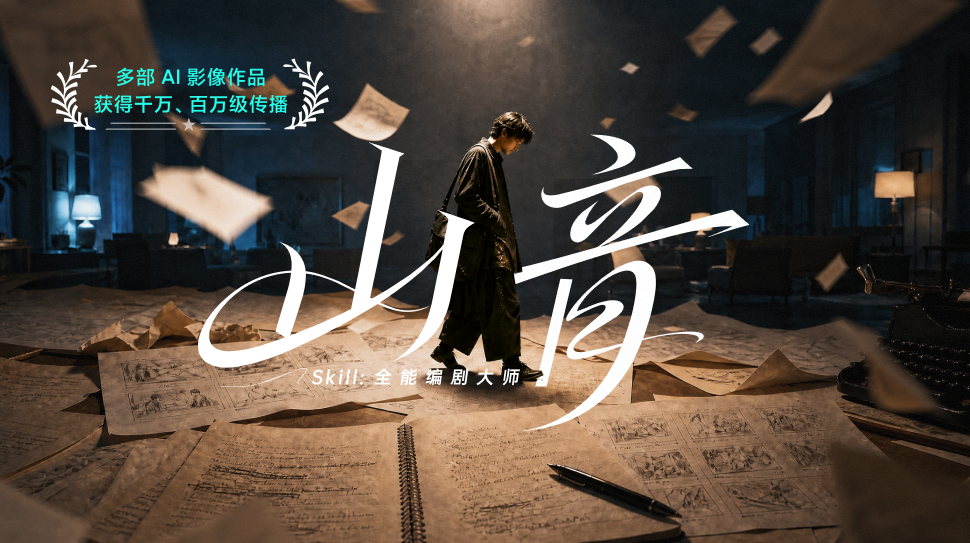
Seko can help explore short dramas, animated stories, music videos, educational content and brand films. AI results can change characters or produce lip-sync and visual errors, so human review and editing remain necessary. Obtain permission for scripts, likenesses, voices, music and references, and check commercial terms. Features, models, allowances and prices may change; consult current official information.
Frequently asked questions
What can Seko create?
It can help explore short dramas, animated stories and marketing videos; check current features and models.
Should generated videos be reviewed?
Yes. Check the story, character consistency, lip sync, visuals and sound, and edit as needed.
Can generated work be used commercially?
Check platform and model terms and obtain rights for scripts, likenesses, voices, music and reference materials.



