SkildArt is a one-stop AI visual creation platform tailored for commercial marketing, covering the complete visual production workflow from creative conception and product image generation to poster design, template sets, and short video generation. It offers two modes: 'Infinite Canvas' for refined, controllable creation and asset arrangement, and 'Agent' for quickly initiating tasks using natural language, allowing users without a design background to generate professional marketing assets.
One-Sentence Answer
SkildArt is a one-stop AI visual creation platform built for commercial marketing, integrating creative conception, product image generation, poster design, template sets, and short video generation into a single visual production workflow. It uses a dual-mode approach featuring "Infinite Canvas" and "Agent" to meet the diverse needs of users from beginners to advanced.
Product Positioning: A Complete Commercial Visual Production Line
SkildArt is positioned not as a single image-generation tool, but as a visual production platform covering the full workflow. Its core concepts can be broken down into four layers:
- One-stop: From conception to final images and videos, everything is completed within one platform.
- Built for commercial marketing: The goal is not artistic creation, but marketing assets ready for listing and advertising.
- Dual-mode: Canvas mode is for fine, controllable creation, while Agent mode is for speed and a low barrier to entry.
- Model aggregation: Brings multiple popular image and video models together for unified access.
For users, this means no need to shuttle assets between multiple tools; product images, detail pages, posters, and short videos can all be extended within the same asset system.
Core Features
Infinite Canvas + Agent Dual Mode
Canvas mode is suitable for more refined, controllable visual creation and asset arrangement; Agent mode supports initiating tasks directly with natural language, allowing users without a design background to quickly generate professional marketing assets.
E-commerce Virtual Photography
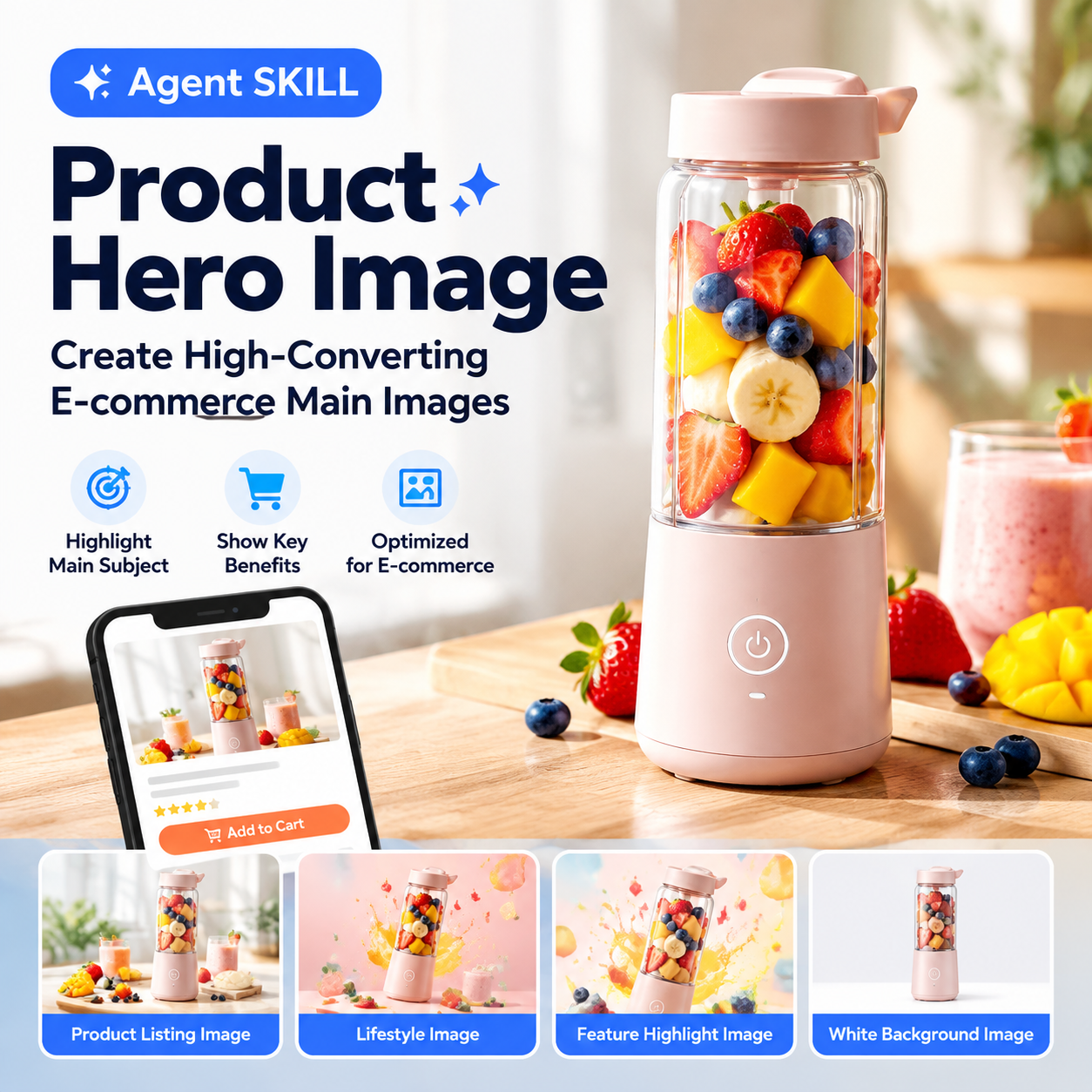
No need to set up a photography studio; simply upload a product image to generate high-quality scene images.
Multi-SKU Batch Image Generation
Supports subject extraction, batch color replacement, and multi-style expansion, making it suitable for product lines with many specifications.
One-Click Set Image Generation
Supports the synchronous generation of multi-ratio image sets for main images and detail pages, reducing the repetitive work of adjusting sizes one by one.
Intelligent Point-to-Point Retouching
Supports local retouching, element addition, and background replacement; the platform also provides operations like smart cutout and HD upscaling, making it convenient to perform secondary optimization on AI-generated images or original product images.
Product Image to Video
Static product images can be converted into product TVCs, talking-head sales videos, or social media short videos.
Multi-Scene Template Library
Covers templates for Amazon A+, main and secondary images, social media posters, real-person talking heads, clothing styling, jewelry display, and more.
Model Aggregation Capability
Currently available models include OG-Image2, Seedance-2.0, Seedance-2.0-Fast, Kling-3.0, Kling-3.0-Omni, GG-Banana pro, GG-Banana 2, OS-2.0, Doubao-seedream-5-lite, etc. The platform materials also mention flagship models like GG-Banana 2, OG-image2.5, and Z-Image Turbo. The model list is subject to change; please refer to the platform page for actual availability.
How to Use SkildArt
- Register and Log In: Visit the SkildArt official website https://skildart.cn/ , use your phone number or WeChat scan to register and log in with one click, and claim the new user free credit pack. First-time users need to verify their phone number and bind WeChat scan, after which either method can be used to log in.
- Choose Creation Entry: Select "AI Agent Dialog Generation" for quickly creating single assets; select "Infinite Canvas" for batch detail pages and image sets.
- Upload Assets and Input Requirements: Upload product photos, or directly describe your needs in natural language, while selecting the corresponding model (e.g., Image2, Seedance-2.0, etc.).
- Canvas Editing and Generation: Complete cutouts, background replacement, layout, multi-size adaptation within the canvas, and generate matching short videos with one click.
- Export and List: One-click export of multi-SKU size assets compliant with platforms like Amazon and independent sites, ready for listing and promotion.
The official first-hand material page also includes a beginner tutorial, "10 Minutes to Teach You How to Generate Finished Images with AI," which can be used as a quick start reference.
Applicable Scenarios
- Product Marketing Image Generation: Generate main images, scene images, selling point images, detail page visuals, and ad assets, adapted for multiple platforms like Amazon, TikTok Shop, and Shopify.
- A+ Detail Page Visual Generation: Automatically generate complete detail page visuals to present selling points, usage scenarios, material details, and brand texture.
- Multi-SKU Batch Image Generation: Suitable for multi-spec products like clothing, beauty, home goods, and 3C, supporting batch color and scene changes.
- Social Media Marketing Asset Creation: Generate seeding images, marketing posters, ad images, and event visuals for platforms like Instagram, Xiaohongshu, TikTok, and Facebook.
- Product Short Video Generation: Convert static product images into talking-head sales, product display, or marketing short videos, suitable for TikTok, Amazon video placements, and social media ads.
- AI Models and Virtual Photography: Generate model wearing images, lifestyle scene images, and product mood images without real models or studios.
- Smart Retouching and Secondary Editing: Local modifications, element addition/removal, background replacement, smart cutout, and HD upscaling.
Target Audience
- Global e-commerce sellers: Reduce shooting and design costs.
- Multi-platform operators: Asset needs for Amazon, Temu, TikTok Shop, Shopify, independent sites, etc.
- Brands and marketing teams: New product promotion, event posters, ad placement, and social media communication.
- Social media and ad placement teams: Batch production of seeding images, promotional images, short videos, and multi-version ad assets.
- AI designers and content creators: Improve efficiency using multiple models, canvas, and Agent.
- Small and medium teams and users with zero design background: Produce marketing assets without relying on dedicated designers.
Advantages
- Complete workflow: No need to switch platforms from conception, image generation to short videos.
- Clear dual-mode division: Use Canvas for control, Agent for speed.
- Strong batch processing: Subject extraction, batch color replacement, and set image generation are friendly to multi-SKU merchants.
- Multiple model choices: Image and video models are aggregated within one platform.
- Free starting point: Register to receive 20 credits to experience image and video generation features.
Limitations and Considerations
- Credits are the core cost: All operations invoking AI capabilities will consume credits, including text generation, image generation, video generation, and HD upscaling. The consumption amount is marked on the generate button; basic operations like uploading images, creating projects, and downloading original images are free.
- Credits have an expiration date: Daily refreshed credits are only valid for the day, and the beginner period is 9 days; plan credits are only valid within the current subscription cycle; event credit validity is subject to specific event rules.
- Free generation may queue: Wait times vary dynamically with the number of users. If in a hurry, you can consume credits to enable high-speed mode.
- Deletion is irreversible: Projects cannot be restored after deletion. It is recommended to download and save important assets before deleting.
- Commercial use requires self-checking: As long as the uploaded source assets are legally owned or authorized, the generated content can be used for free for legal commercial purposes, but you need to verify whether it involves third-party trademarks, design patents, or portrait rights.
- Capability boundaries may change: The model list and the scope of unlimited free generation may be adjusted; please refer to the platform page.
Price and Credit Verification Notice
- Free users: Register to get 20 credits to experience image and video generation. New users can get basic credits and enjoy daily refreshed credits during the beginner period (9 days).
- Paid plans: Offers five tiers: Starter / Basic / Pro / Ultimate / Team, supporting monthly and annual payments.
- 9.9 yuan Starter plan: 150 credits (7-day validity), enough to generate about 150 images; Nano Banana 2 and Image2 models have unlimited free generation and consume no credits; unlocks all advanced image models (Banana pro, Doubao-seedream-5-lite, etc.); OS-2.0, Seedance-2.0, Seedance-2.0-Fast, Kling-3.0, Kling-3.0-Omni and other video models are available for use.
- Unlimited free generation benefit: For subscribers, generating images using models marked "Unlimited Free Generation (Selected Models)" does not consume plan credits. Currently supports GG-Banana 2, OG-Image2, and other models, subject to the platform page display.
Prices, credit values, validity periods, and promotional offers are subject to change; please refer to the real-time display on the order page. The information on this page does not constitute a quote or a commitment.
Frequently Asked Questions
Is SkildArt free?
There is a free starting point. Registration grants 20 credits to experience image and video generation; new users can also receive basic credits and enjoy daily refreshed credits during the beginner period (9 days). Beyond the free quota, credits or a subscription plan are required.
Which operations consume credits?
All operations invoking AI capabilities will consume credits, including text generation, image generation, video generation, and HD upscaling; the amount consumed each time is marked on the generate button. Basic operations like uploading images, creating projects, and downloading original images are free.
Are credits deducted for failed generations?
No. For generation failures caused by system reasons (network anomalies, service timeouts, model processing failures, etc.), credits will be automatically fully refunded; actively canceling an operation does not deduct credits.
Can the generated content be used commercially?
Yes. As long as the uploaded source assets are legally owned or authorized, the generated content can be used for free for legal commercial purposes; however, you need to verify whether it involves third-party trademarks, design patents, or portrait rights.
Will uploaded images be used for training?
No. The images you upload are only used for the current AI generation task, will not be used for public model training, and will not be shared with third parties.
Can deleted projects be restored?
No. Projects cannot be restored after deletion. It is recommended to download and save important assets before deleting.
How to Choose Alternatives
Public materials do not list specific competing products for SkildArt, so no specific names are recommended here. Instead, here are evaluation criteria to help you compare horizontally based on your own business:
- Canvas capability: Does it support multi-asset arrangement, multi-size adaptation, and set image generation?
- Natural language entry: Can tasks be initiated directly via a conversational Agent to lower the barrier to entry?
- Model coverage: Are image and video models accessible within the same platform, or is cross-tool transfer required?
- Batch processing capability: Are subject extraction, batch color replacement, and multi-style expansion natively supported?
- Billing and validity: Are the credit consumption rules, expiration times, and refund rules transparent?
- Commercial compliance: Are the commercial license and risk warnings for generated content clear?
If you mainly do e-commerce detail pages and short videos, it is recommended to prioritize comparing the completeness of the "Canvas + Set Image Generation + Image to Video" workflow, rather than just comparing single image generation results.
Official Entry and First-Hand Materials
- SkildArt official website registration entry: https://skildart.cn/
- Product page (first-hand materials): https://skildart.cgref.cn/s/rpexor3e90 , with the theme "Tell AI what you want to do, generate product images, posters, and videos in one sentence."
- This first-hand material page also provides a beginner tutorial, "10 Minutes to Teach You How to Generate Finished Images with AI," which can be used to understand the basic operation flow.
Before use, please refer to the latest features, models, and pricing information on the official pages above.
Frequently asked questions
Is SkildArt free?
There is a free starting point. Registration grants 20 credits to experience image and video generation; new users can also receive basic credits and enjoy daily refreshed credits during the beginner period (9 days). Beyond the free quota, credits or a subscription plan are required.
Which operations consume credits?
All operations invoking AI capabilities will consume credits, including text generation, image generation, video generation, and HD upscaling, the amount consumed each time is marked on the generate button; basic operations like uploading images, creating projects, and downloading original images are free.
Are credits deducted for failed generations?
No. For generation failures caused by system reasons (network anomalies, service timeouts, model processing failures, etc.), credits will be automatically fully refunded; actively canceling an operation does not deduct credits.
Can the generated content be used commercially?
Yes. As long as the uploaded source assets are legally owned or authorized, the generated content can be used for free for legal commercial purposes; but please verify whether it involves third-party trademarks, design patents, or portrait rights.
What can I experience with the 9.9 yuan Starter plan?
The plan includes 150 credits (7-day validity), enough to generate about 150 images; Nano Banana 2 and Image2 models have unlimited free generation and consume no credits; unlocks all advanced image models (Banana pro, Doubao-seedream-5-lite, etc.); and allows the use of video models like OS-2.0, Seedance-2.0, Seedance-2.0-Fast, Kling-3.0, and Kling-3.0-Omni. Specific prices and promotional offers are subject to the real-time display on the order page.
Will uploaded images be used for model training?
No. The images you upload are only used for the current AI generation task, will not be used for public model training, and will not be shared with third parties.