
Web pages, subtitles on supported platforms, PDFs, images and selected text; the current interface defines the supported scope.
Transor: read translations alongside the original
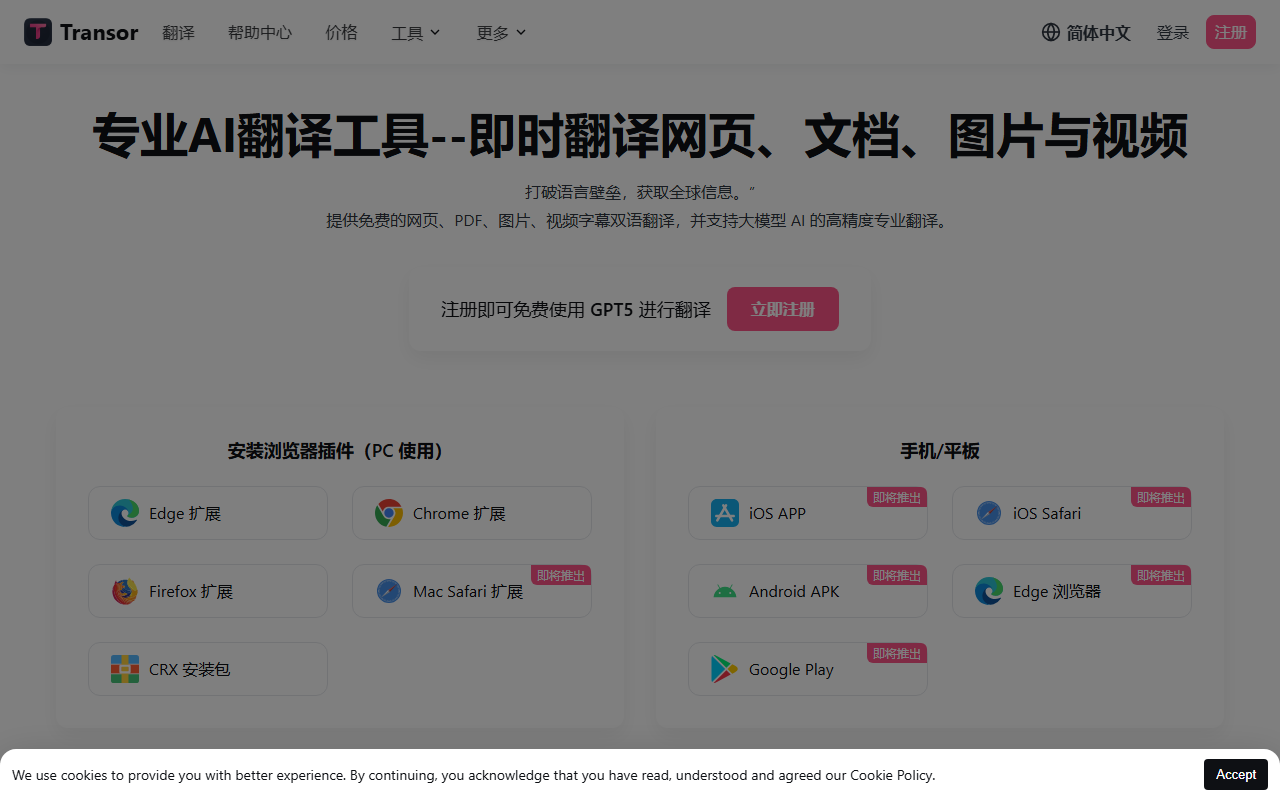
Transor is an AI translation tool for web reading and several kinds of reference material. Its bilingual view keeps the original available while you read the translation. It can assist with foreign-language pages, learning materials, video subtitles and documents, and offers entry points for images, selected text and text fields.
Main features
Web translation identifies the main content area for bilingual reading. Subtitle translation works on supported video sites, while PDF translation supports document reading. Image translation uses text recognition; selected text can be translated and saved to a collection with export support. The product also describes bilingual image sharing.
Available translation services include OpenAI, DeepSeek and Google Gemini. Availability, quotas and access conditions can differ between services. Check the current settings rather than assuming that support for a service means unlimited free use.
Getting started
Choose a compatible browser extension from the official website. On a page, open translation through the toolbar icon or context menu. For documents, choose the relevant feature, translation service and target language, then review the bilingual result. Use the dedicated controls for images, subtitles and selected text, and confirm text-field shortcuts in settings.
Suitable uses and limits
Transor can help with foreign-language research, learning and preparing cross-language communication. Verify specialist terms, complex layouts and important conclusions against the original. Translation does not replace human review of important documents. Review permissions, privacy information and current terms before installation or document upload.
FAQ
What content is supported?
Pages, supported video subtitles, PDFs, images and selected text; consult the current interface for details.
Where do I start?
Visit the Transor website and follow the installation instructions for your browser.
Frequently asked questions
What can Transor translate?
Web pages, subtitles on supported platforms, PDFs, images and selected text; the current interface defines the supported scope.



