

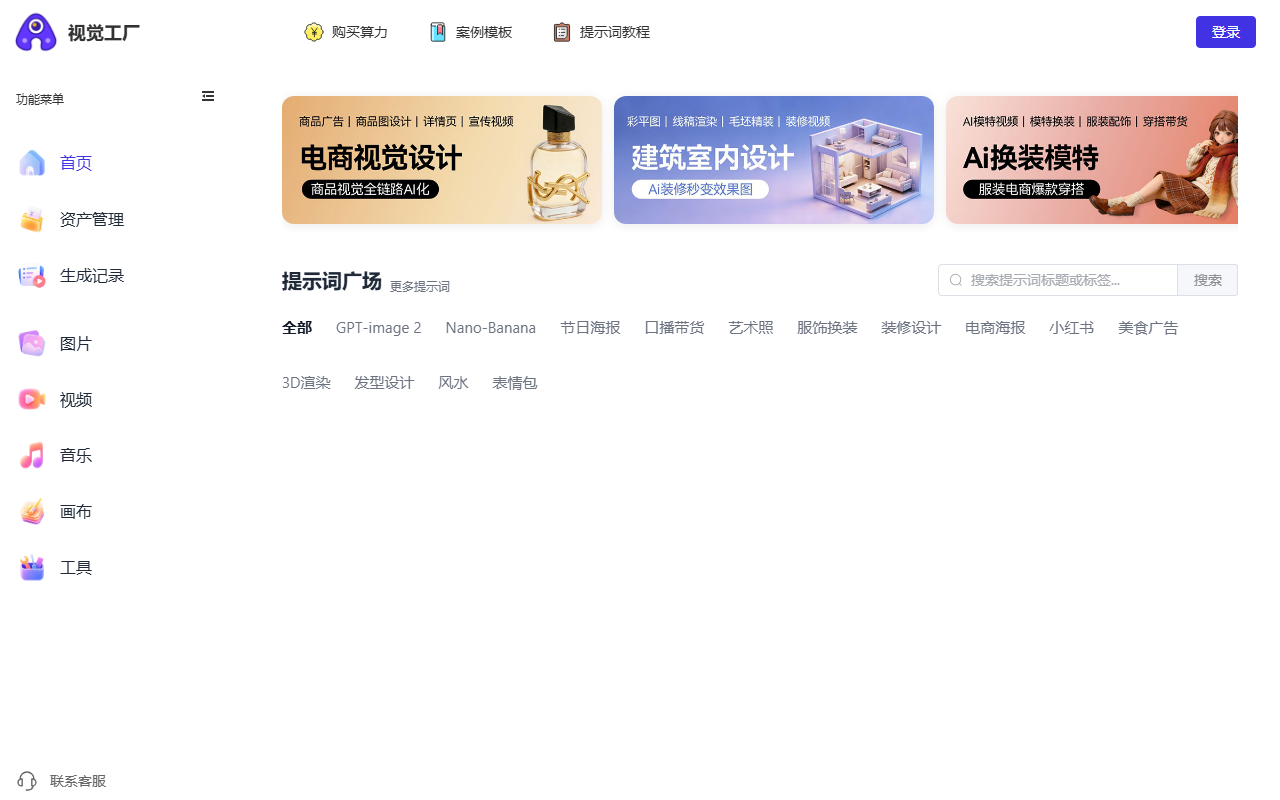
Vision Factory is an online AI creation platform where a sentence or a product photo turns into 4K commercial images and video, with prompt reverse engineering, one-click ad films and industry templates.
Vision Factory is an online AI creation platform that puts image generation and video generation behind one interface. Its approach is not to make you choose models and wire up a workflow, but to wrap several top-tier models in what feel like simple buttons: type a sentence, upload a picture, get usable commercial material. For people without a design background, that entry point matters more than a spec sheet of model parameters.
The official site is https://d.aijuh.com/ ; you register an account and start there.
What it does
- Image generation: built on the Nano Banana Pro model. One sentence produces a 4K image intended for commercial use, and editing tools cover local repaint, one-click style copying from a reference, text replacement without redrawing the layout, and model outfit swaps. Local repaint is for changing a detail without disturbing the rest; text replacement is for swapping copy on an existing poster.
- Video generation: brings together Sora, Veo, Grok, Tongyi Wanxiang and similar models, with text-to-video, image-to-video, face swapping and image-to-motion. A batch queue and automatic rerun on failure make it practical to schedule several clips at once.
- Video reverse engineering: upload a video link or a local file and the system breaks down shots, colour grade and pacing, then returns prompts you can reuse. It helps most when you like a clip but cannot articulate why it works.
- One-click film: give a product image and a short list of selling points, and the AI writes the shot list, adds subtitles and effects, and outputs a commercial ad.
- Prompt library: industry templates for e-commerce, architecture, beauty and other verticals, applied with one click.
- Reliability features: multi-route failover, view-level control, and a Chinese prompt library built locally rather than translated.
How to use it
- Go to the official site, register and sign in.
- Choose a module: image generation, video generation, video reverse engineering or one-click film.
- Enter a text description, or upload images and video material.
- Pick a model and adjust resolution, style or camera angle.
- Generate, wait for processing, then preview, download or keep editing.
- Generated images and clips live in asset management for download or sharing.
Where it fits
- Architecture and interiors: import a CAD floor plan, generate a 3D bare shell, add furnishing elements and render an animation so clients can walk the design.
- E-commerce: keywords or a product photo in, posters, detail-page visuals or short clips out.
- Talking-head sales clips: paste selling-point copy and get a vertical video with lip sync and gestures matched to a human voice.
- Outfit changes: upload a garment and see it on models in different styles, with motion previews.
- Advertising: brand information plus selling points become a shot list and then a video.
- Portraits: a selfie is refined for makeup, lighting and depth of field into a studio-style portrait.
Limits to keep in mind
Generated material needs a human pass. Text, logos, hands and product structure can drift, so check each frame before commercial use. 4K output, commercial licensing and which models are actually reachable depend on the platform's current terms and your subscription tier, and quotas differ per model. Reverse engineering returns an inferred description, so a reproduction will not match the original exactly. Prompt quality drives output quality; templates are a starting point, not a guarantee. Upload only images, video and likenesses you have the rights to use, and be especially careful with real people.
FAQ
Do I need design experience? Largely no. Pick a module, write a sentence or upload an image. Model, resolution and angle controls are there when you want finer control.
Can I do images and video in one place? Yes. Image generation, video generation, reverse engineering and one-click film sit under one account and share asset management.
Is the output ready for commercial use? The platform targets commercial work, but licensing scope, output specs and model availability follow current terms and subscription plans. Check the official documentation and review the content yourself before publishing.
Frequently asked questions
Do I need design experience?
Largely no. Pick a module, write a sentence or upload an image. Model, resolution and angle controls are there when you want finer control.
Can I do images and video in one place?
Yes. Image generation, video generation, reverse engineering and one-click film sit under one account and share asset management.
Is the output ready for commercial use?
The platform targets commercial work, but licensing scope, output specs and model availability follow current terms and subscription plans. Check the official documentation and review the content yourself before publishing.



