

Wanjing Yike is Alibaba Cloud's AI video creation platform covering five stages from script to finished cut: script parsing, AI storyboard generation, subject creation with image and video generation, online editing and asset management. It offers dialogue narration and first-person narration plus style templates such as realistic 3D render, sci-fi comic, Chinese-style animation and cinematic realism, aimed at short dramas, animation, novel IP visualisation, advertising and pre-production. Access currently requires a beta application.
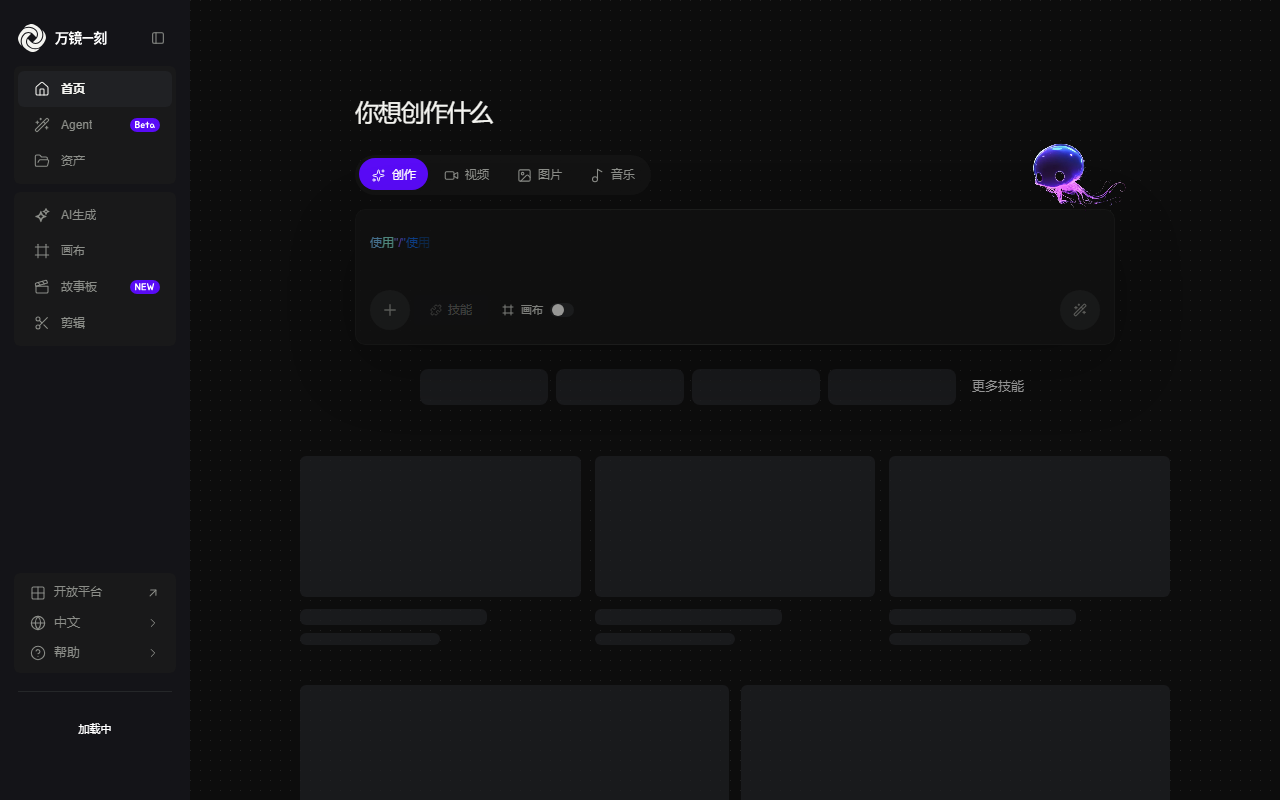
Wanjing Yike: Alibaba Cloud's AI video platform that turns a script into storyboards
In film and video work the most expensive step is rarely the shoot. It is turning text into something you can look at: the writer hands over a script, the director imagines the shots on paper, the storyboard artist draws them frame by frame, and the producer judges feasibility and budget from those drawings. Wanjing Yike targets exactly that stretch. Drop in a script or shot list, get storyboard frames back, then continue in the same flow into image generation, video generation and editing. It does not claim to replace a director; it lowers the cost of taking one look first.
The five modules map onto five bottlenecks in the production pipeline. Script parsing breaks prose into executable shot descriptions. Storyboard generation turns those descriptions into pictures. Subject creation handles character design, single frames and video clips. Online editing handles pacing and transitions. Asset management keeps footage and projects together. Chaining them matters because after you rewrite one line of dialogue, you are not shuttling files between applications.
The product stage needs saying plainly. The source marks it as closed beta: you submit an application on the official site and wait for approval, so it is not open sign-up. The parsing mode aimed at long novels, which splits chapters and generates several storyboards in a batch, is labelled as coming soon and was not available when this was written. Pricing, per-generation quotas, export resolution and commercial licensing terms are also undisclosed, so confirm them with the vendor once you have access.
Main features
AI storyboard generation
Upload a script or shot list and the system parses it into matching storyboard frames. What it removes is the time and craft barrier of hand-drawn boards, so text becomes something a team can discuss within minutes. It produces a draft worth arguing about, not final artwork.
Two narration modes
Dialogue narration and first-person narration change how voiceover and images work together. The first suits short dramas with clear plot beats; the second carries more immersion, which fits walkthroughs, travel pieces and first-person storytelling.
Subject creation
Integrated image and video generation builds visual content from text descriptions. Character designs, single scenes and moving clips come from one platform, which reduces consistency problems across tools, though keeping a character stable across shots still needs selection and retries.
Online editing
Built-in editing handles post-processing, pacing and transitions on generated material. Keeping generation and editing in one place mainly removes repeated exporting and importing.
Asset library
A material library and project controls keep resources in one place and let good assets accumulate. Once you have many projects, finding last month's character sheet matters more to throughput than raw generation speed.
Style templates
Realistic 3D render, sci-fi comic, Chinese-style animation and cinematic realism set the overall tone. Templates fix the register; individual shots still need prompt work and asset choices.
Batch parsing for long text
Scripts and long novels can be split automatically and turned into multiple storyboards, which is the efficiency claim for long-form work. The source labels this mode as coming soon, so treat availability as unconfirmed.
End-to-end loop
Script to finished cut happens in one chain without switching platforms. For solo creators and small teams the saving is mostly coordination and file management, not just render time.
How it works
- Visit the official site and submit a beta application; the product is not generally open yet, so wait for approval.
- Choose an entry point: storyboard creation, subject creation with image or video generation, or online editing.
- Import material by pasting text or uploading a document: a script, a shot list or a novel excerpt.
- Pick a generation mode. Script mode suits a single episode, shot-list mode suits drafts with detailed camera descriptions, and the long-novel parsing mode is marked as coming soon.
- Set the narration style, choosing between dialogue narration and first-person narration.
- Pick a visual style from the templates: realistic 3D render, sci-fi comic, Chinese-style animation or cinematic realism.
- Let the system parse the content and generate storyboard frames, character images or video clips, then move into editing for pacing and transitions.
- Manage resources in the asset library and export the finished piece in the format you need.
Who it fits
- Short-drama teams turning scripts into boards for early planning and visual previews before the shoot.
- Animation and comic studios converting written scripts into panels with a consistent style template.
- Web-novel and IP owners who need visual material for pitch decks and adaptation proposals.
- Agencies and brands producing several style variants of a concept quickly for comparison.
- Pre-production teams fixing a look and rehearsing a shooting plan before the project starts.
Limitations
- The product is in closed beta; an application and approval are required, and the source gives no review timeline or criteria.
- Long-novel parsing is marked as coming soon and was not available at the time of writing.
- No pricing, free quota, generation duration or export resolution ceiling is disclosed.
- Commercial licensing, ownership of generated material and the platform content policy are not itemised; confirm before any commercial use.
- As a browser-based platform it needs a modern browser and a stable connection; parsing long scripts is time-sensitive to network quality.
- Output quality depends heavily on input structure. A script with vague camera notes rarely yields usable boards, and the time saved upfront returns as rework.
FAQ
Can I use it right now?
Not by simply signing up. The source says the product is in closed beta: submit an application and wait for approval before you get access.
What does it actually produce?
Three kinds of output: storyboard frames, character and scene images, and video clips. You then adjust pacing and transitions in the built-in editor and export the result.
What inputs are supported?
Scripts, shot lists and novel text for the parsing mode, entered by pasting text or uploading a document.
Which narration modes exist?
Dialogue narration and first-person narration, which decide how voiceover pairs with images and suit different kinds of storytelling.
How does it relate to tools like Runway?
The starting point differs. Runway-style tools centre on generating shots from text or images, while Wanjing Yike starts from the script and storyboard, closer to pre-production planning and shot breakdown.
Frequently asked questions
Can I use it right now?
Not by simply signing up. The source says the product is in closed beta: submit an application and wait for approval before you get access.
What does it actually produce?
Three kinds of output: storyboard frames, character and scene images, and video clips. You then adjust pacing and transitions in the built-in editor and export the result.
What inputs are supported?
Scripts, shot lists and novel text for the parsing mode, entered by pasting text or uploading a document.
Which narration modes exist?
Dialogue narration and first-person narration, which decide how voiceover pairs with images and suit different kinds of storytelling.



