

Wanpai AI is an AI photo editing assistant that works from plain-language instructions: you describe the look you want and it produces the edited image, suited to social sharing, travel records, personal portraits and old photo repair.
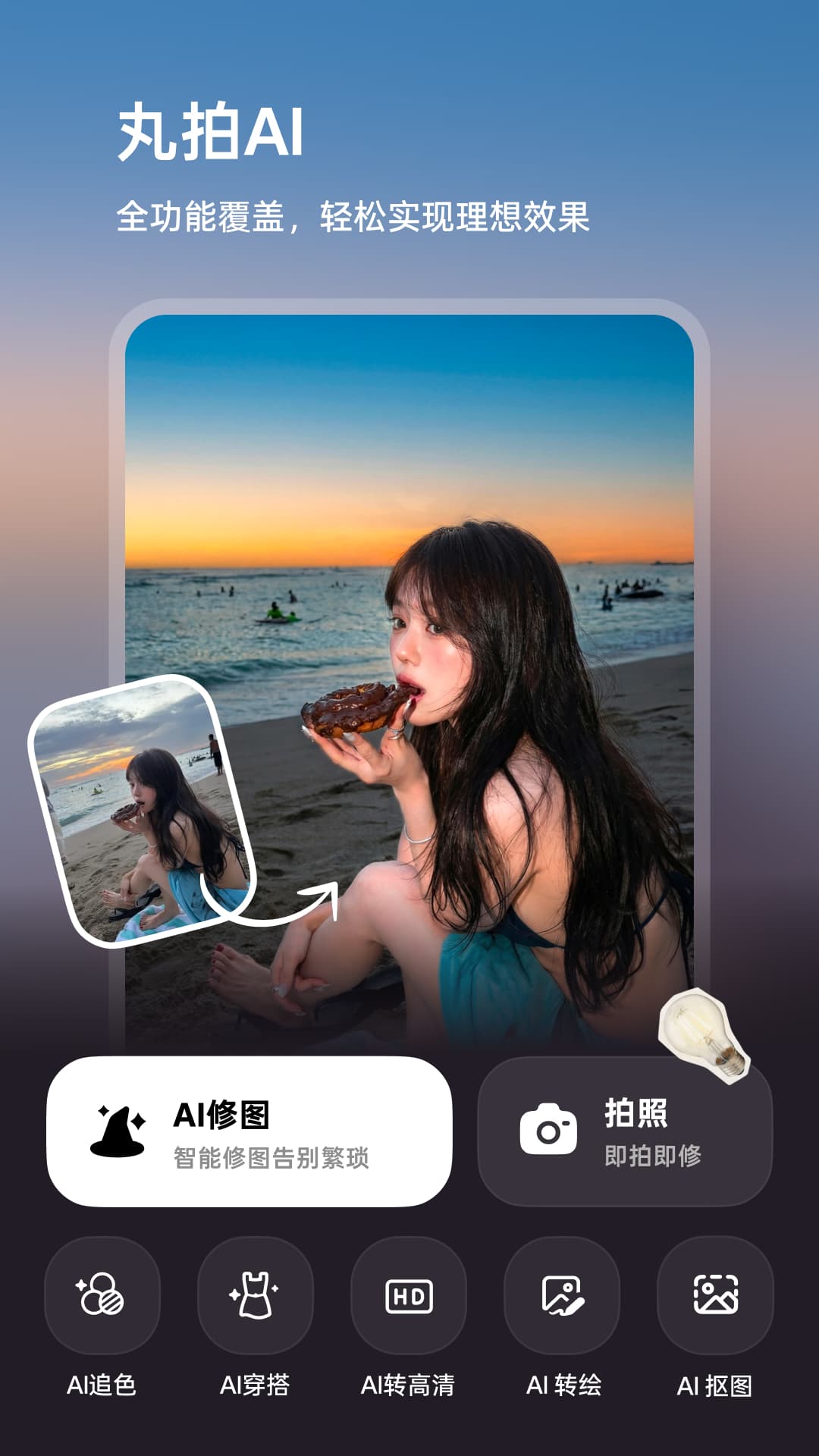
Wanpai AI: The Photo Editor You Drive with One Sentence
Wanpai AI is an intelligent AI photo editing assistant built around one-sentence editing. Instead of understanding exposure, colour temperature or curves, you simply tell the AI what you want in plain language, such as brighter or add some atmosphere, and it produces the finished image. It also turns common post-processing work into reusable creative templates, so ordinary users can produce shareable pictures consistently.
Main capabilities
One-sentence editing Describe the look you want in natural language and the AI completes the edit and outputs the result, with no manual adjustment of parameters.
AI multi-image blending Blend several pictures into a single creative composition, useful for combined scenes.
AI travel blockbusters Turn travel snapshots into blockbuster-style images with stronger texture and visual impact in one tap.
Retro film look Built-in retro film filters and grain effects create a nostalgic atmosphere quickly.
Studio portraits Generate portrait results with a more professional feel for personal display and social sharing.
Pet makeovers Creative styles and transformations designed for pet photos.
AI outfit preview Simulate how different outfits would look to support clothing decisions.
Style switching Switch between fresh, Japanese and magazine styles in one tap.
Old photo repair Repair old photographs with AI, improving clarity and colour reproduction.
Template matches A large library of popular inspiration templates supports one-tap creation of the same look.
How to use it
- Open the app and import the photo you want to work on.
- Describe the effect you want in one sentence, for example more brightness or a stronger atmosphere.
- Pick the result you like, or compare across several styles.
- For blending or travel effects, import several photos and use the blending and travel functions.
- Use the repair function on old photographs to improve clarity, then export or share the result.
Where it fits
- Social sharing: produce images with a consistent style quickly.
- Travel records: turn holiday photos into travel blockbusters.
- Personal display: create portrait-style images.
- Pet content: restyle and transform pet photos.
- Old photo archiving: repair and restore aged photographs.
Limitations
- One-sentence editing depends on how specific your instruction is; vague wording can produce results far from what you expected.
- AI portraits and travel effects are stylised results and are not suitable as ID photos or anywhere a faithful likeness is required.
- Old photo repair is limited by the quality of the original; severely damaged or blurred areas cannot be fully restored.
- Outfit preview is a simulation and differs from how the clothes would really look; treat it as a reference only.
- Available templates depend on the material and the template itself, so results vary between photographs.
Frequently asked questions
Can I use Wanpai AI without knowing editing parameters?
Yes. Wanpai AI is built around one-sentence editing: you do not need to understand exposure, white balance or curves, you simply describe the look you want and the AI produces the edited image.
Can Wanpai AI repair old photos?
Yes. It includes an old photo repair function that raises clarity and improves colour reproduction, although the result is limited by the condition of the original, and badly damaged or blurred areas cannot be fully recovered.
Can AI portraits from Wanpai AI be used as ID photos?
No. AI portraits and travel shots are stylised results meant for social sharing and personal display, not for ID photos or any use that requires a faithful likeness.



