

Xuantum AI is an AI photo-editing and image-creation app for changing hairstyles, clothing, objects, backgrounds, lighting and framing, with image-to-video features.
Xuantum AI: an AI photo editor for hair, backgrounds and retouching
Xuantum AI is a tool for photo editing and visual creation. It brings generative changes, common retouching tools and a creative community together. Users can try a visual variation, improve a photo or make creative content, then review the generated version before deciding whether to keep it.
Change elements in a photo
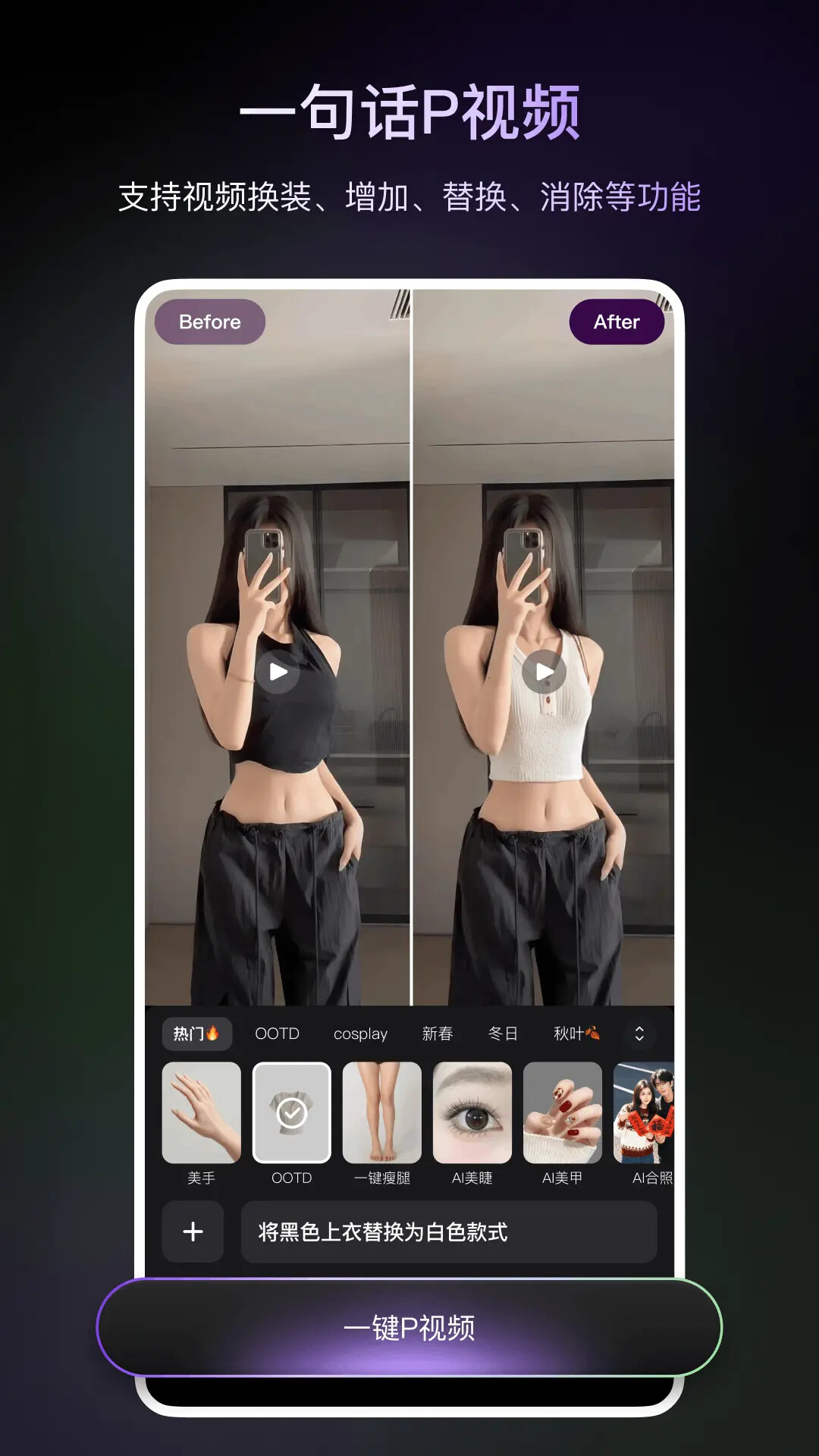
Listed features include changing hairstyles and outfits, adding or replacing elements, removing unwanted objects, replacing backgrounds and adjusting lighting effects. For example, you can preview a different hairstyle, place a subject against a new background or clean up a passerby or sticker. Generated edits may alter details in the original image, so inspect complex edges, hair and occluded areas carefully.
Retouch, expand and animate
The app also lists cutouts, photo enhancement, canvas expansion and localized body adjustments. Some workflows can turn an edited still image into a video. Results depend on image quality, subject position, lighting and the requested edit. Keep the original and compare details; a generated result should not be presented as an unmodified documentary photo.
Community and responsible use
A built-in creative community lets users browse or share edited images. Before publishing portraits, other people’s photos, trademarks or copyrighted material, make sure you have the necessary permission and follow the platform’s rules. Changes to someone’s appearance or identity should respect the person’s wishes and should not mislead or harm others.
When it may be useful
If you want to preview a hairstyle or outfit, clean up a background, adjust lighting, extend a frame or make an image move, Xuantum AI offers a set of editing tools in one app. Start with photos you are allowed to modify, review each result and decide before saving or sharing.
Frequently asked questions
What can Xuantum AI change in a photo?
Listed tools include hairstyle and outfit changes, adding or replacing elements, object removal, background and lighting edits, cutouts, enhancement and expansion.
Can it turn a picture into a video?
Image-to-video is listed among the app’s features; availability and results depend on the current app version.
What should I consider before editing someone else’s photo?
Confirm you have permission to edit and publish it, respect the person’s wishes and follow platform rules.



