
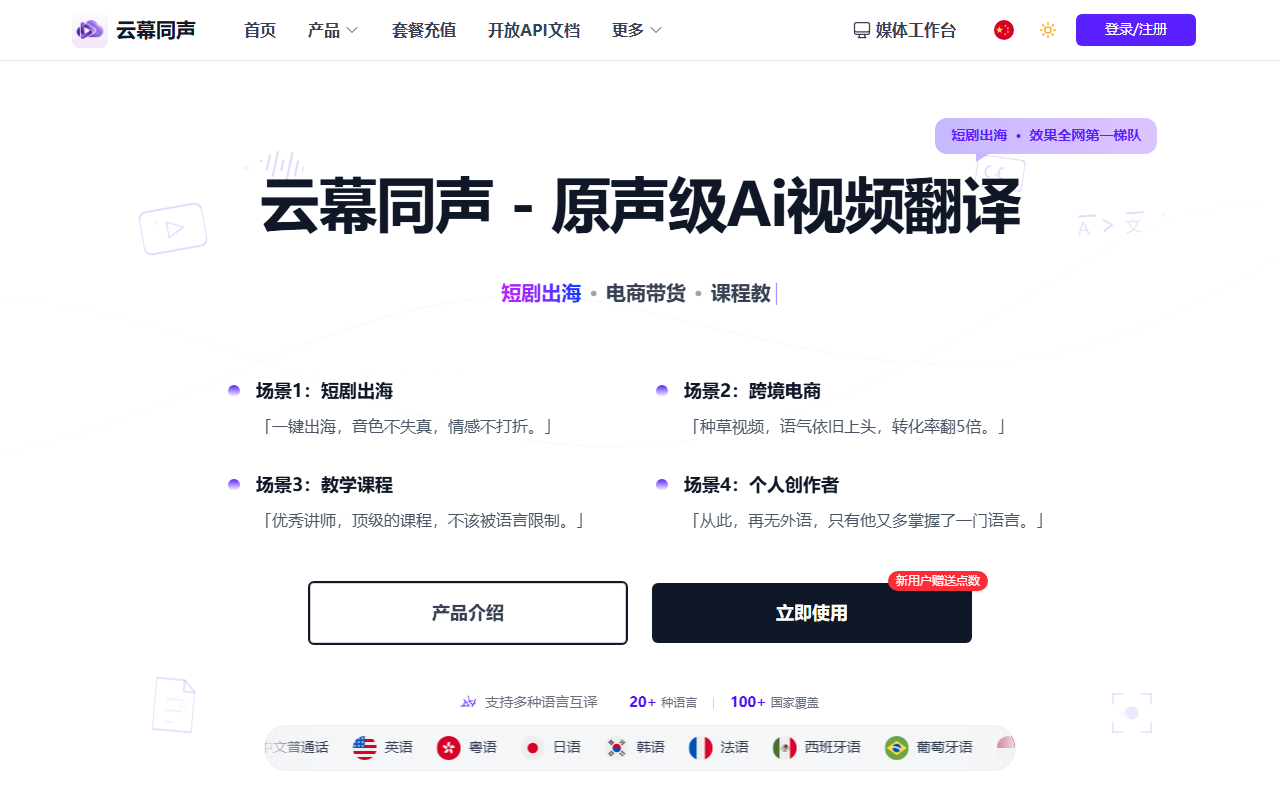
Yunmuts translates videos into several languages while keeping the original speaker's voice and background music, aimed at short-drama distribution, cross-border commerce and course content.
Yunmuts: translate a video into many languages and keep the original voice

What the tool is
Yunmuts is an AI translation tool for video localisation, and it positions itself as "original-voice grade": after translation, what the audience hears is not just another language but a timbre, tone and emotion close to the original speaker. It mainly serves two needs — short dramas going overseas and product videos for cross-border sellers — and works equally well for courses and talking-head clips distributed in several languages.
The workflow is uncomplicated: upload the video, proofread the script line by line, choose the target language, then generate. The vendor says a finished cut can take minutes.
Main capabilities
- High-fidelity timbre: built on AI voice cloning, with the vendor quoting 98% retention of timbre and emotional detail, so the dubbed version still sounds like the original performer speaking.
- Lip-sync alignment: a built-in alignment algorithm matches the translated lines to mouth movement, avoiding the "voice arrives before the lips move" effect.
- Vocal separation: speech is separated from background music and ambience, only the speech is processed and the tracks are recombined, so the score and atmosphere of the source are not erased.
- Subtitle editing: line-by-line proofreading, more than 30 style templates and smart masking, so captions do not cover key parts of the frame.
- Batch multilingual export: built for overseas distribution, exporting several languages at once for publishing on platforms such as TikTok and YouTube.
How to use it
- Open the official site at www.yunmuts.com and upload the video file you need translated.
- Proofread the lines in the script editor: confirm the source was recognised correctly and the translation reads naturally. This step determines whether the lip-sync and tone of the final cut hold up.
- Choose the target language according to your market; the vendor says several options are available.
- Click generate once and wait for translation and voice synthesis to finish.
- Export the finished video for publishing or client delivery.
Who it suits
- Short-drama teams going overseas: reach foreign audiences in something close to the original voice, with less of the detachment that conventional dubbing creates.
- Cross-border sellers: product explanations sound closer to a real recommendation, which is easier to sit through than a mechanical read.
- Short-video creators: distribute one piece across several language markets and widen the reach.
- Online course creators: keep the instructor's own tone and pacing, so learners are not pulled out of the lesson by a language switch.
- Independent creators: language stops being the hard barrier to publishing abroad.
Points to keep in mind
- The 98% timbre and 95% emotion figures are the vendor's own claims. Real results depend heavily on source audio quality, the number of speakers and background noise, so test with a short clip before a full rollout.
- Voice cloning touches voice rights. Cloning someone else's voice for commercial use requires explicit permission, and no tool can replace that authorisation.
- "Works with TikTok and YouTube" means the export formats and aspect ratios fit those platforms; it does not imply an official partnership or any boost in reach.
- Subtitle accuracy still depends on proofreading. Technical terms, dialects and overlapping speakers are where errors cluster.
- The available material does not state pricing, free quota or commercial licensing terms, so check those on the official site before committing.
FAQ
What problem does Yunmuts solve?
It targets the "different voice" problem of conventional dubbing: voice cloning keeps the original speaker's timbre and emotion, while vocal separation preserves background music and ambience, so the localised cut still sounds like the same production.
How involved is the workflow?
Upload the video, proofread the script, choose the target language, generate and export. The vendor says a cut can be finished in minutes, but how carefully the script is checked directly shapes the result.
What should I know about voice cloning?
A voice is an identifiable personal trait. Cloning someone else's voice for commercial use requires explicit permission, and the tool cannot substitute for that permission.
Frequently asked questions
What problem does Yunmuts solve?
It targets the "different voice" problem of conventional dubbing: voice cloning keeps the original speaker's timbre and emotion, while vocal separation preserves background music and ambience, so the localised cut still sounds like the same production.
How involved is the workflow?
Upload the video, proofread the script, choose the target language, generate and export. The vendor says a cut can be finished in minutes, but how carefully the script is checked directly shapes the result.
What should I know about voice cloning?
A voice is an identifiable personal trait. Cloning someone else's voice for commercial use requires explicit permission, and the tool cannot substitute for that permission.



