

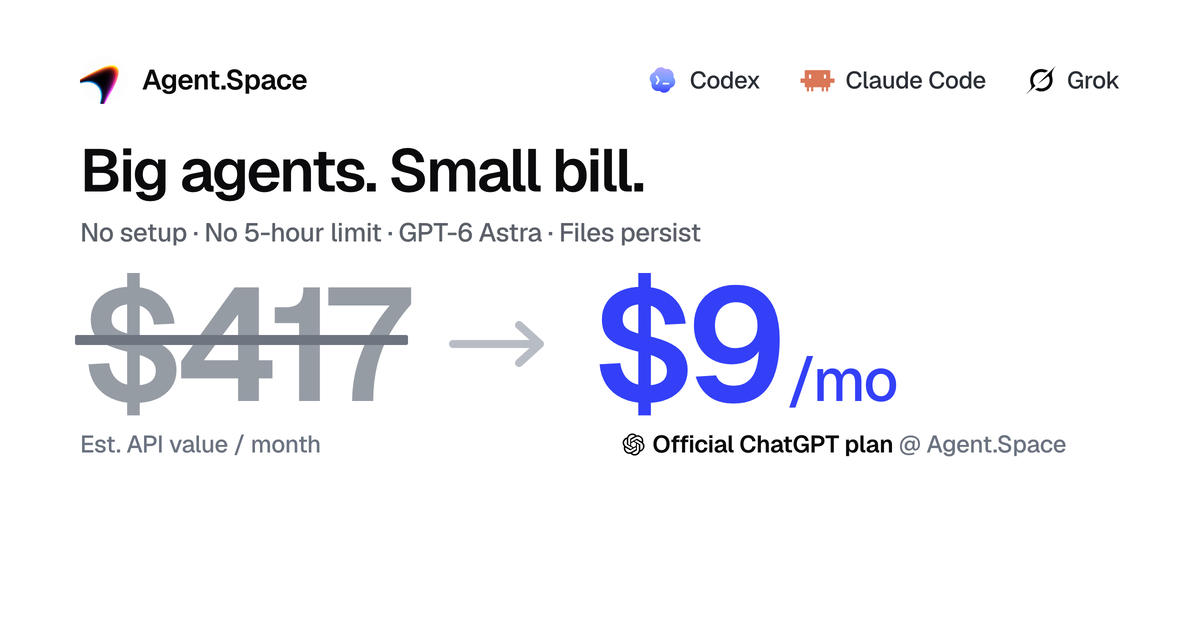
Agent.Space hosts terminal-style coding agents such as Codex, Claude Code and OpenCode inside cloud Workspaces. Project files and conversation context stay resident, so you can resume the same project from another machine or hand it to a different agent. Model access is sold as a Share fixed-quota subscription (roughly USD 9 to 180 per month depending on tier) or Flex pay-as-you-go credit, and collaboration runs on Owner, Editor and Viewer roles instead of shared upstream accounts.
Agent.Space: a cloud workspace where Codex and Claude Code keep running
Anyone running a coding agent locally hits the same three walls: switching machines means rebuilding the environment, closing a session scatters the context, and handing work to a colleague stops at whose model account and whose API key. Agent.Space moves the whole arrangement to the cloud. Agents run inside a remote Workspace, project files and transcripts stay there, and whoever joins picks up the same project. Whether that beats a local setup depends on how much of your week currently goes into rebuilding environments and negotiating credentials.
The product has two halves. One is the cloud workspace: you create a Workspace as a project container, upload local code, documents or existing transcripts, then start a Session with one of the supported agents. The agent edits files inside the Workspace while you watch through a file tree, code preview or browser preview. Several independent Sessions can run in parallel inside one Workspace, each on a different task.
The other half is model subscription. Share is a fixed-quota plan that resets on the vendor's cycle. Flex is metered credit that does not expire, and either balance can be wired into local tools or other agent clients through a developer API, so one top-up serves several places. The practical choice between them comes down to how predictable your token spend is.
Main features
Persistent cloud agents
Codex and Claude Code run continuously in the cloud, with files, code and project state recoverable at any time. For people who move between a laptop, a desktop and an office machine, this removes the environment rebuild step.
Parallel sessions
One Workspace can hold several independent Sessions, letting different agents work on different tasks without interfering. It is effectively several pipelines attached to the same project, useful when writing a feature and reviewing it at the same time.
Agent handoff
The vendor calls it swapping agents without swapping projects: a second agent continues from the same saved files and context. In practice this lets you give each task to whichever agent handles it best without migrating anything.
Role-based collaboration
Owner, Editor and Viewer roles gate access, so members collaborate without exchanging upstream model passwords. In team settings this is the decisive feature, and it is exactly where shared-account workarounds tend to break.
Developer API
Share and Flex balances can be connected to local or third-party agent tools, giving one top-up and many consumers. That determines whether the platform stays a closed interface or slots into an existing toolchain.
Workspace isolation
Each Workspace runs separately with isolated project file storage, and content is used only to execute tasks. This is a baseline commitment; the source does not detail encryption, audit logs or compliance certification.
Getting started
- Open the Agent.Space site and register or sign in to your account.
- Create a Workspace to act as the cloud project container for files, sessions and shared work.
- Upload local code, documents or assets into the Workspace, or import existing local transcripts.
- Pick an agent such as Codex, Claude Code or OpenCode for the task and match it with a compatible underlying model.
- Send specific, bounded instructions inside a Session; the agent edits files in the Workspace directly.
- Check output through the file tree, code preview or browser preview, running several Sessions in parallel when needed.
- Invite teammates as Owner, Editor or Viewer so people and agents continue from the same files.
- Download the code, documents or project files when finished, or publish a stable preview build.
Pricing model
- Share fixed-quota subscription: quota resets on the vendor's cycle; the source quotes a range of roughly USD 9 to 180 per month without itemising what each tier includes.
- Flex pay-as-you-go: credit does not expire and is deducted by actual usage, suited to spiky workloads or teams that want the balance to carry over.
- Developer API: both Share and Flex balances can be connected to local or other agent tools, so one top-up covers several consumers.
- The source does not state whether failed calls are billed, what concurrency limits apply, how unused quota rolls over or what the refund policy is. Confirm these before choosing a tier.
Who it suits
- Solo developers working across devices: start a feature with Codex at home, resume the same project at the office because the Workspace kept the context.
- Teams reviewing with multiple agents: implement in a Codex Session, then open a Claude Code Session against the same code for review and cleanup.
- Distributed product teams: a frontend engineer ships a page, a PM reviews the live preview as Viewer and leaves notes, backend joins as Editor to wire the API, all without sharing model credentials.
- Startups containing model cost: take the Share plan for official-tier API quota, or use Flex to call Claude, Grok, DeepSeek and others from one balance instead of several subscriptions.
- Instructors running distributed code review: create a Workspace with a requirements document, let each learner open an independent Session, and review progress from the Owner account.
Limitations
- It is cloud-only. Project files and execution live remotely, so direct access to local file systems, intranet services and private data is limited.
- The source does not publish the full model list or per-tier quota details, only a USD 9 to 180 per month range; check the console for the current options.
- Concurrency limits per Workspace, session duration caps and resource quotas are not disclosed, so validate with a small workload before committing a long job.
- Isolation is described as separate execution and isolated storage, without details on encryption, audit logging or third-party compliance certification.
- Collaboration relies on the platform's own account system; how it integrates with an existing corporate identity provider is not described.
- Pricing and features change between versions; this article reflects the source snapshot, so recheck terms before subscribing.
FAQ
How is this different from running Codex locally?
A local setup means maintaining your own environment and sessions, and rebuilding when you change machines. Agent.Space keeps agents running in a cloud Workspace with files and context resident, so you can resume from anywhere, at the cost of running the project remotely.
What does swapping agents without swapping projects mean?
A second agent continues from the same saved files and context. You can implement with Codex and review with Claude Code against the same codebase without migrating the project.
Share or Flex?
Choose Share for steady usage and predictable budgets; choose Flex when usage is spiky or you want credit that never expires. Both can be connected to external tools via the developer API.
Do teammates need to share a model account?
No. Owner, Editor and Viewer roles control access, so members work under their own identity without exchanging upstream model passwords.
Can I see results in the browser?
Yes. Output is inspectable through the file tree, a code preview and a browser preview, and multiple Sessions can be watched in parallel.
Frequently asked questions
How is this different from running Codex locally?
A local setup means maintaining your own environment and sessions, and rebuilding when you change machines. Agent.Space keeps agents running in a cloud Workspace with files and context resident, so you can resume from anywhere, at the cost of running the project remotely.
What does swapping agents without swapping projects mean?
A second agent continues from the same saved files and context. You can implement with Codex and review with Claude Code against the same codebase without migrating the project.
Share or Flex?
Choose Share for steady usage and predictable budgets; choose Flex when usage is spiky or you want credit that never expires. Both can be connected to external tools via the developer API.
Do teammates need to share a model account?
No. Owner, Editor and Viewer roles control access, so members work under their own identity without exchanging upstream model passwords.



