

CC Switch is an open-source, free, cross-platform AI coding configuration management tool that helps you centrally manage provider configurations, local routing, and usage for AI coding applications like Claude Code, Claude Desktop, and Codex. It allows third-party model integration without modifying your code.
What is CC Switch?
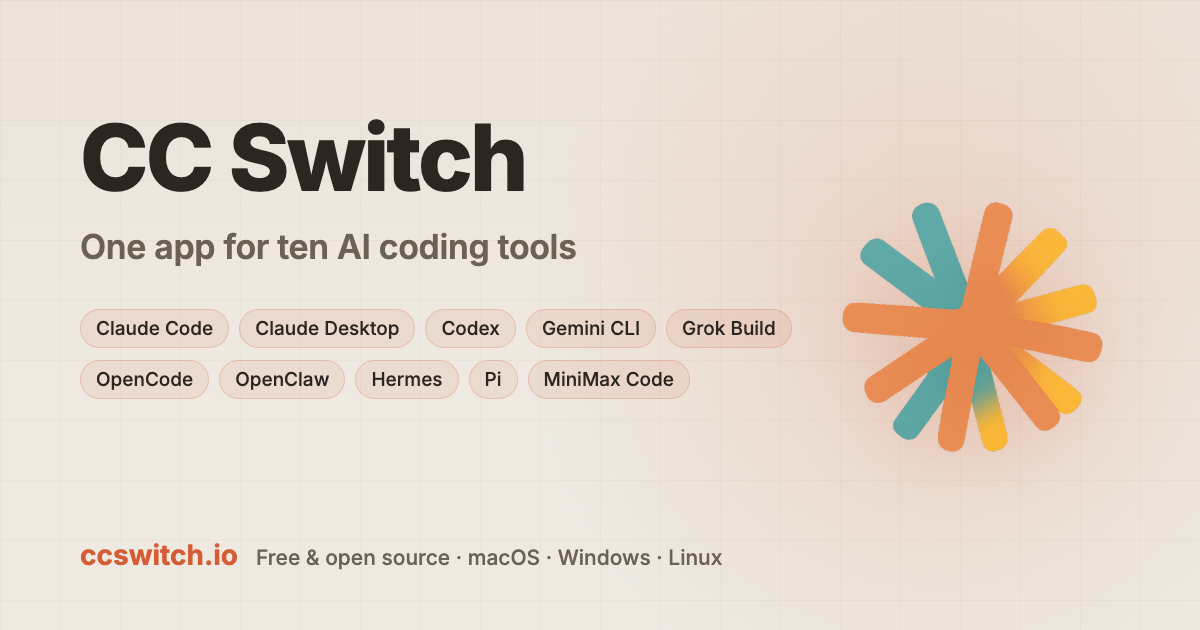
CC Switch is an open-source configuration management tool for AI coding scenarios, supporting macOS, Windows, and Linux desktop platforms. Officially positioned as a one-stop AI coding tool Hub, its goal is to manage multiple Agent applications within a single interface.
According to official public materials, applications that CC Switch can manage include seven major apps: Claude Code, Claude Desktop, Codex, Gemini CLI, OpenCode, OpenClaw, and Hermes Agent. Another official introduction also mentions Grok Build, Pi, and MiniMax Code, indicating its coverage is still expanding.
Core Features
Unified Provider Management
Manage model providers, authentication information, and API endpoints for multiple Agent applications through a single interface, supporting hot switching and backup recovery.
Local Smart Routing
Built-in circuit breaker, health monitoring, and failover queue. When the primary Provider encounters an exception, it can automatically switch to a backup node, minimizing workflow interruption.
Usage and Cost Tracking
View real-time request counts, Token consumption, cache hits, subscription quotas, and costs, with filtering by application and Provider.
Secure Local Storage
Configurations and API Keys are stored in a local SQLite database, supporting complete Schema migration, with data never leaving the local environment.
MCP / Skills / Prompts Management
Unified management of MCP services, Skills packs, Prompts templates, and Hermes Memory, supporting cross-application synchronization and symlink deployment.
Centralized Session Management
Aggregates local session records from various Agents, supporting search, recovery, and deletion, thereby breaking down session silos between applications.
Model Mapping and Protocol Conversion
Can map Claude official role IDs or Codex's GPT model names to the actual models of third-party providers, and automatically complete protocol conversion between Responses API and Chat Completions API.
How to Use CC Switch
Here is a typical workflow based on official materials:
- Download and Install: Visit the official website https://ccswitch.io/ to download the installation package for your system, and start CC Switch after installation.
- Select Management Targets: Check the Agent applications you need to manage in the main interface to activate toolbar monitoring.
- Add Providers: Fill in the third-party API endpoint address and authentication token on the provider configuration page. The system will automatically detect connectivity after saving.
- Enable Local Routing: For applications like Codex or Claude Desktop, enable the "Require local routing mapping" switch and keep the proxy resident.
- Configure Model Mapping: In the mapping settings, specify the actual third-party model names requested for Sonnet/Opus/Haiku or GPT series.
- Sync Skills: Import existing skill packs in the Skills management page or install from ZIP, and sync them in real-time to each Agent's configuration directory via symlinks.
- Monitor Usage: View real-time request logs, Token consumption, and cost curves in the usage statistics panel, and set quota alerts.
Core Advantages
- Full Application Coverage: The industry's only unified manager that simultaneously supports Claude dual-end, Codex, Gemini, OpenCode, OpenClaw, and Hermes.
- Zero-Intrusion Integration: No need to modify Agent source code; just point to the local proxy via environment variables to use third-party models.
- High Availability Routing: Built-in circuit breaker and failover; millisecond-level switching to a backup Provider when the main line is abnormal, ensuring development continuity.
- Cost Transparency: Fine-grained usage tracking helps developers identify high-consumption areas. According to official testing, it can save about 30% of API expenses.
- Open Source and Free: Fully open-source under the MIT license, community-driven iteration, with no commercial authorization barriers.
Project Links
- Official website: https://ccswitch.io/
- GitHub repository: https://github.com/farion1231/cc-switch
The official website also provides access to the GitHub official repository, official documentation, and update logs. It is recommended to refer to the latest information on the official website.
Applicable Scenarios
- Multi-Model A/B Testing: Quickly compare code generation effects of models like Claude, GPT, DeepSeek, and GLM in the same project.
- Enterprise-Level API Disaster Recovery: Avoid development interruptions caused by rate limiting or failures from a single provider through automatic primary-backup Provider switching.
- Fine-grained Cost Control: Team leads can track Token consumption by project or member dimension to optimize model calling strategies.
- Skills Asset Accumulation: Centrally manage custom MCP tools and Prompt templates, allowing new members to sync them to all Agents with one click.
- Cross-Application Session Continuity: Retain contextual sessions when switching between Claude Code and Codex, reducing repeated communication costs.
Related Open Source Ecosystem Projects
In public materials, two Skill-type open-source projects can also be found. They differ from CC Switch's configuration management positioning and are skill packs in the AI coding ecosystem:
- Open-source AI front-end design skill pack Skill: Used to solve the uniform AI aesthetic problem.
- Agent Skill open-sourced by developer Eze: Used to think about how to access the internet.
If you are looking for tools similar to CC Switch, the "Similar Competitor Comparison" section on the official page can serve as an entry point for further reading.
Pricing and Verification Notice
CC Switch is currently an open-source free project under the MIT license. However, the capability boundaries, system requirements, and support scope of open-source projects may change with version iterations; the data involving model mapping, routing strategies, and cost-saving ratios mentioned in this article are all derived from public materials. Please refer to the latest version on the official website. When involving any paid providers or API costs, please also consult the corresponding service providers directly.
FAQ
What operating systems does CC Switch support?
It supports macOS, Windows, and Linux. You can download the corresponding system installation package from the official website.
What AI coding applications does CC Switch support?
The official introduction covers Claude Code, Claude Desktop, Codex, Gemini CLI, OpenCode, OpenClaw, and Hermes Agent; public materials also mention support for Grok Build, Pi, and MiniMax Code. Please refer to the latest official website description for details.
Does CC Switch require payment?
No. The project is open-source and free under the MIT license, with community-driven iteration.
Do I need to modify source code to use CC Switch?
No. It adopts a zero-intrusion integration method, allowing you to use third-party models simply by pointing to the local proxy via environment variables.
Where is the configuration data stored?
All configurations and API Keys are stored in a local SQLite database, supporting complete Schema migration, with data never leaving the local environment.
Frequently asked questions
What operating systems does CC Switch support?
It supports macOS, Windows, and Linux. You can download the corresponding system installation package from the official website.
What AI coding applications does CC Switch support?
The official introduction covers Claude Code, Claude Desktop, Codex, Gemini CLI, OpenCode, OpenClaw, and Hermes Agent; public materials also mention support for Grok Build, Pi, and MiniMax Code. Please refer to the latest official website description for details.
Does CC Switch require payment?
No. The project is open-source and free under the MIT license, with community-driven iteration.
Do I need to modify source code to use CC Switch?
No. It adopts a zero-intrusion integration method, allowing you to use third-party models simply by pointing to the local proxy via environment variables.
Where is the configuration data stored?
All configurations and API Keys are stored in a local SQLite database, supporting complete Schema migration, with data never leaving the local environment.



