
Dakou is an asynchronous AI agent development platform: you delegate a task in natural language and it handles research, design, coding, testing and deployment inside isolated cloud sandboxes, supporting batch parallel tasks, GitHub and MCP Server integration.
Dakou (搭叩) is an asynchronous AI agent development platform from the iFlow AI assistant. Built for developers, it provides one-stop support for development tasks: you describe what you need in natural language, and the platform works end to end through ideation, research, design, coding, testing and deployment. All code runs inside isolated cloud sandboxes, keeping your data and code secure.
Key capabilities of Dakou
Asynchronous agent task processing
Dakou runs AI tasks in batches and in parallel, so you don't have to sit in a chat window waiting for a response. Once submitted, a task enters an automatic queue and moves through research, analysis, design, coding, testing and deployment in order — practical when several independent pieces of work need to move forward at once.
Isolated cloud sandbox
Each task executes in a dedicated cloud environment. Data stays isolated during code execution, which avoids outside interference and reduces the risk of polluting a local environment or leaking sensitive code.
Template management and open integration
A built-in template library lets you reuse common workflows, while integrations with GitHub repositories and third-party MCP Servers allow you to plug custom toolchains into the task flow and extend what the agent can call.
Multi-scenario creation
Beyond conventional coding, Dakou covers website development, small game generation and research report writing, so you can start work without a deep programming background.
End-to-end development automation
From requirement analysis to deployment, the AI links every stage together and cuts the manual hand-offs between steps.
How to use Dakou
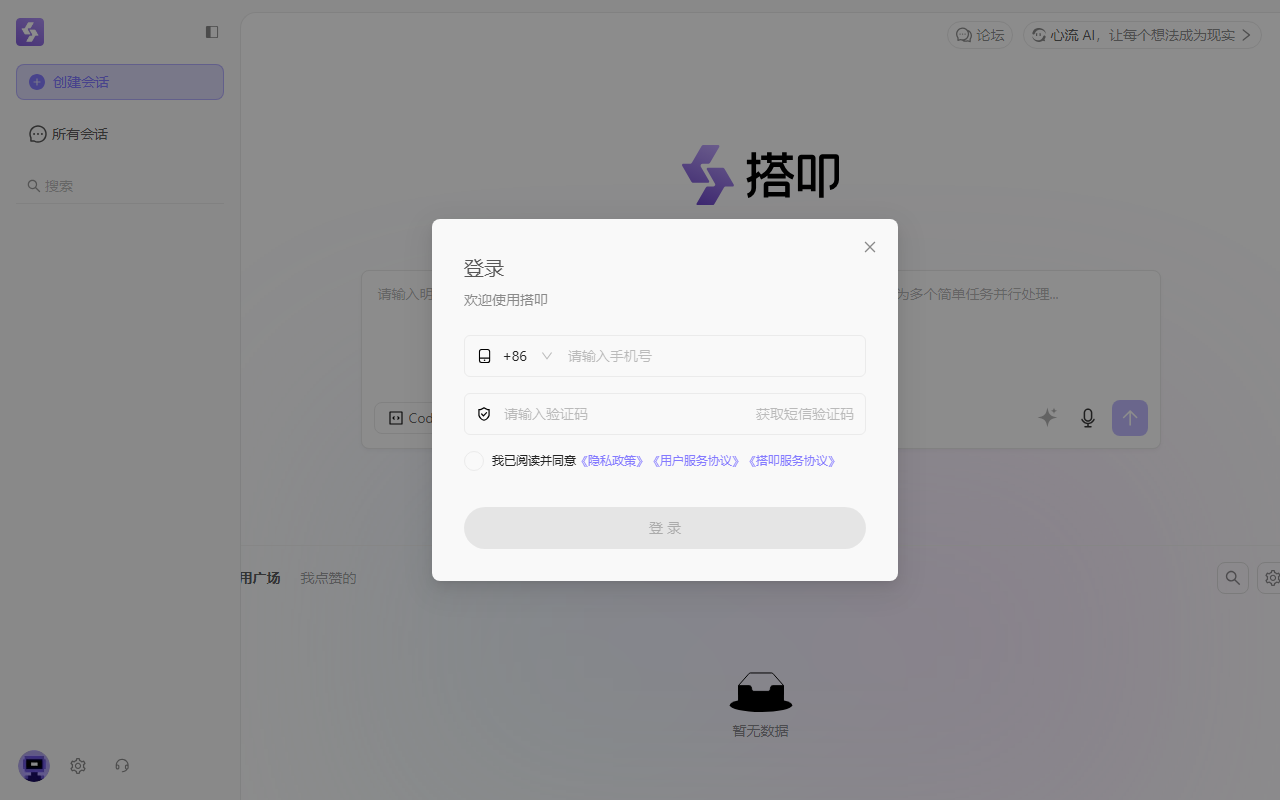
- Sign in: visit the official site at https://dakou.iflow.cn/ and log in with an activated account.
- Try a sample task (optional): pick one of the preset example tasks and run it to understand the full lifecycle, then inspect the finished result — for example a generated website.
- Prepare (optional): import business knowledge for the agent to use automatically; create "scripts" that define a standard operating procedure (SOP) for recurring task types; enable external tools such as a code repository connection from the MCP Server marketplace.
- Delegate the task: describe your requirement clearly and in detail in the dialog; optionally select a script and a code repository; submit, and the task enters the automatic processing queue.
- Monitor execution: while the task runs, use the built-in editor to watch the generated code in real time and the preview function to see the running result, such as a generated web page.
- Evaluate and iterate: if the output isn't right, send follow-up instructions for the AI to refine it. You can also rate the result and report problems you run into.
Use cases
- Website and application development: describe the requirement in natural language and get requirement analysis, UI design, front-end and back-end coding, testing and deployment handled automatically.
- Data analysis and report generation: research and analysis tasks produce data reports or visualisation dashboards, useful when insights are needed quickly.
- Small game development: propose an idea and let the AI handle game logic design, coding and testing, lowering the barrier to indie game creation.
- System integration and extension: integrate with GitHub and other tools via MCP Server to build API gateways, data integration modules or new features for existing systems.
- Workflow automation: build automated workflows for repetitive development tasks, approval flows or business form generation.
Limitations
- An activated account is required to log in and submit tasks.
- Tasks run asynchronously in cloud sandboxes, so completion time depends on task complexity and queue load; it is not suited to hard real-time requirements.
- Generated code and content still need human review, especially for production deployment, data security and compliance.
- Integrating GitHub or third-party MCP Servers requires your own authorisation, and the availability and permissions of those services are governed by their own platforms.
- No public pricing information is available; usage quotas and charges are subject to the official site.
FAQ
Who is Dakou for?
It is aimed at developers and product teams that want to hand development work to an AI agent, and also at users without a programming background who want to generate a website, a small game or a research report quickly.
How is Dakou different from a regular AI coding assistant?
Dakou executes the entire development workflow asynchronously inside cloud sandboxes instead of completing code line by line in a chat loop. It supports batch parallel tasks and connects to GitHub and third-party MCP Servers, so the model is delegation rather than conversational autocomplete.
Is the generated code safe?
Tasks run in isolated cloud sandboxes with data isolation during execution. For production use, human review before deployment is still recommended.
Can I connect my own repository?
Yes. Dakou integrates with GitHub and other code repositories; after you authorise the connection when delegating a task, the AI can commit code directly.
Frequently asked questions
Who is Dakou for?
Dakou is aimed at developers and product teams that want to delegate development work to an AI agent, and at users without a programming background who want to generate a website, a small game or a research report quickly.
How is Dakou different from a regular AI coding assistant?
Dakou runs the whole development workflow asynchronously inside cloud sandboxes rather than completing code line by line in a chat loop. It supports batch parallel tasks and connects to GitHub and third-party MCP Servers, so the model is delegation rather than conversational autocomplete.
Is the generated code safe?
Tasks execute in isolated cloud sandboxes with data isolation during code execution. Human review before production deployment is still recommended.
Can I connect my own code repository?
Yes. Dakou integrates with GitHub and other code repositories; once you authorise the connection when delegating a task, the AI can commit code directly.



