

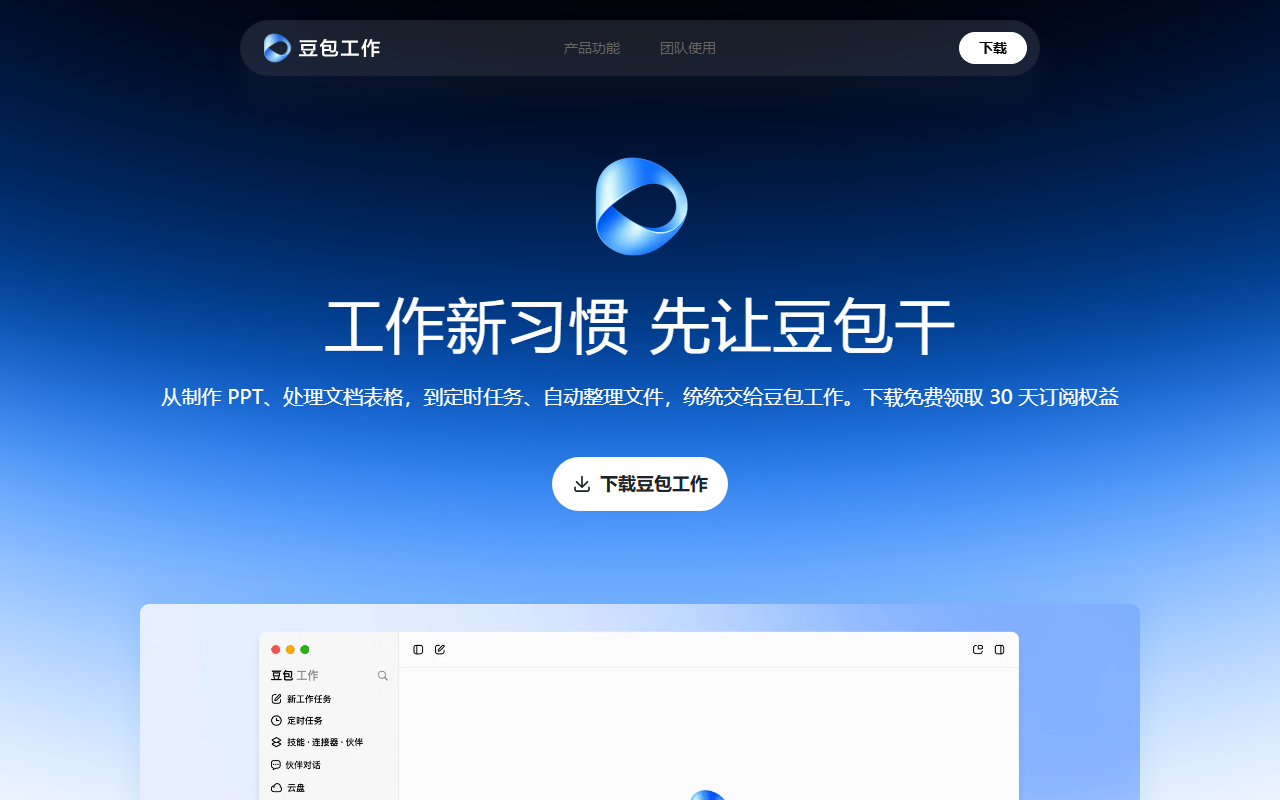
Doubao Work is an AI office agent that can plan steps from a task request and assist with document, research, browser and Feishu workflows.
Doubao Work: an AI Agent for Office Tasks
Doubao Work is an AI agent product for office workflows. A user describes a goal, and the agent can attempt to break it into steps, select tools and move a sequence of related tasks forward. Product materials describe help with documents, presentations, spreadsheets, research, browser actions and creative work. Because it can act across multiple steps, users should review the process and results according to the task's risk.
Main capabilities
- Task planning and tool use: The agent can plan steps around a request and use available tools. Complex work may need more context, a revised plan or human intervention.
- Office files: It can assist with creating or editing documents, presentations and spreadsheets, including changes to specified areas. Review data, formulas, formatting and citations before sharing.
- Research and summaries: It can gather information and organize it into a report or summary. Check important claims against reliable sources, especially when information changes quickly or affects decisions.
- Computer and browser tasks: Product materials describe reading, creating and modifying local files, opening pages, entering information and working across pages. They also describe visible progress and the ability to pause or take over. Actual access depends on device settings and account permissions.
- Scheduled work: Repeated analysis, reporting and summarization can be scheduled. Specify the frequency, data scope and stop conditions, then review execution history.
- Feishu collaboration and creative output: With Feishu connected, the product can use meetings, chats and documents to assist with summaries, plans and reports. Creative tools are described for images, posters, comics and video. Availability depends on the current version and configuration.
Getting started
- Visit the Doubao Work website and check supported clients, account requirements and current features.
- Sign in and describe the goal, source materials, output format and constraints clearly. Avoid granting file or system access that the task does not need.
- For local files, browser actions or company data, confirm the scope and connected-service permissions; observe the agent while it works.
- Review documents, spreadsheets, research and browser actions, especially facts, calculations, citations and external submissions.
- For scheduled or multi-step work, define review points. Pause or take over if the agent moves outside the intended scope.
- Save the result and handle company information according to your organization's rules.
Use cases and limitations
Product materials mention ecommerce content, meeting and document summaries, research support, creative work and recurring office tasks. In finance, healthcare, law and other professional areas, the agent may help organize information or draft material, but it does not replace qualified judgment, compliance review or approval. A person with authority should confirm actions that send information externally, change accounts, delete data or have other material effects.
An agent may misunderstand an instruction, choose an unsuitable tool, generate inaccurate facts or fail when an interface changes. Enterprise context access, permission controls and security features must be assessed in the organization's configuration; they are not an absolute security guarantee or proof of compliance. Availability, pricing and features may vary by account, client and region. Check current official information, limit access for sensitive tasks and retain human review.
Frequently asked questions
What tasks can Doubao Work assist with?
Product materials list documents, presentations, spreadsheets, research, browser actions, scheduled tasks and creative work. Available tools depend on the version and account.
How does it work with Feishu?
The materials say that connecting Feishu can provide meeting, chat and document context for summaries and drafting. Administrators should configure and review access.
Can it handle important work unattended?
Even with visible execution and handoff controls, set permissions according to risk and review actions and outputs. Finance and medical work needs qualified review; security claims are not absolute guarantees.



