

iFlytek Tongchuan is a real-time AI simultaneous interpretation tool for meetings, live streams and video scenarios. It transcribes and translates live speech into multi-language subtitles, supports casting, link sharing and subtitle file export, and suits international conferences, remote meetings, live broadcasts and video localization.
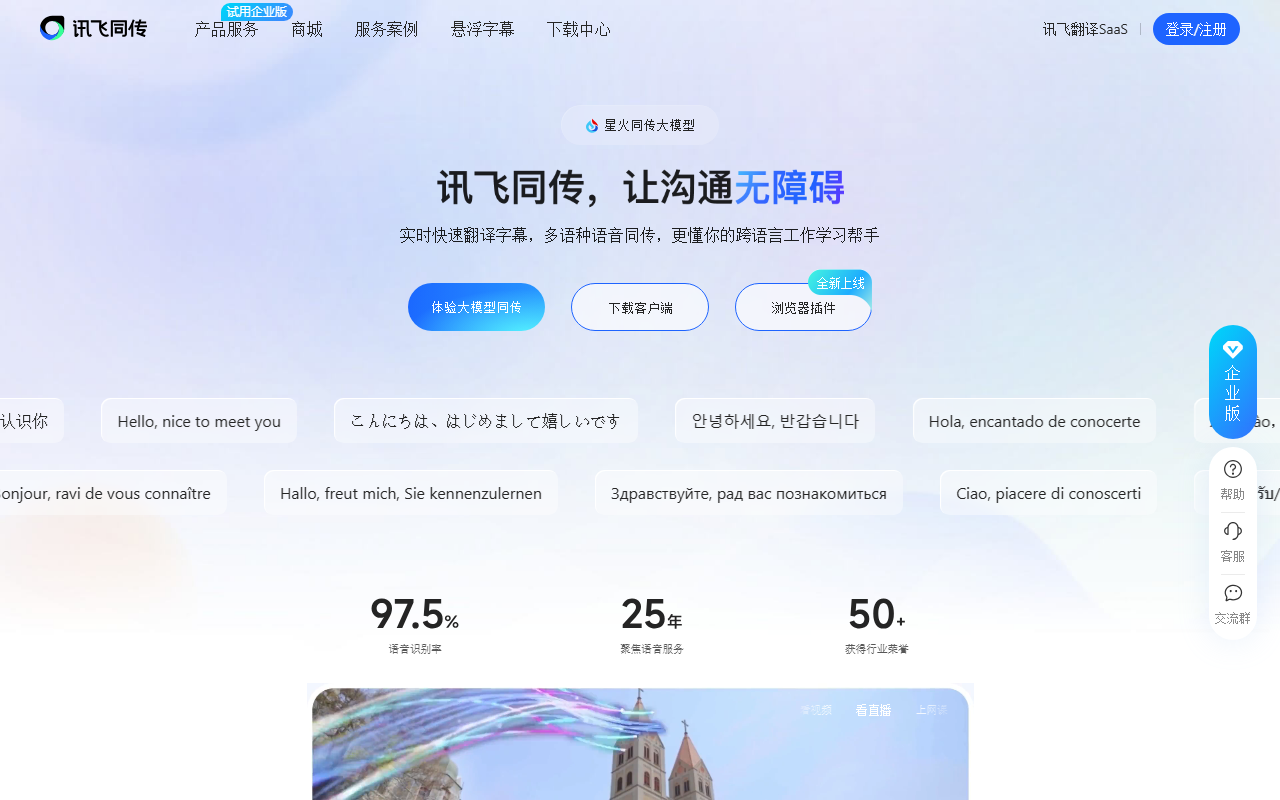
iFlytek Tongchuan: Real-Time AI Simultaneous Interpretation for Meetings and Live Streams
iFlytek Tongchuan is a professional AI simultaneous interpretation product from iFlytek. Built on intelligent speech and language technology, it delivers an all-in-one interpreting service covering multi-scenario, multi-language real-time transcription and translation, simultaneous interpretation, live captioning on screen, and meeting record sharing.

Main Capabilities
Multi-language simultaneous interpretation: Real-time two-way translation between Chinese and English, Japanese, Korean, French, German, Russian, Spanish, Italian, Arabic, Thai, Vietnamese, Cantonese, Uyghur and Tibetan, with mixed Chinese-English recognition supported.
Floating subtitles: One tap enables bilingual subtitles for live streams, TV series, films and video conferences, supporting interpretation between 12 languages.
Subtitle casting: Both full-screen casting and subtitle overlay are available, with customizable subtitle font size, color, logo and background.
Interpretation sharing: Generate a sharing link so remote attendees can scan a QR code or open the link to view live interpretation subtitles and listen to AI-generated audio, with no download or registration required.
Smart subtitling for audio and video: Import audio or video in one step, with recognition and translated subtitles in Chinese, English, Japanese and Korean, plus traditional-character subtitles and SRT file export.
Real-time capture subtitles: Turn on real-time subtitles while shooting long videos, with Chinese, English, Japanese and Korean working in real time.
Voice broadcast: Translation results can be read aloud through AI-synthesized audio in real time and connected to a wide range of input and output audio devices.
How to Use
Download and install: Visit the official iFlytek Tongchuan website to download the desktop client, or search for "iFlytek Tongchuan" in an app store to install the mobile app.
Register and sign in: Register with a mobile phone number, sign in, and complete identity verification as prompted.
Choose an interpretation mode: Select "Floating subtitles", "Subtitle casting" or "Smart subtitling" according to your scenario.
Set the languages: Choose the source and target languages, with mixed Chinese-English recognition and multi-language translation supported.
Start real-time interpretation: Press start, and the system automatically performs speech recognition, translation and subtitle generation.
Adjust subtitle styling: In subtitle casting mode, customize font size, color, background, logo and other display options.
Create a sharing link: Tap share to generate a QR code or link, so remote participants can scan it to view live subtitles and listen to AI audio.
Export meeting records: After the meeting, export the transcript and translation results as documents or SRT subtitle files.
Use Cases
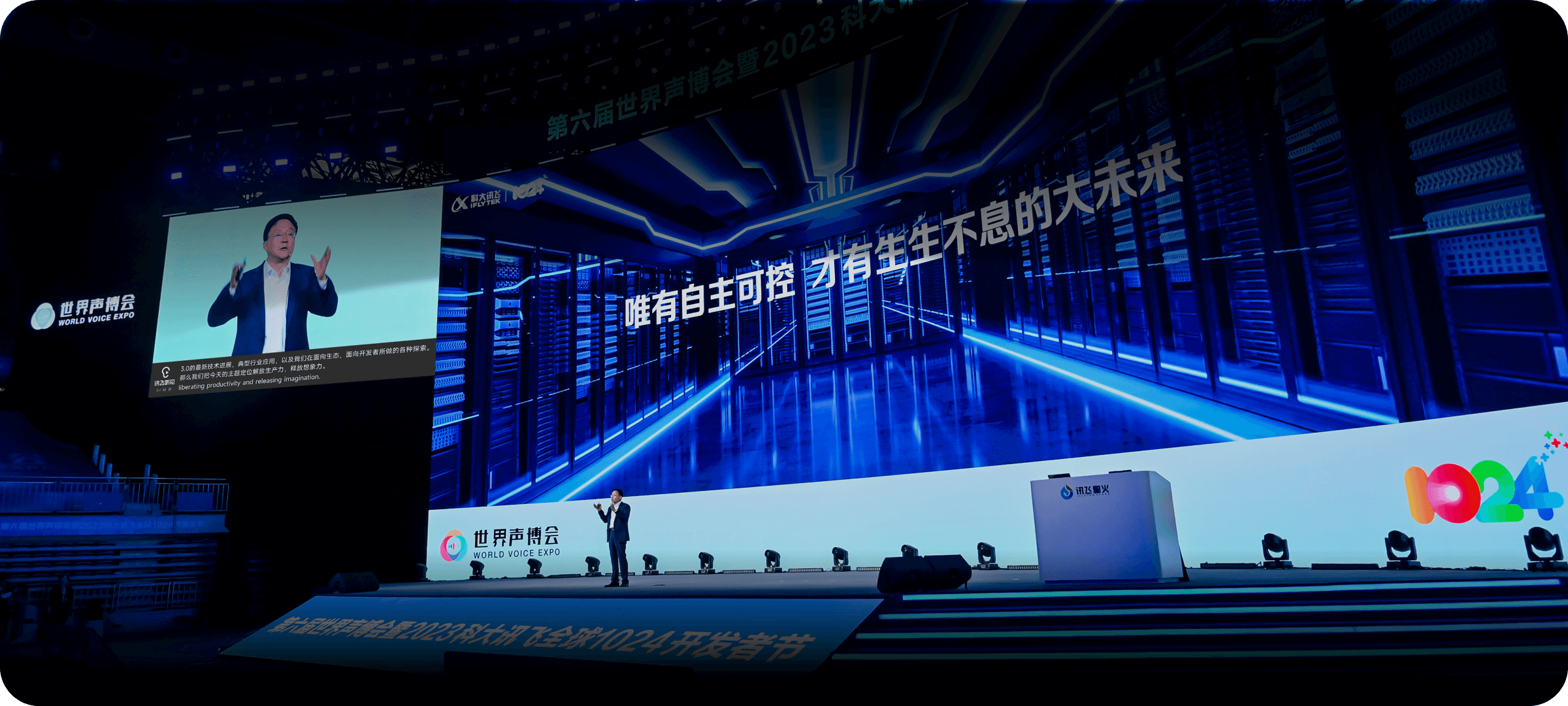
Large international conferences: Professional-grade simultaneous interpretation for product launches, exhibitions, academic forums and business negotiations.
Online video meetings: Interpretation for remote meetings so participants in different locations receive bilingual subtitles in real time.
Entertainment live streaming: On-screen live captions during program broadcasts, offering multi-language translation and a better viewer experience.
Video localization: Post-production subtitling and real-time capture subtitles to meet the translation needs of film and video content.
Education and training: Distance education and international academic exchange, enabling real-time interaction and cross-language communication between teachers and students in different places.
Travel communication: Real-time speech translation for travelers abroad, helping them better understand local culture.

Limitations and Notes
Language coverage varies by feature: smart subtitling and real-time capture subtitles currently support Chinese, English, Japanese and Korean, while floating subtitles support 12 languages.
Voice broadcast and subtitle casting require compatible audio input/output devices or displays.
Real-time transcription and translation quality is affected by on-site audio pickup, speaking speed and specialized terminology; test in advance for important meetings.
Available languages, feature scope and account benefits are subject to the latest information published on the official product website.
FAQ
Which languages does iFlytek Tongchuan support?
It supports real-time two-way translation between Chinese and English, Japanese, Korean, French, German, Russian, Spanish, Italian, Arabic, Thai, Vietnamese, Cantonese, Uyghur and Tibetan, with mixed Chinese-English recognition; the smart subtitling and real-time capture subtitle features support Chinese, English, Japanese and Korean.
Do remote attendees need to install software to see subtitles?
No. Once the host generates a sharing link or QR code, remote guests can scan or open the link to view live interpretation subtitles and listen to AI-generated audio, with no download or registration needed.
Can the translated content be saved after the meeting?
Yes. The transcript and translation results can be exported as documents after the meeting, and the smart subtitling feature also supports SRT subtitle export and traditional-character subtitles.

Frequently asked questions
Which languages does iFlytek Tongchuan support?
It supports real-time two-way translation between Chinese and English, Japanese, Korean, French, German, Russian, Spanish, Italian, Arabic, Thai, Vietnamese, Cantonese, Uyghur and Tibetan, with mixed Chinese-English recognition; smart subtitling and real-time capture subtitles support Chinese, English, Japanese and Korean.
Do remote attendees need to install software to see subtitles?
No. Once the host generates a sharing link or QR code, remote guests can scan or open the link to view live interpretation subtitles and listen to AI-generated audio, with no download or registration needed.
Can the translated content be saved after the meeting?
Yes. The transcript and translation results can be exported as documents after the meeting, and the smart subtitling feature also supports SRT subtitle export and traditional-character subtitles.



