

Make is a no-code automation workflow platform that connects 2,000+ apps visually, helping teams automate repetitive processes across marketing, sales, operations, customer experience and finance.
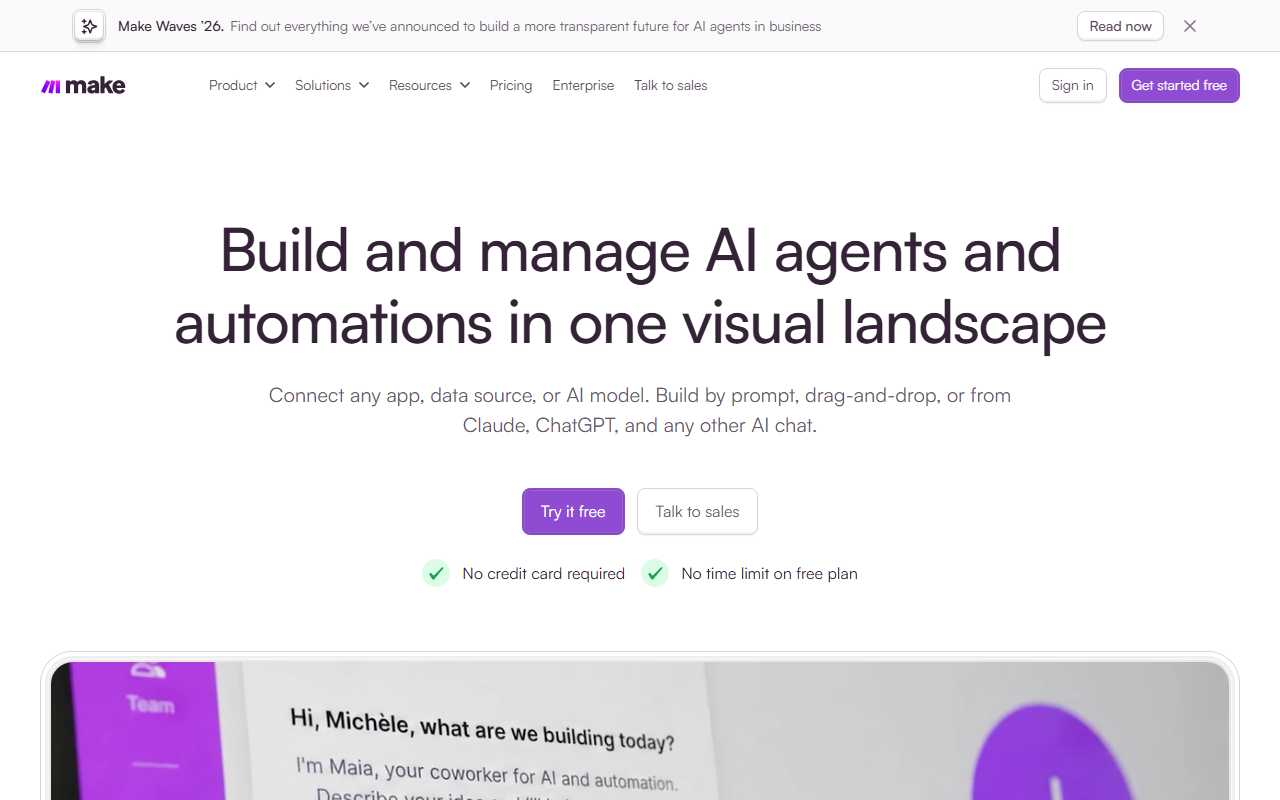
Make: AI No-Code Automation Workflow Platform
Make is an AI-powered, no-code automation workflow platform designed to help companies connect their day-to-day business processes without writing code, improving efficiency and supporting innovation. It offers more than 2,000 pre-built apps across marketing, sales, finance and other scenarios. Its core capabilities include Make + AI, AI agents (Make AI Agents) and enterprise-grade automation solutions, with support for data security and compliance, making it a good fit for teams pursuing digital transformation and process optimization.
Main capabilities
- No-code automation: build automation flows through a visual interface without writing code.
- AI-driven: use AI for intelligent automation such as generating content and making decisions.
- Pre-built app library: more than 2,000 pre-built apps covering many business scenarios.
- Enterprise-grade security: supports GDPR and SOC2 compliance to keep data safe.
- Team collaboration: lets teams design and manage automation flows together.
How to use it
- Create an account and choose a free or paid plan based on your usage.
- Start a new scenario in the visual workflow builder.
- Pick a trigger and the apps you want to connect, then link them into one automation flow.
- Use routers and filters to control how the flow branches and which data passes through.
- Run a test, and once it works, turn the scenario on so it runs on schedule.
Use cases
- Marketing automation: publish social media content, manage leads and send emails automatically.
- Sales automation: automate sales processes, customer relationship management and quote management.
- Operations automation: assign tasks, manage projects and monitor inventory automatically.
- Customer experience automation: auto-reply to inquiries, collect feedback and manage customer journeys.
- Finance automation: handle invoices, expense reimbursements and budget management automatically.
Pricing
- Free: free of charge, up to 1,000 operations (Ops) per month, with the no-code visual workflow builder, 2,000+ app integrations, routers and filters, customer support, and a minimum run interval of 15 minutes.
- Core: $9 per month (10,000 operations/month), including everything in Free plus unlimited active scenarios, minute-level scenario scheduling, higher data transfer limits and access to the Make API.
- Pro: $16 per month (10,000 operations/month), including everything in Core plus priority execution of scenarios, custom variables, full-text execution log search and advanced automation features such as error handling and scheduling.
- Teams: $29 per month (10,000 operations/month), including everything in Pro plus teams and team roles, and the ability to create and share scenario templates.
- Enterprise: custom pricing, including everything in Teams plus enhanced security, company single sign-on (SSO), automatic provisioning of new users, information security compliance support, audit logs, 24/7 support, a value engineering team, a service level agreement (SLA) and enhanced manageability.
Limitations
- The Free plan caps monthly operations (up to 1,000 Ops) and has a minimum run interval of 15 minutes.
- Features such as minute-level scheduling, priority execution, SSO and audit logs require higher-tier plans.
- Actual results depend on whether the apps you connect offer usable integrations and authorization.
FAQ
Who is Make for?
It is for business teams and individuals who want to automate repetitive work in marketing, sales and finance without writing code.
Is Make free to use?
Yes. Make offers a Free plan with up to 1,000 operations per month, including the visual builder, 2,000+ app integrations, routers and filters.
Does Make meet compliance requirements?
According to the official material, Make supports GDPR and SOC2 compliance; the Enterprise plan adds audit logs, SSO and other enhanced security features.
Do I need programming skills to use Make?
No. Make is positioned as a no-code automation platform, so you can build and manage flows through a visual interface.
Frequently asked questions
Who is Make for?
It is for business teams and individuals who want to automate repetitive work in marketing, sales and finance without writing code.
Is Make free to use?
Yes. Make offers a Free plan with up to 1,000 operations per month, including the visual builder, 2,000+ app integrations, routers and filters.
Does Make meet compliance requirements?
According to the official material, Make supports GDPR and SOC2 compliance; the Enterprise plan adds audit logs, SSO and other enhanced security features.
Do I need programming skills to use Make?
No. Make is positioned as a no-code automation platform, so you can build and manage flows through a visual interface.



