

MiniMax Audio is an AI speech synthesis and voice cloning tool from MiniMax that clones voices from a 30-second sample, supports 12 languages and six emotions, and suits video dubbing, podcast production, and audiobooks.
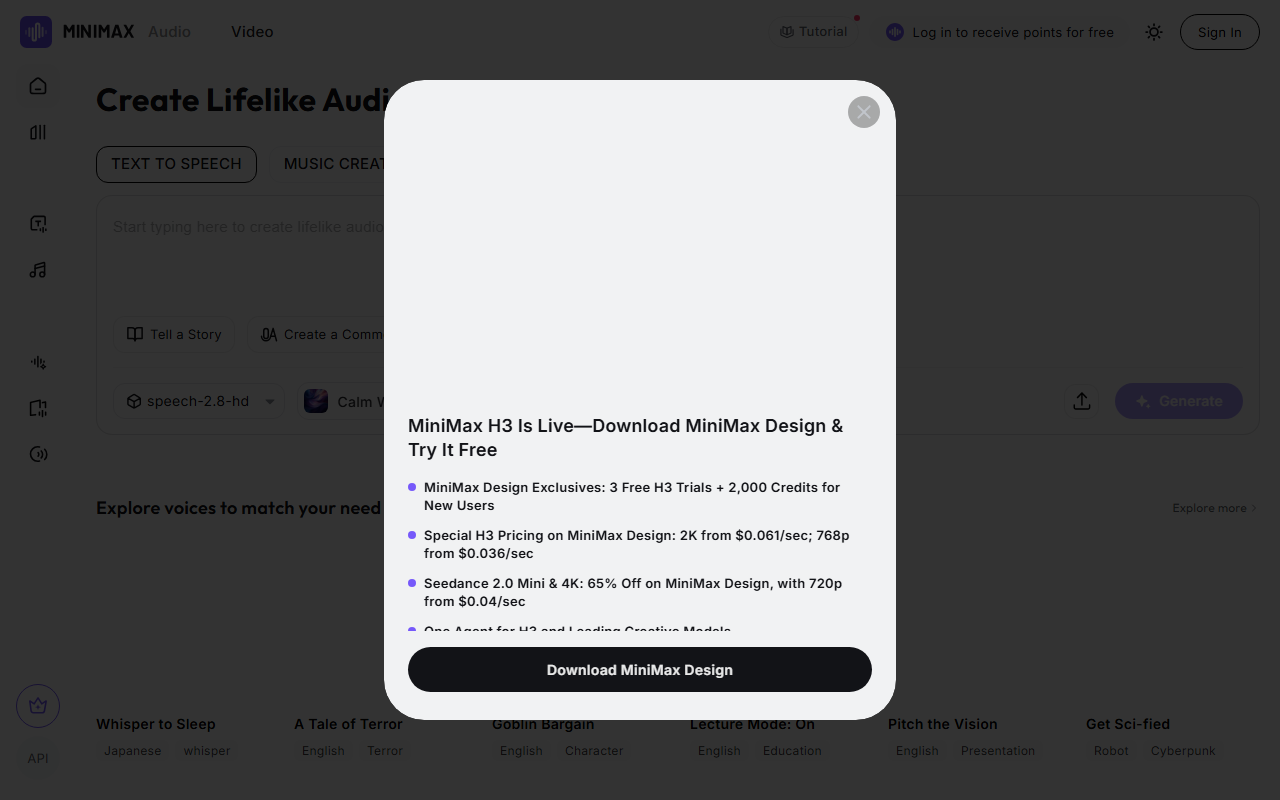
MiniMax Audio: AI Speech Synthesis and Voice Cloning Tool
MiniMax Audio is an AI speech synthesis tool from MiniMax that creates lifelike multilingual, multi-voice, and multi-emotion speech. It supports text-to-speech (TTS), quickly converting text into natural, fluent speech. With just a 30-second audio sample, it can clone a specific person's voice, supporting 12 languages including Chinese, Cantonese, and English. It offers six emotions such as happy, angry, and sad, plus a noise-reduction feature that removes background noise to improve audio quality.
Key Features
- Text-to-speech (TTS): Converts text into natural, fluent speech, supporting many languages and dialects including Mandarin, Cantonese, English, Japanese, and Korean.
- Voice cloning: With just a 30-second audio sample, quickly clone a specific person's voice and capture subtle emotion and intonation.
- Emotion support: Six emotions such as happy, angry, and sad make the speech sound more realistic.
- Multilingual support: Voice cloning in 12 languages, meeting the needs of different language users.
- Ultra-long text synthesis: Supports up to 10 million characters per synthesis, for very long texts.
- Custom timbre: Replicates thousands of voice characteristics, generating endless voice variations, emotions, and styles.
- Real-time speech generation: Streaming audio output reduces waiting time, ideal for live streaming and conversation scenarios.
- Noise reduction: Removes background noise to improve audio quality.
How to Use
- Visit the MiniMax Audio website and sign up. International edition: https://www.minimax.io/audio (supports voice cloning); China edition MiniMax Voice: https://www.minimaxi.com/audio (no voice cloning).
- The homepage shows the main work area, including the text input box and the speech synthesis button.
- To clone a voice, click "Create your voice clone", upload or record an audio sample — about 30 seconds is recommended for best results — choose the sample's language, and optionally enable noise reduction.
- In the TTS (Text to Speech) interface, enter the text to convert, choose your cloned voice or another provided voice, then pick the desired emotion.
- Adjust settings such as speed and pitch as needed.
- Click generate; after a few seconds of processing you can play or download the generated audio file.
Use Cases
- Video dubbing: Add narration or character voices to videos, especially when a specific voice style or language is needed.
- Podcast production: Create podcast content directly from text without actual recording.
- Animation and games: Provide lifelike voices for animated or game characters, enhancing the user experience.
- Audiobook production: Turn written books into audiobooks with different voice and emotion options.
- Advertising production: Create attractive ad slogans and promotional lines.
- Customer service: Power automatic voice response systems that improve the customer experience.
Limitations
- The international and China editions differ: the international edition supports voice cloning, while the China edition of MiniMax Voice does not.
- Cloning quality depends on the sample's quality and length; clean audio of around 30 seconds is recommended.
- Cloning someone's voice requires the voice owner's authorization; avoid infringing voice rights.
- Long-text synthesis and real-time generation have network and quota requirements; see the official site for details.
FAQ
How much audio does MiniMax Audio voice cloning need? About a 30-second audio sample is enough to clone a specific person's voice; clean, low-noise recordings yield more natural results.
Which languages does MiniMax Audio support? It supports voice cloning and synthesis in 12 languages, including Chinese, Cantonese, English, Japanese, and Korean; the international edition is more complete.
What if generation fails or the result is not ideal? Try a different audio sample, adjust the emotion, speed and pitch settings, or enable noise reduction. Note the editions differ — use the international edition for voice cloning.
Frequently asked questions
How much audio does MiniMax Audio voice cloning need?
About a 30-second audio sample is enough to clone a specific person's voice; clean, low-noise recordings yield more natural results.
Which languages does MiniMax Audio support?
It supports voice cloning and synthesis in 12 languages, including Chinese, Cantonese, English, Japanese, and Korean; the international edition is more complete.
What if generation fails or the result is not ideal?
Try a different audio sample, adjust the emotion, speed and pitch settings, or enable noise reduction. Note the editions differ — use the international edition for voice cloning.



