

Red Skill is an AI Skill distribution platform launched by Xiaohongshu: creators upload a SKILL.md file on the Creator Service Platform, fill in the required information, and once approved, attach the Skill to a note; users click the Skill component in the note, copy the install code, and paste it into an AI agent such as OpenClaw or Claude Code to use it.
Red Skill is an AI Skill distribution platform launched by Xiaohongshu. It pairs creators' Skills with Xiaohongshu notes so that the content itself becomes the distribution channel: while browsing notes, users can pick up a skill that can be installed into an AI agent.
Red Skill at a glance
Creators upload a SKILL.md file on the Creator Service Platform, fill in the required information, and once the review is approved, the Skill can be attached to a note. Users click the Skill component in the note, copy the install code, and paste it into an AI agent such as OpenClaw or Claude Code to use the Skill.
What is Red Skill?
Product positioning
- An AI Skill distribution platform launched by Xiaohongshu.
- The core idea is "content as distribution": Skills are tightly bound to notes, and users can discover and use a Skill naturally while browsing grassroots content.
- Red Skill itself does not run Skills. It acts as a distribution entry point, while actual execution happens in external AI agents such as OpenClaw and Claude Code.
What problem it solves
Technical works that used to circulate only in developer communities such as GitHub are often hard for non-technical users to reach. Red Skill translates this capability into everyday language and, through Xiaohongshu's content ecosystem, pushes it to a broader audience.
Red Skill's core features
Skill creation and publishing
Creators upload a SKILL.md file and fill in the required information. After a review that usually takes a few minutes, they can publish an original or reposted Skill.
Attaching Skills to notes
An approved Skill can be attached directly to the end of a note by adding a component, allowing it to be distributed together with the content.
User discovery and installation
Users click the Skill component in a note, copy the install code, and paste it into an AI agent such as OpenClaw or Claude Code to use the Skill.
Cross-platform agent compatibility
As a distribution entry point, Red Skill is compatible with major AI agents such as OpenClaw and Claude Code, and does not run Skills directly.
Traffic support and data display
Notes published with a Skill can receive official traffic support, and the Skill detail page shows the number of users in real time.
Coverage across multiple categories
Red Skill already covers content creation and life-decision Skills such as PPT generation, interview assistant, travel planning, and workout planning.
How to use Red Skill
Creator publishing process
- Log in to the platform: Log in to the Xiaohongshu Creator Service Platform and open the Red Skill management page.
- Upload the file: Upload a SKILL.md file or folder, choose Original or Repost mode, and fill in the source information.
- Fill in the details: Provide basic information such as the Skill name, summary, and scenario tags.
- Submit for review: Submit the Skill for review; it usually gets approved and takes effect within a few minutes.
- Attach to a note: Publish a new note or edit an existing one, then attach the approved Skill via "Add component → Red Skill".
User usage process
- Discover the Skill: While browsing Xiaohongshu, find a note with the Red Skill component and click the Skill component at the end of the note.
- View the details: The Skill detail page shows the feature introduction, the publisher, and the number of users.
- Copy the code: Click the "Use it" button and copy the install code in one click from the pop-up window.
- Paste and install: Paste the copied code into the chat window of a supported AI agent such as OpenClaw or Claude Code.
- Start using it: The agent automatically installs the Red Skill store and loads the target Skill, and you can start using it.
Red Skill use cases
- Office productivity: Generate polished PPTs in one click, with multiple color schemes and layouts, replacing the traditional search for templates.
- Job interviews: AI simulates real interview scenarios, automatically evaluates how well a resume matches the job's JD, and analyzes capability gaps.
- Fitness: Builds periodic training plans based on habit-formation theory and uses check-ins to help users stay consistent with exercise.
- Travel planning: Combines real Xiaohongshu reviews, hotel itineraries, and personal preferences to generate a visual HTML travel guide.
- Emotional decisions: Analyzes chat records with psychology-based models, identifies risky language such as PUA tactics, and suggests when to stop losses.
Red Skill's core advantages
- Zero-barrier distribution: Creators do not need to build their own app store or write complex code; they can rely directly on Xiaohongshu's content ecosystem to bring a Skill to a large audience.
- Content as distribution: Skills are deeply tied to notes, creating a "see it and use it" experience.
- Very simple usage flow: Users need no technical background; clicking the component, copying the code, and pasting it into an AI agent completes the installation.
- Official traffic support: The platform offers 200,000 in official traffic support for notes published with a Skill, lowering creators' customer acquisition costs.
- Cross-platform agent compatibility: Supports major AI agent ecosystems such as OpenClaw and Claude Code, and is not limited to a single tool or platform.
- Ability to reach beyond the developer circle: Translates technical works from developer communities into everyday language and pushes them to non-technical user groups.
Red Skill's limitations
- The usage flow stops at grassroots content: Current actual use requires jumping to an external destination; Red Skill itself does not execute Skills.
- Restricted publishing access: Red Skill is currently in beta, and only some technology-focused creators have publishing permission.
- Depends on external agents: The final experience depends on whether the AI agent the user pastes the code into is compatible.
- The ecosystem is still early: Category coverage is concentrated around content creation and life decisions; other areas are not yet fully developed.
Pricing: what to verify
The publicly available facts do not list Red Skill's price, billing model, or when access will be opened more widely. The product is in beta testing, and the access scope and later policies may change at any time. For volatile information such as fees, publishing access, and traffic support allowances, follow what the Xiaohongshu Creator Service Platform's official website currently shows.
FAQ
Is Red Skill free?
The publicly available facts do not provide pricing information, so it is not possible to confirm whether it charges a fee. Please rely on the latest information on the official website and do not make decisions based on third-party summaries.
Can anyone publish a Skill on Red Skill?
No. Red Skill is currently in beta testing, and only some technology-focused creators have publishing access.
Does Red Skill run Skills directly?
No. Red Skill is a distribution entry point compatible with OpenClaw, Claude Code, and other major AI agents, but it does not run Skills directly.
Do users need technical knowledge to install a Skill?
No. Users click the Skill component in a note, copy the install code, and paste it into a supported AI agent's chat window. The agent automatically installs the Red Skill store and loads the target Skill.
How long does Skill review take?
According to the published information, after submission, the Skill usually gets approved and takes effect within a few minutes.
Tools similar to Red Skill and alternatives
- Distribution directly in developer communities: Publish a Skill as an open-source plugin, such as an open-source plugin that gives AI coding assistants like Claude Code persistent memory, or Jesse Vincent's open-source plugin for an agentic skill framework and software development methodology.
- Build your own app store or distribute through a standalone website: Suitable for teams that already have their own product and user base, but they have to bear customer acquisition costs themselves.
- Install a third-party Skill market inside an AI agent: Skip the content platform and complete discovery and installation on the agent side.
When choosing an alternative, the key differences are the audience that the distribution channel reaches and whether users are willing to leave the current content context to complete the installation.
Official entry and primary sources
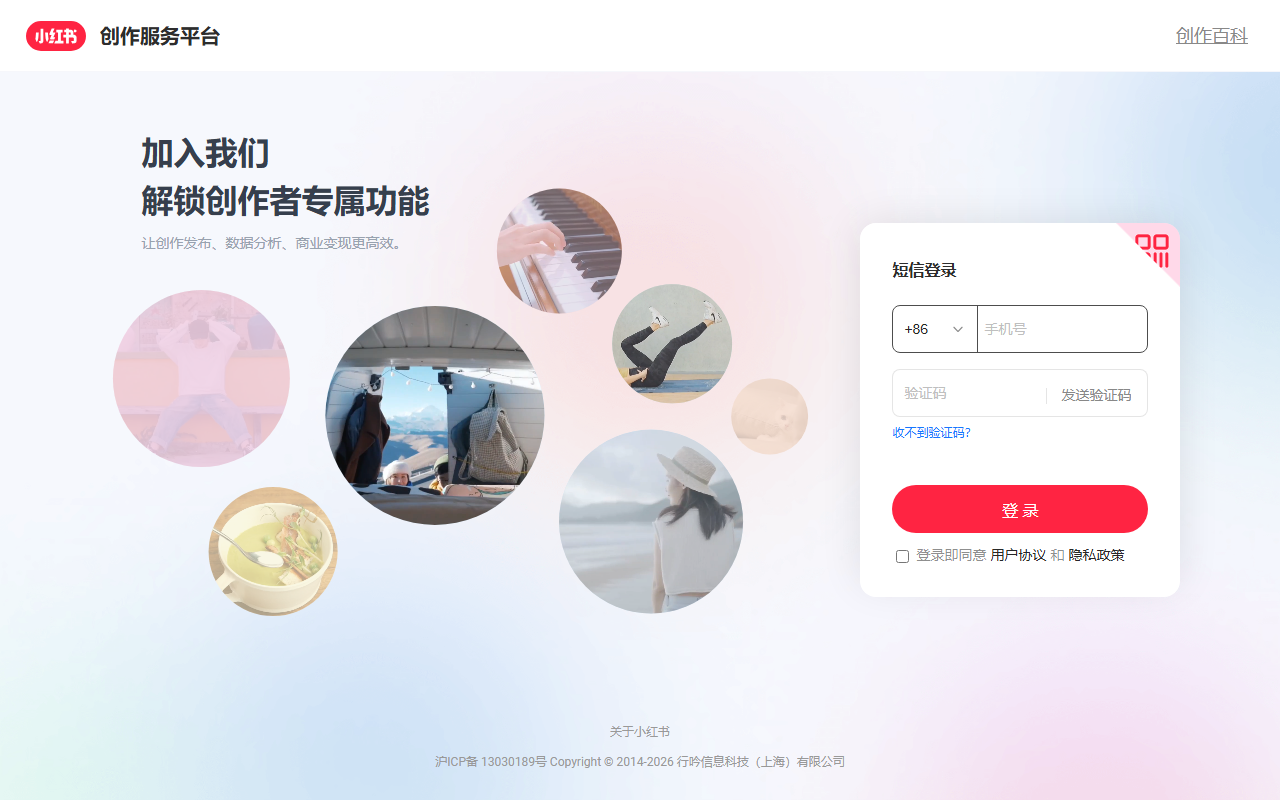
- Xiaohongshu Creator Service Platform: https://creator.xiaohongshu.com/login
Frequently asked questions
Is Red Skill free?
The available public facts do not provide pricing information, so it is not possible to confirm whether Red Skill charges a fee. Please rely on the latest information on the Xiaohongshu Creator Service Platform's official website and do not make decisions based on third-party summaries.
Can anyone publish a Skill on Red Skill?
No. Red Skill is currently in beta testing, and only some technology-focused creators have publishing access.
Does Red Skill run Skills directly?
No. Red Skill is a distribution entry point and is compatible with major AI agents such as OpenClaw and Claude Code, but it does not run Skills directly; actual use requires moving outside the platform.
Do users need technical knowledge to install a Skill?
No. Users click the Skill component in a note, copy the install code, and paste it into a supported AI agent's chat window. The agent automatically installs the Red Skill store and loads the target Skill.
How long does Skill review take?
According to the published information, after submission the review is usually passed and takes effect within a few minutes. Creators can then attach the Skill to a note via "Add component → Red Skill".



