
Trickle AI is a no-code AI development platform that turns natural language descriptions into working applications, websites and forms, with a visual canvas, built-in database, hosting and team collaboration for fast prototyping and market validation.
What is Trickle AI
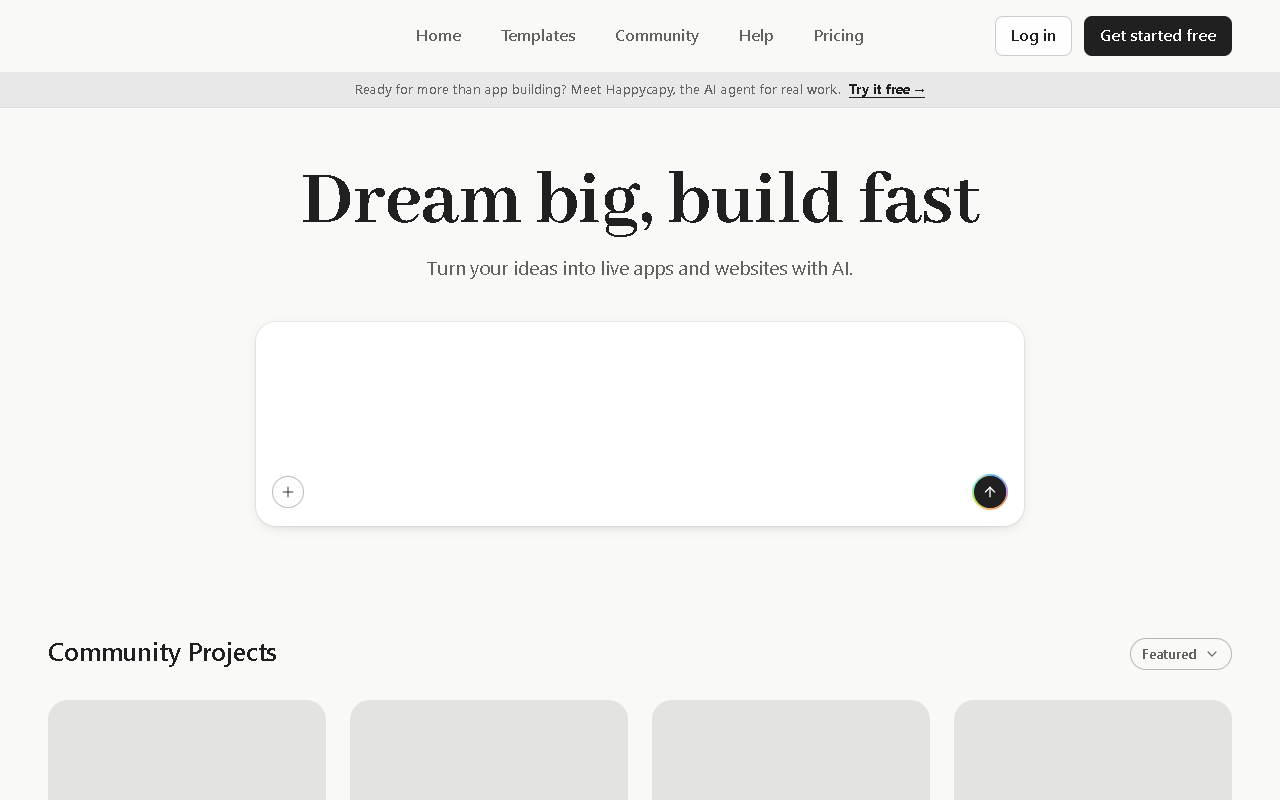
Trickle AI is an all-in-one no-code AI development platform, with its official site at https://trickle.so/. Its purpose is to turn plain language descriptions into working applications, websites and forms without writing code. At the centre is Magic Canvas, a fully visual canvas built for real-time collaboration with AI: you describe what you want and the interface on the canvas appears and adjusts as you go. Beyond generation, Trickle AI ships with a lightweight built-in database, several design templates and themes, custom domains and website hosting, plus drag-and-drop editing with instant preview so ideas can reach a working state quickly. The platform also keeps a community project library where you can browse, copy and edit other people projects for inspiration, and it offers an SEO settings panel and third-party integrations for promotion after launch and for more complex business needs.

Main capabilities
- No-code app development: Describe what you need in plain language and generate applications, websites and forms without writing code.
- Magic Canvas visual canvas: A fully visual canvas that supports real-time collaboration with AI, so you can talk and edit at once.
- Lightweight built-in database: Comes with a lightweight database to store and manage form data, with no external database required.
- Design templates and themes: Multiple preset templates and themes that can be switched in one click for a personalised look.
- Custom domain and hosting: Supports custom domains and website hosting so projects are easy to manage and deploy.
- AI capability integration: Built-in AI features for conversational systems and automated tasks that make apps more interactive.
- Drag-and-drop editing with live preview: Adjust layout and elements by dragging, with instant visual feedback.
- Community project library: Browse, copy and modify projects from other users to find inspiration and usable templates.
- SEO settings panel: An SEO panel that helps tune how the site performs in search engines.
- Third-party integrations: Connects with third-party platforms such as Supabase for more complex technical needs.
How to use Trickle AI
- Register and sign in: Visit the official site at https://trickle.so/ to create an account and sign in.
- Create a new project: After signing in, start a new project, give it a name and choose the project type.
- Pick a starting point: Describe the requirement in plain language, copy a community project, import a screenshot from Figma or Excalidraw, or clone an existing web page.
- Adjust and refine: Use direct edit to tune element styling and layout, switch themes or make other design improvements.
- Configure advanced features: Enable the built-in database for form data, turn on AI features, bind a custom domain or adjust SEO settings as needed.
- Deploy and share: Preview the result, fix any issues, deploy the project and share the generated link.
Best use cases
- Rapid prototyping: Turn an idea into a working web page or app prototype to validate it and test the market.
- Forms and data collection: Build feedback forms, order forms or surveys with data stored straight into the built-in database.
- Conversational assistants: Put together chat applications for customer service, user support and automated replies.
- Internal business tools: Develop internal tools such as task management, project tracking and employee feedback systems.
- Education and training: Create online education platforms or course pages quickly so teaching content goes live sooner.
Limits and notes
- No-code output still needs a human review of functionality, performance and security, especially where payments, login or data writes are involved.
- The built-in database is positioned as lightweight and suits small-scale data such as forms; complex or large-scale cases should consider an external database such as Supabase.
- Custom domain, hosting quotas, collaboration seats and pricing are not stated in the material; confirm on official channels before use.
- When copying community projects, check the licence and terms of the original project before any commercial use.
- AI-generated content and chatbot replies can be inaccurate, so put a human review step in place before serving external users.
FAQ
Do I need coding skills to use Trickle AI?
The material describes it as a no-code platform: you describe what you want in plain language and it generates applications, websites and forms without writing code.
Can I bind my own domain?
The material states the platform supports custom domains and website hosting, which makes managing and deploying your own projects straightforward.
Where is form data stored?
The platform has a built-in lightweight database, so form data can be stored and managed without integrating an external database.
Can it connect to other services?
The material mentions integration with third-party platforms such as Supabase to meet more complex technical needs.
Frequently asked questions
Do I need coding skills to use Trickle AI?
The material describes it as a no-code platform: you describe what you want in plain language and it generates applications, websites and forms without writing code.
Can I bind my own domain?
The material states the platform supports custom domains and website hosting, which makes managing and deploying your own projects straightforward.
Where is form data stored?
The platform has a built-in lightweight database, so form data can be stored and managed without integrating an external database.
Can it connect to other services?
The material mentions integration with third-party platforms such as Supabase to meet more complex technical needs.



