
Connect compatible AI agents to Chrome through CDP to inspect pages, extract information, and interact with websites.
Web Access: browser access for AI agents
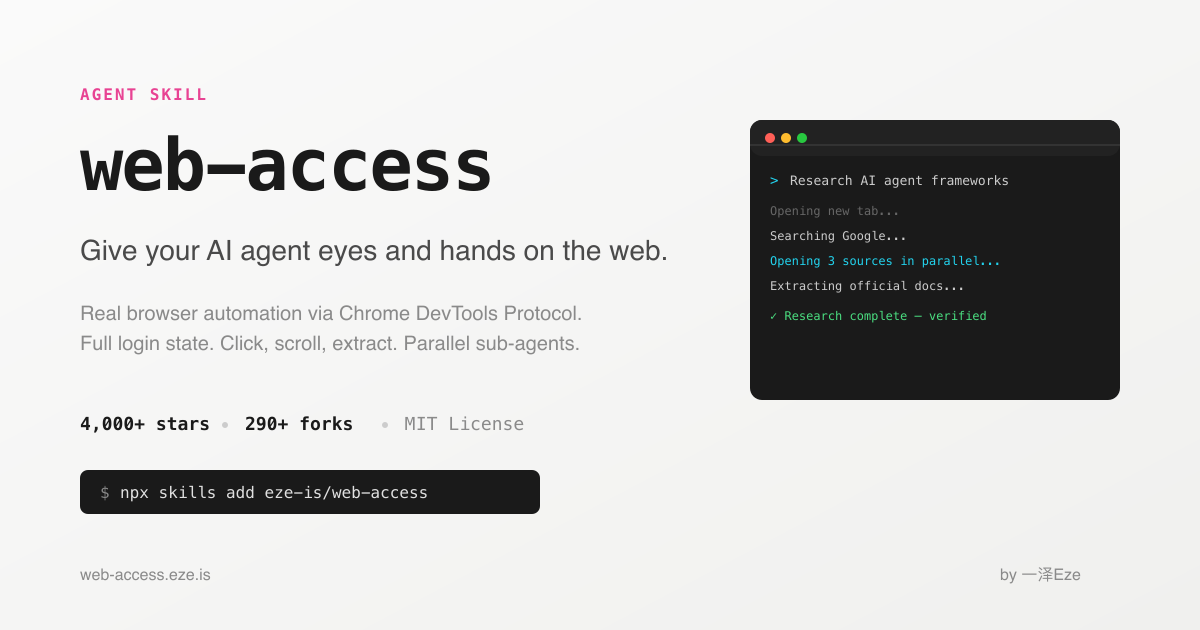
Web Access is an open-source Agent Skill for agents that support SKILL.md. It connects an agent to the user's regular Chrome through the Chrome DevTools Protocol (CDP). The agent can inspect page structure and visible content, find links, navigate, click, scroll, fill forms, upload files, and capture screenshots or video frames. This can help when a task depends on dynamic pages or a signed-in session, rather than only search snippets.
Capabilities and setup
A lightweight local proxy connects the agent to Chrome, so a separate browser profile is not required. The project also describes using separate tabs for parallel research. To get started, install the Skill as documented by its maintainer, prepare Node.js 22 or newer and Google Chrome, and enable Chrome remote debugging. Then ask a compatible agent to browse, extract information, or interact with a page.
Uses and limits
Typical uses include researching public or authorized information, reading JavaScript-rendered pages, comparing topics, and assisting with multi-step forms. Results may be incomplete or change as a site changes, so verify important facts on the page itself. Access depends on the browser session, permissions, network, and each site's behavior. CAPTCHA, access controls, site rules, and terms still apply. Browser access does not guarantee every site or action will work, and a signed-in browser can expose sensitive account data.
FAQ
Does it use a separate browser? It connects to the user's Chrome through CDP and may use that browser session. Protect the profile and account permissions.
What is required? Node.js 22+, Google Chrome, a SKILL.md-compatible agent, and Chrome remote debugging.
Can it access every site? No. Authentication, permissions, network, site policies, and page changes affect access. Verify important results on the destination site.
Frequently asked questions
Does it use a separate browser?
It connects to the user's Chrome through CDP and may use that browser session. Protect the profile and account permissions.
What is required?
Node.js 22+, Google Chrome, a SKILL.md-compatible agent, and Chrome remote debugging.
Can it access every site?
No. Authentication, permissions, network, site policies, and page changes affect access. Verify important results on the destination site.



