

WenDuoDuo AI Office is an AI agent office workbench: you assign tasks in natural language, the agent plans and executes autonomously to produce editable PPTX / DOCX / XLSX files, and it supports multi-turn revision, image restoration, online preview, and one-click sharing — browser-based, with free credits on registration.
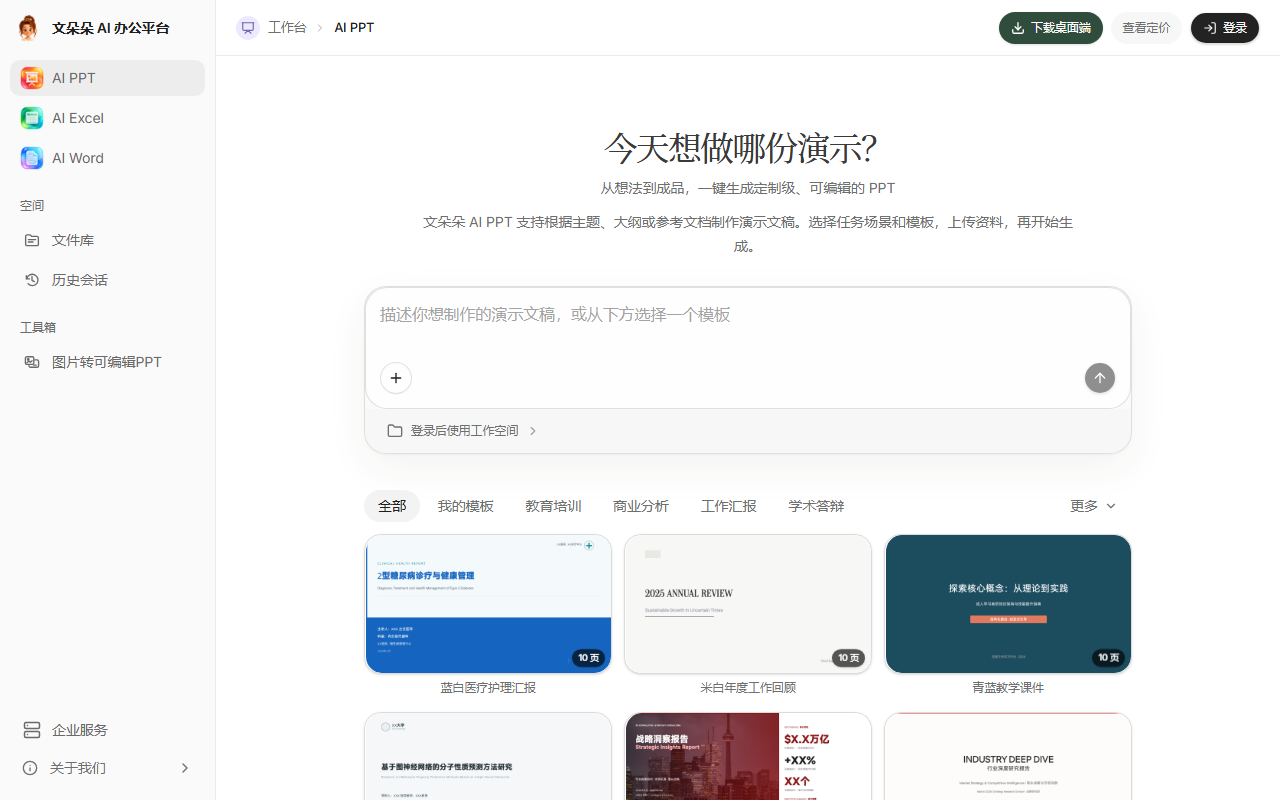
WenDuoDuo AI Office: An AI Agent Office Workbench That Takes Tasks by Conversation
WenDuoDuo AI Office (official site: https://wenduoduo.com/ ) is an AI agent office workbench. It works like an always-available AI colleague: you state your goal in natural language, the AI understands the intent, then plans and executes autonomously to produce office deliverables you can keep editing. Unlike template-wrapper tools, WenDuoDuo emphasizes conversational collaboration, multi-turn revision, and genuinely usable file delivery — repetitive work goes to the agent so you can focus on judgment and decisions. It covers four categories of office work: PPT, Excel, Word, and image restoration, and outputs editable source files (PPTX / DOCX / XLSX) rather than view-only images.

Main Features
- Agent workbench: Describe your goal conversationally, like talking to a human assistant, and the agent plans and executes autonomously; generation is only the beginning — restyling the whole deck, rearranging one page, or tweaking wording can all continue in the conversation; deliverables are source files you can keep editing online or export.
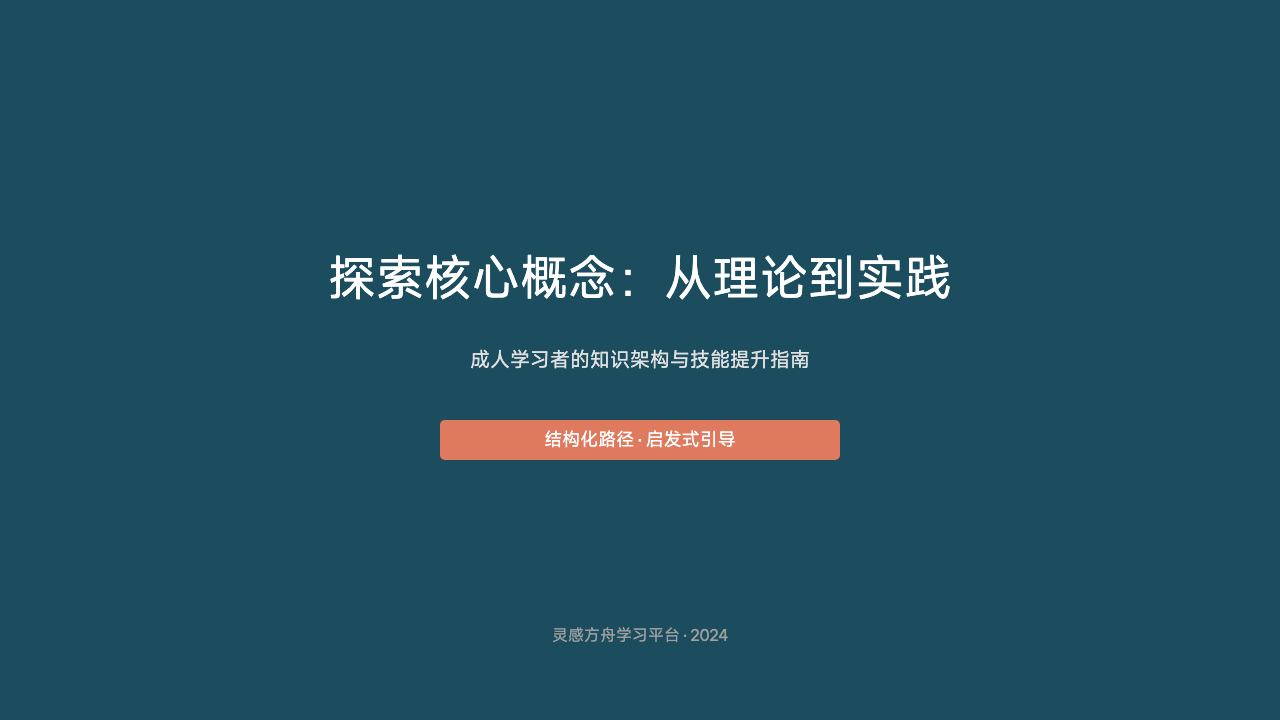
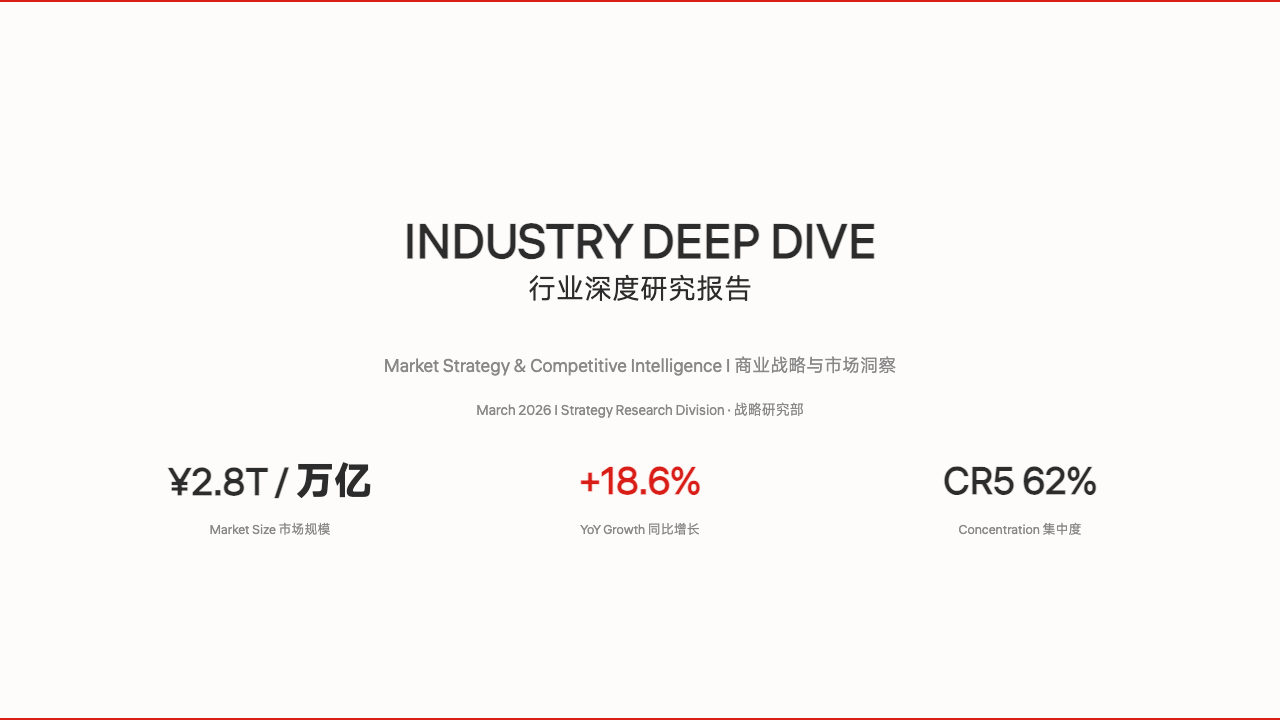
- PPT agent: Tell the agent your presentation topic, occasion, and ideas; it organizes the outline, writes content, and matches layouts to produce a complete, editable PPT; changing one page's layout, switching the whole style, or adding a point keeps iterating on the same file; spoken ideas, existing outlines, and Word / PDF documents can all be fed to the agent to digest and restructure.
- Image restoration agent: Whiteboard sketches, hand-drawn ideas, and photos of materials can be restored into editable slides — if recognition is imperfect, keep refining through conversation; table photos and report screenshots can also be extracted into editable Excel sheets with a second-pass correction.
- Excel agent: Tell the agent in natural language what to compute and how to organize; it builds tables, cleans, filters, and calculates automatically; it merges and splits sheets, cross-checks across tables, generates charts, and interprets results; 60+ real-world scenario cases in finance, HR, sales, and inventory are ready to try.
- Document agent: Explain the purpose and requirements of a document and the agent drafts it by scenario, covering 70+ writing scenarios such as official documents, notices and requests, theses, business plans, and technical docs; wording, structure, length, and tone can all be adjusted on request.
- Efficiency toolbox: PPT beautification, one-click Word formatting, AI proofreading, and document review hand repetitive work to the agent — results are just as revisable.
- Workbench capabilities: Full conversation history is preserved so you can return and continue anytime; PPTX / DOCX / XLSX preview online without downloading; results can be shared publicly in one click with a process replay, making collaboration and reporting more intuitive.
How to Use
- Open and sign in: Visit the official site (https://wenduoduo.com/ ), sign in with a WeChat QR scan or SMS code; new users are registered automatically and receive free credits.
- Assign a task by conversation: In the agent workbench, describe your goal, scenario, and requirements in natural language, optionally attaching outlines, documents, or images.
- Wait for the agent to generate: The agent understands the intent, plans autonomously, and produces editable PPT, Excel, Word, or image-restoration results.
- Revise over multiple turns: If you are not satisfied with style, a single page, wording, or data definitions, keep chatting to iterate on the same task.
- Preview online: Preview the result in the browser and check content, layout, data, and structure.
- Export or share: Export PPTX / DOCX / XLSX source files when satisfied, or share publicly in one click with a process replay.
Core Strengths
- A new agent-based way of generating: Not a template wrapper — the agent understands intent, plans autonomously, and executes to completion.
- Revisable over and over: Generation is only the starting point; conversational iteration continues until you are satisfied, in line with mainstream AI office assistants.
- Four-in-one coverage: PPT, Excel, Word, and image restoration handled in one workbench.
- Everything is editable: Delivered as PPTX / DOCX / XLSX source files, not view-only images.
- Free credits on sign-in: Register with a phone number to get credits and try before deciding.
- Runs in the browser: No client installation; sign in from multiple devices and continue your last session.
Who It's For
WenDuoDuo AI Office suits people who frequently produce office documents but don't want to spend their time on formatting: professionals preparing presentations, finance and operations staff handling data reports, students and administrators drafting official documents or theses, and teams that need to restore sketches or photos into editable files. In the AI office space, its differentiation is agent-driven file delivery: from assigning tasks by conversation to autonomous drafting and repeated revision of the same file, everything centers on getting a usable source file. If PPT formatting, data cleaning, or document polishing is eating your time, try a complete generation-and-revision flow on the official site with the free credits.

Frequently asked questions
What does WenDuoDuo AI Office do?
It is an AI agent office workbench: state your goal in natural language, and the agent plans and executes autonomously to produce editable PPT, Excel, and Word files; it can also restore sketches and photos into editable slides or spreadsheets.
Can the generated files be edited directly?
Yes. WenDuoDuo delivers PPTX / DOCX / XLSX source files that can be edited online or exported; if you dislike the style, a page, wording, or data definitions, keep chatting to iterate.
How much does WenDuoDuo AI Office cost?
Registering with a phone number grants free credits, so you can try a complete generation-and-revision flow before deciding whether to continue.
Does it require installing a client?
No. WenDuoDuo AI Office runs in the browser; after signing in, you can continue your last session from multiple devices, and conversation history is fully preserved.



