

YouWare is an AI coding and publishing platform: describe what you need in plain language, get a responsive page or app, refine it through chat, visual editing or code view, then deploy with one click and share the link.
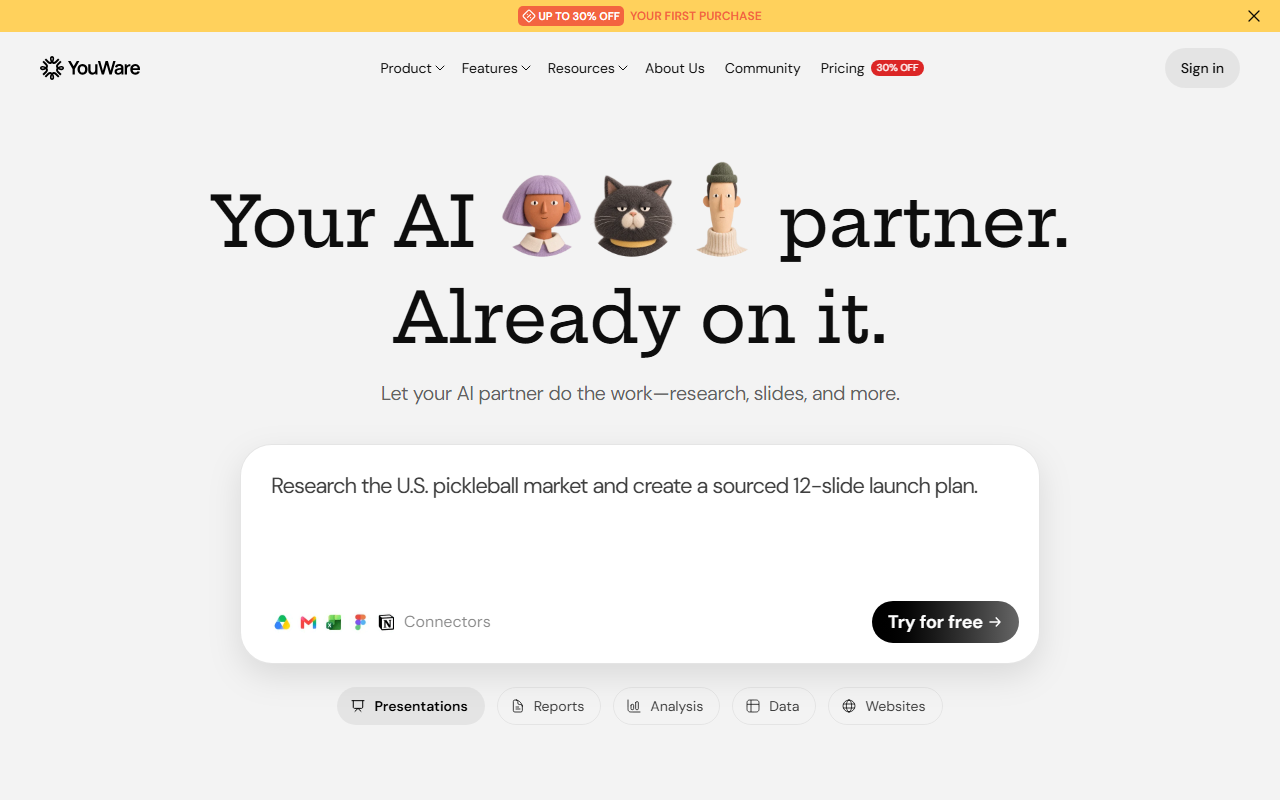
YouWare: Build and Publish Web Apps With Plain Language
YouWare is an AI coding community and development platform that turns a clear description into a live URL. Instead of handing you a snippet of code, it generates a responsive, search-friendly web page or application in the browser, then deploys it with one click. It targets solo builders and small teams who have an idea but no front-end engineer on call.
What separates YouWare from a plain code assistant is the length of the pipeline it covers: generation, editing, database, authentication, custom domain and publishing all sit in the same product. The result is not a file you still have to host, but a project anyone can open in a browser. It ships as both a web workspace and a mobile app, so you can organise projects at a desk in the Creative Command Center and dictate new ideas by voice while away from a keyboard.
Most AI coding tools stall at the second step. The first draft usually works, but explaining that a button should be larger or that a section needs two columns costs more effort than writing the markup yourself. YouWare addresses this with CoView, which records your screen and lets you point at the problem area while describing the fix out loud, so the model sees the region you mean. A companion feature called Rewind lets you undo a step without burning credits, which makes experimentation cheaper.
Main capabilities
AI page builder
Describe the page and get a full layout with a responsive structure and baseline SEO settings, without being locked into a template. Landing pages, dashboards and form collection screens all start from the same prompt box.
Voice-driven development
In the mobile app you describe an idea out loud and the assistant converts it into an editable project. Useful on a commute or while walking, when typing is impractical.
Coding agent with frontier models
Immediate access to current models for several project types, so you do not have to hop between platforms to compare output.
CoView visual feedback
Screen recording plus cursor position plus spoken notes tells the model exactly where the interface is wrong. This matters most during design review and small UI adjustments.
Rewind credit protection
Undo an action without losing the credits you spent on it, which lowers the cost of trying a different layout.
Automation and backend
Automatic testing and repair of common code problems, a built-in AI API that removes key configuration, and automatic database management for storage and schema upkeep. The vendor also states that projects run on enterprise-grade, secure infrastructure.
Distribution and monetisation
Covers iOS, Android, Mac and Windows, and supports progressive web apps for a near-native feel. You can connect payment services such as Stripe, attach a custom domain, and export content as Markdown to hand off to other models.
How to use it
- Register free at https://www.youware.com/ using an email address or a social account, then open your personal workspace.
- Go to the Creative Command Center and state the goal: what problem the page solves, which modules it needs and which visual direction you prefer. You can also remix an existing project as a starting point.
- Press Enter or click generate. The platform produces a first version from your description. Do not aim for completeness yet; confirm that the information structure is right.
- Refine through conversation, or drag elements with the visual editor. Switch to the code view when you need precise control. For anything hard to put into words, record a CoView clip and talk through it.
- Set the project title and cover image before publishing. Click publish in the top right corner and the platform deploys immediately, returning a shareable link that anyone can open.
Pricing
- Free: 0 USD per month, including the automatic coding agent, up to 300 daily credits per month, 5 projects, 1 GB of storage and a youware.app subdomain.
- Pro: 13 USD per month billed annually, with 2,000 plus 1,000 credits monthly, YouBase for database and authentication, a custom domain, code download and editing, 30 Rewind uses per month, credit top-ups, removal of the platform badge, 100 projects and 20 GB of asset storage.
- Super: 40 USD per month, with 6,000 plus 3,000 credits monthly, adding private access, 100 Rewind uses per month, unlimited projects, 100 GB of asset storage, the option to opt out of data training and dedicated support.
Where it fits
- Independent developers and creators building a portfolio, a personal blog, a small utility or a side-project prototype without maintaining a full front-end stack.
- Small and mid-sized businesses that need a company site, a product showcase or an internal admin tool, and want weeks compressed into days.
- Education and training teams producing course platforms, learning management pages or interactive teaching material that teachers can maintain themselves.
- E-commerce and design groups validating a recommendation flow or a checkout idea, or turning a design concept into a clickable prototype for review.
Limitations to keep in mind
- Credits reset monthly and both daily allowances and project counts depend on the plan, so heavy usage needs attention to consumption and top-up cost.
- Generated output still needs human acceptance testing. Anything touching payments, personal data or business rules should be checked line by line before launch; do not assume the model is correct.
- Projects on the platform lean toward a combination of front end and lightweight backend. Complex algorithms, very high concurrency or strict compliance requirements still call for a professional engineering team.
Frequently asked questions
Do I need to know how to code?
No. A written description is enough to produce a working project, and day-to-day changes happen through chat or the visual editor. Knowing a little HTML and CSS still helps a great deal, especially when tuning spacing, layering and responsive breakpoints.
Can I attach my own domain and charge for access?
Yes. Pro and Super plans support custom domains and connections to payment services such as Stripe, so a project can become a paid product. The free plan runs on a platform subdomain.
Can I take the code and host it myself?
Pro and Super include code download and editing, so you can export a project and maintain it elsewhere. The free plan is better suited to validating an idea and sharing something lightweight.
Frequently asked questions
Do I need to know how to code?
No. A written description is enough to produce a working project, and day-to-day changes happen through chat or the visual editor. Knowing a little HTML and CSS still helps a great deal, especially when tuning spacing, layering and responsive breakpoints.
Can I attach my own domain and charge for access?
Yes. Pro and Super plans support custom domains and connections to payment services such as Stripe, so a project can become a paid product. The free plan runs on a platform subdomain.
Can I take the code and host it myself?
Pro and Super include code download and editing, so you can export a project and maintain it elsewhere. The free plan is better suited to validating an idea and sharing something lightweight.



